Apple Pixelmator Pro update brings iPhone 17 mockups, shortcuts, and enhanced camera support
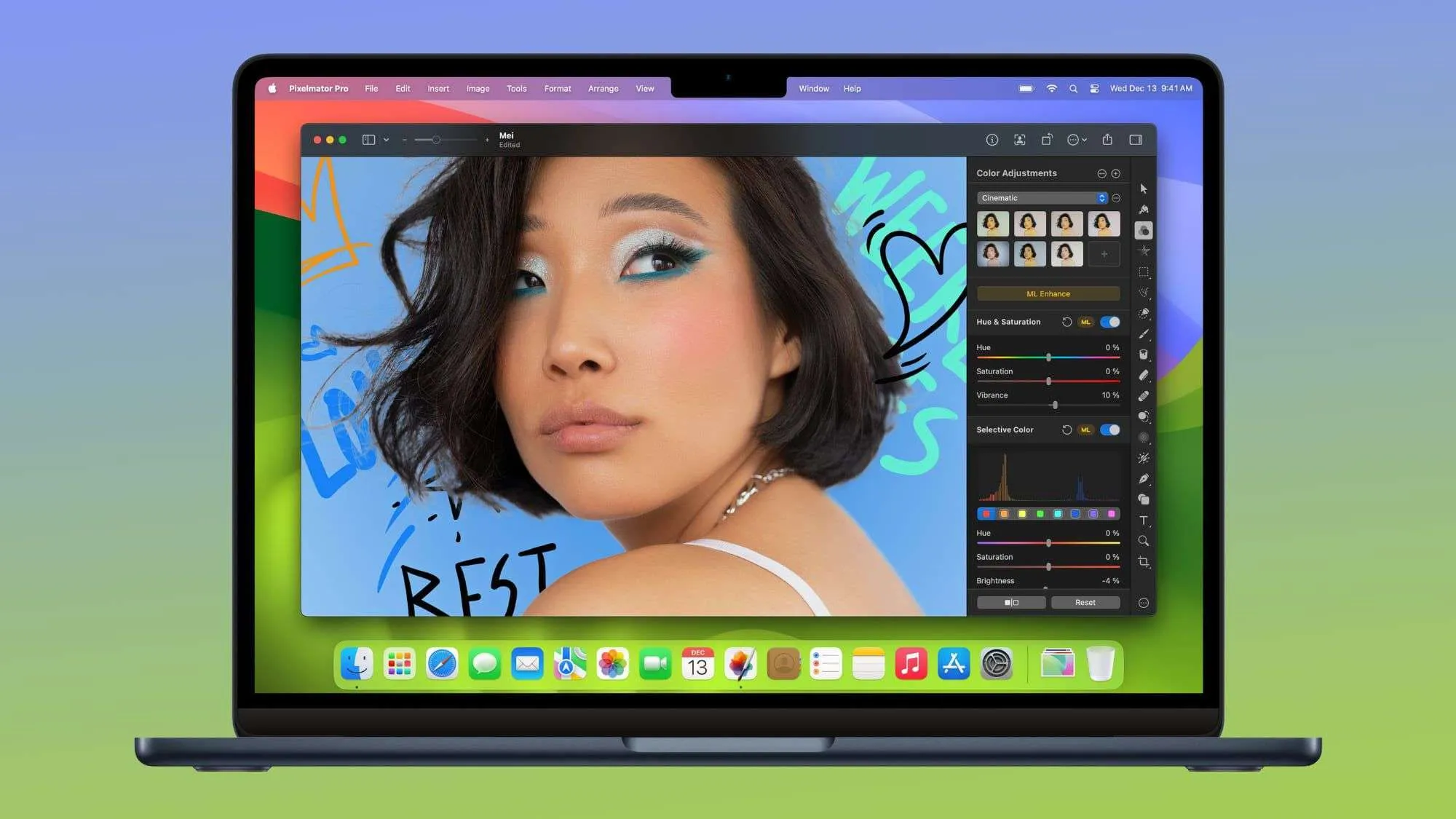
Apple has updated Pixelmator Pro, the popular photo editing app the company acquired in 2024. It now offers support for RAW images from more cameras, new templates, improved support for exporting SVG files, new keyboard shortcuts, and much more. However, some features, such as the keyboard shortcuts, are only available in the Creator Studio version.


Pixelmator Pro offers a template and mockup section with new options for app screenshots and devices for creating app mockups on Apple devices. Apple now also supports the latest iPhone 17 models.
SVG files exported from Pixelmator Pro have fewer problems when opened in Adobe Illustrator. Additionally, it’s possible to touch and hold an image on the canvas to see changes before and after editing with the color adjustment and effects tools.
The sidebar can be customized via the toolbar settings. There are also keyboard shortcuts for changing layer opacity, selecting layers with the “Select Subject” function, switching between blending modes, and toggling between layers.
Apple Pixelmator Pro Creator Studio Version Release Notes
- Enjoy full support for compressed RAW images from the Sony Alpha ILCE-7M5, FUJIFILM GFX 100S II and FUJIFILM GFX 100RF cameras.
- Working with RAW images of the quality levels High Efficiency (HE) and High Efficiency Star (HE*) of the Nikon Z5II and Nikon Z50II cameras
- Opening and editing RAW images from Panasonic LUMIX DC-S1RM2 cameras taken in “High Resolution” mode
- Discover the updated template and mockup categories, including App Screenshot, Bento Grid and Devices, now with new iPhone 17 mockups.
- SVG files exported from Pixelmator Pro can be opened in Adobe Illustrator with improved compatibility.
- Touch and hold an image on the canvas to instantly compare edits before and after using the color adjustment and effect tools.
- You can now customize the Pixelmator Pro Tools sidebar via the menu bar by selecting “View” > “Customize Tools”.
The app for the iPad was also expanded to include several keyboard shortcuts that were previously only available in the MacBook and a Mac version of the app was available.
New keyboard shortcuts
- Hold down the Option key when selecting “Select Subject” to apply the selection to all layers of a document.
- The opacity of layers can be easily changed in all supported tools using the number keys 1 to 9.
- In all supported tools, use the Shift-Plus and Shift-Minus keyboard shortcuts to switch between layer blending modes.
- Use the keyboard shortcut Command-J to duplicate and Command-Shift-J to cut and paste the selected area.
- Use the Option-Comma and Option-Period keyboard shortcuts to quickly switch between selecting the top and bottom levels in a document.
- Use the spacebar to start or stop video playback in documents with video layers.
The non-Creator Studio version of the app offers the same support for RAW images and the new templates, but lacks the other options added by Apple.
Photomator
Photomator, a sister image editing app to Pixelmator Pro, has been updated with new support for RAW images.
Apple introduced the Creator Studio at the beginning of the year, it includes apps like Final Cut Pro, Logic Pro, Pixelmator Pro, Keynote, Pages, and Numbers. Since many of these apps existed before Creator Studio was developed, Apple offers a Creator Studio version and a standard version. A subscription is required to access all of Creator Studio’s features, costing €12.99/$12.99 per month or €129/$129 per year.
Pixelmator Pro Creator Studio’s exclusive features include a warp tool, clothing mockups, and a dedicated iPad app.


