iOS 26.2.1, iPadOS 26.2.1 and watchOS 26.2.1 with AirTag 2 support are now available
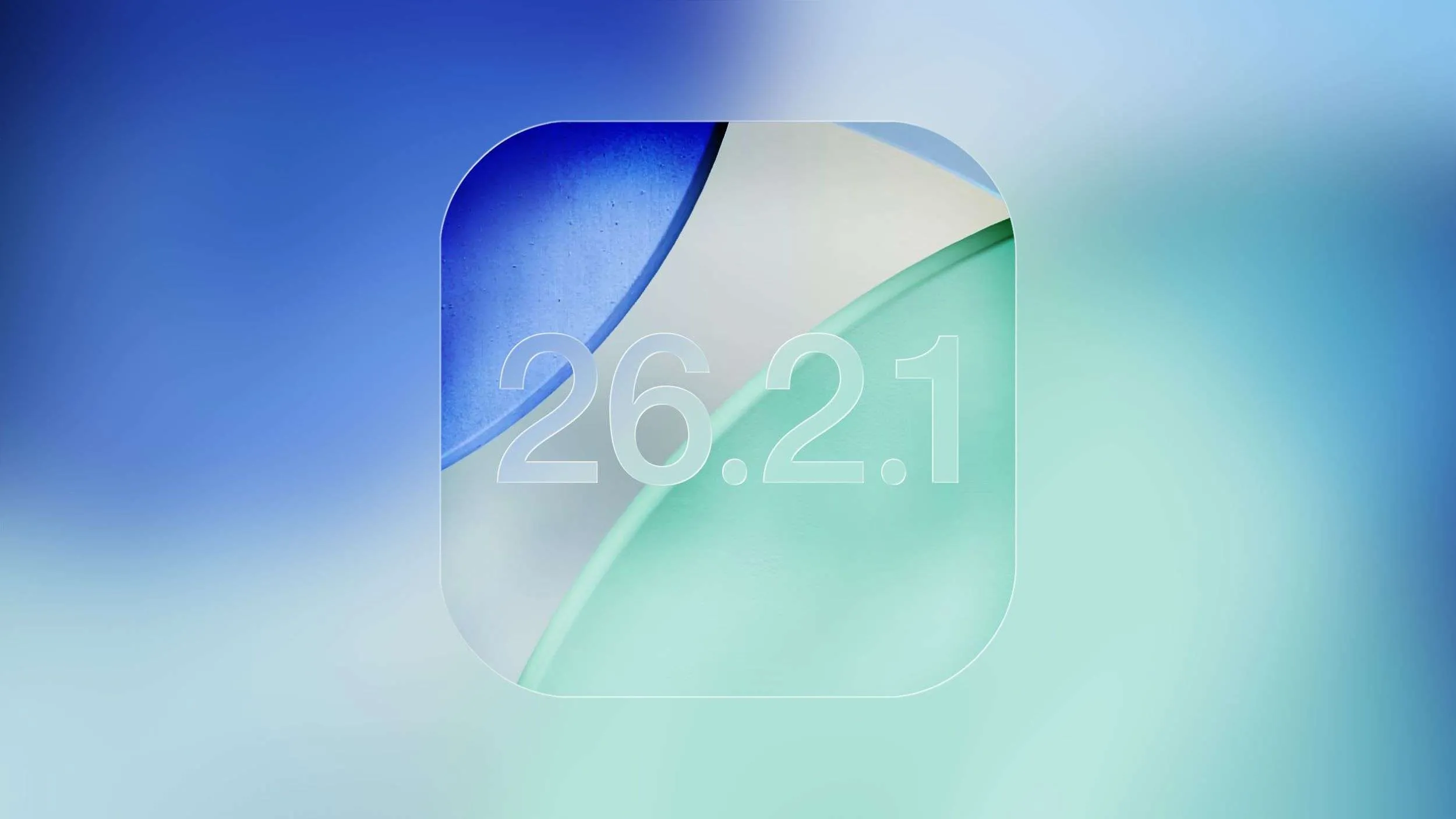
Apple today released iOS 26.2.1 and iPadOS 26.2.1, minor updates for the iOS 26 and iPadOS 26 operating systems. watchOS 26.2.1 was also officially released. The new software arrives one month after the release of iOS 26.2, iPadOS 26.2, and watchOS 26.2.
iOS 26.2.1 and iPadOS 26.2.1
iOS 26.2.1 and iPadOS 26.2.1 can be downloaded wirelessly on compatible iPhones and iPads by going to Settings > General > Software Update.
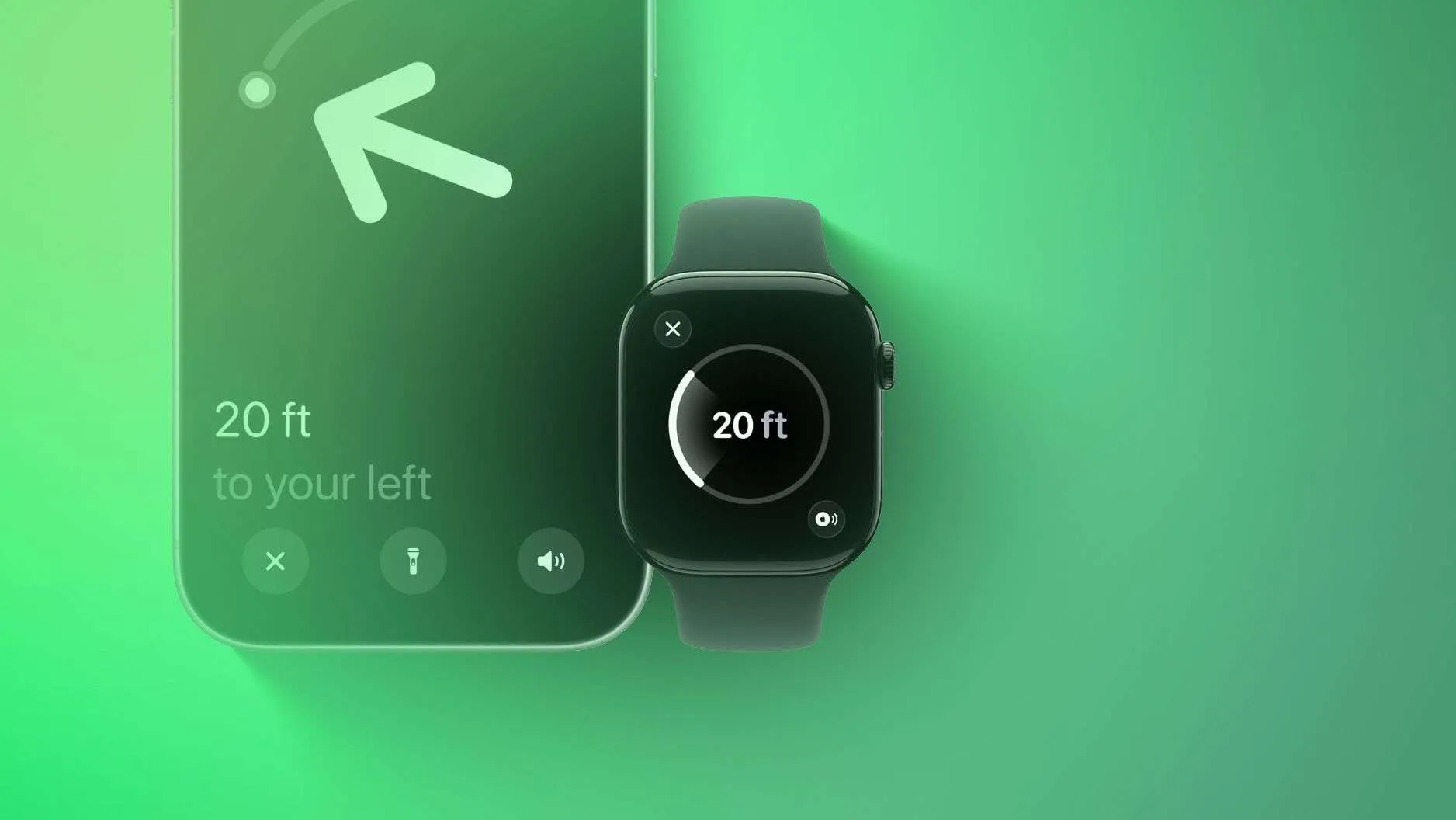
iOS 26.2.1 offers support for the new generation of AirTags that Apple unveiled today. The AirTag 2 features a second-generation ultra-wideband chip that improves precision searching.


According to Apple’s release notes, the update also includes unspecified bug fixes. Apple also released iOS 18.7.4, iOS 16.7.13, iOS 15.8.6, and iOS 12.5.8 for older iPhones that are not compatible with iOS 26.
watchOS 26.2.1 adds Precision Finding for AirTag 2
watchOS 26.2.1 can be downloaded for free on an iPhone running iOS 26.2.1. To do this, open the Apple Watch app and tap General > Software Update, or start the update in your Apple Watch settings. To install the new software, the Apple Watch must have at least 50% battery charge and be connected to a charger.
Today’s update activates precision search for the new AirTag 2 on the Apple Watch Series 9 and newer models as well as on the Apple Watch Ultra 2 and newer models. Previously, precision search for the AirTag was limited to the iPhone.
It is not yet clear whether the update will also activate the Precision Finding feature on the Apple Watch for the original AirTag, or whether this feature is limited to the new AirTag 2.
According to Apple’s release notes, watchOS 26.2.1 also includes unspecified bug fixes.


