Apple features 2025: Liquid Glass, iPad multitasking, Spotlight and live translation
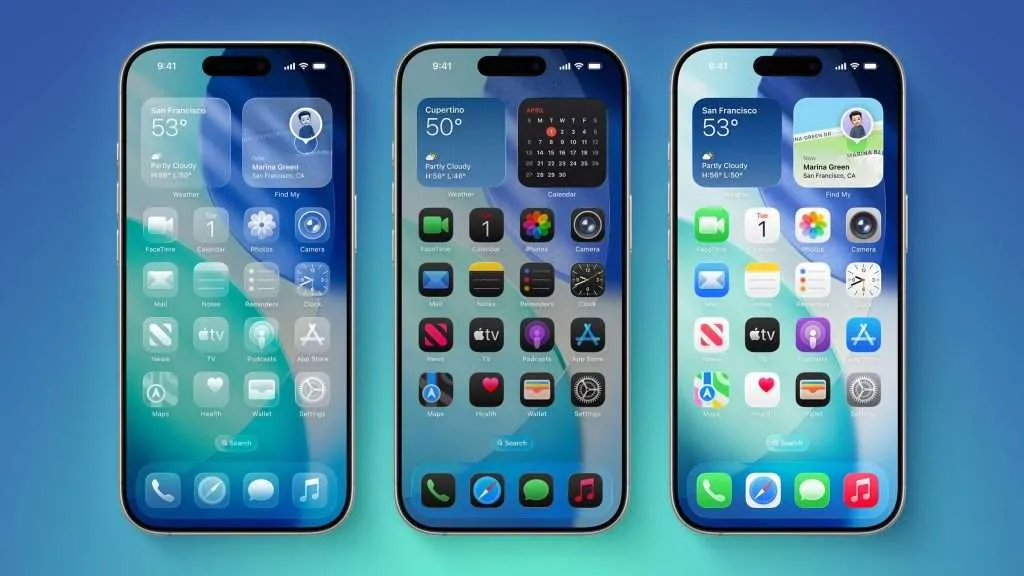
2025 was a significant year for the evolution of Apple’s various software platforms. There was a noticeable focus on visual design with Liquid Glass, productivity with iPad multitasking and Spotlight search, and new communication features.
While Apple introduced and refined numerous features throughout the year, some innovations stood out due to their scope and practical impact on various devices. Apple focused particularly on five new features this year. Here’s our overview.
Apple Liquid Glass
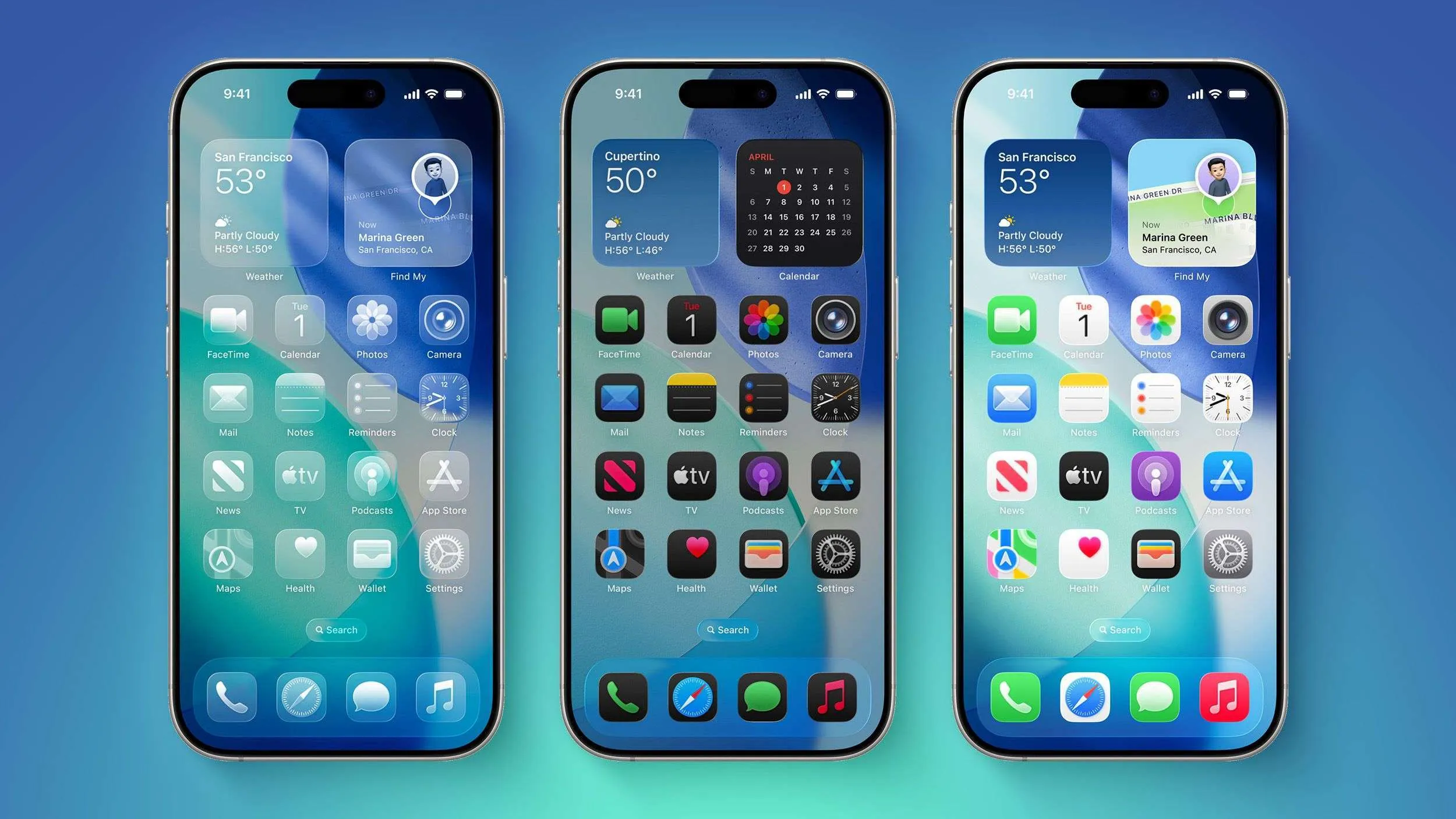
The most noticeable innovation this year is the introduction of iOS 26 and iPadOS 26 with Liquid Glass, a new, system-wide visual design language for Apple’s operating systems. Liquid Glass replaces many of the flat, opaque UI elements of the last decade with layered transparency, subtle light refraction, and motion-sensitive surfaces that react to the underlying content.
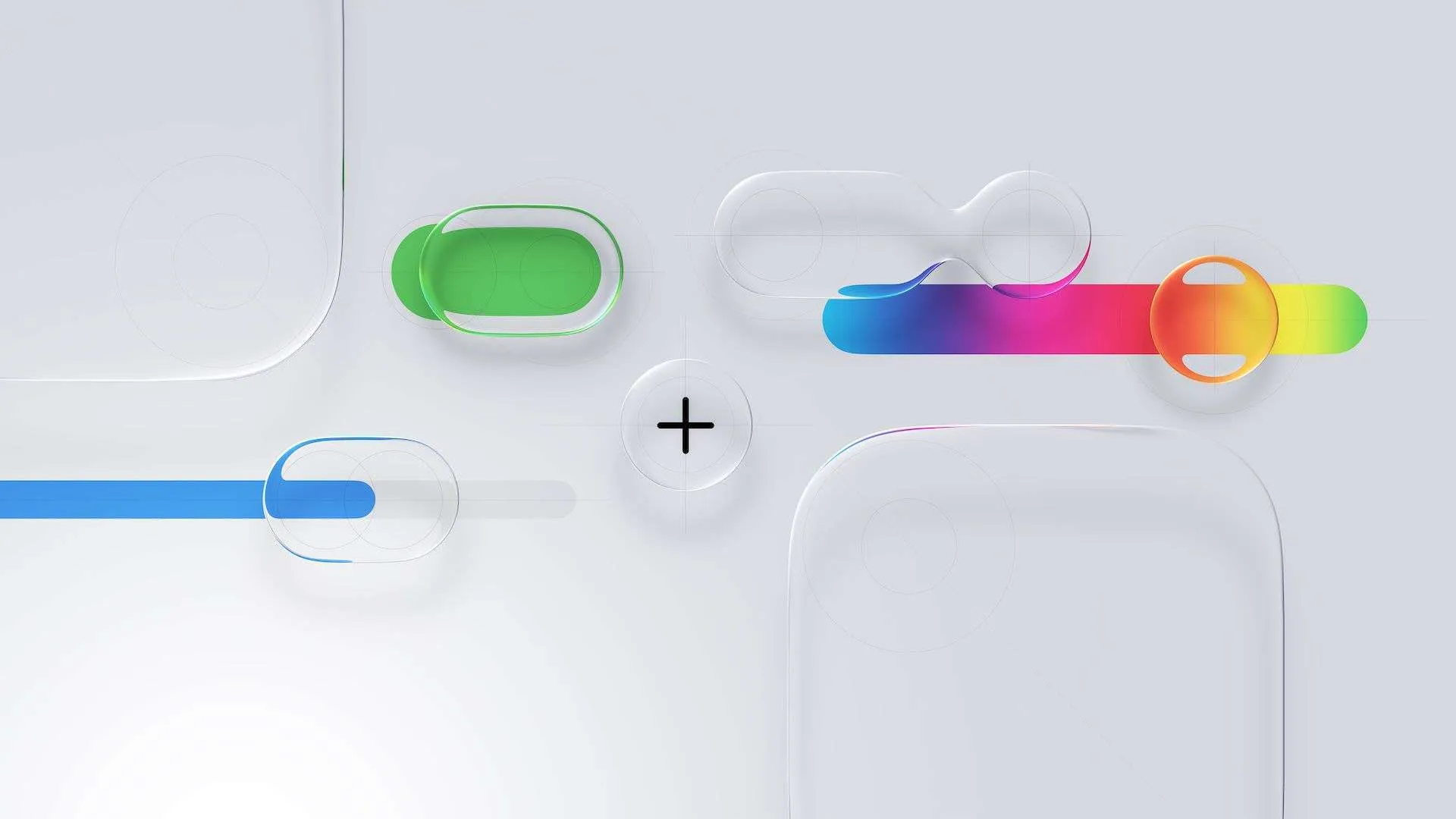

Navigation bars, sidebars, panels, and system overlays now appear as semi-transparent surfaces that blend harmoniously into their surroundings rather than obscuring them. Apple refers to this as a unified design across all platforms, not just an aesthetic overhaul. The same visual logic is found on the iPhone, iPad, Mac, the Apple Watch and Apple TV.
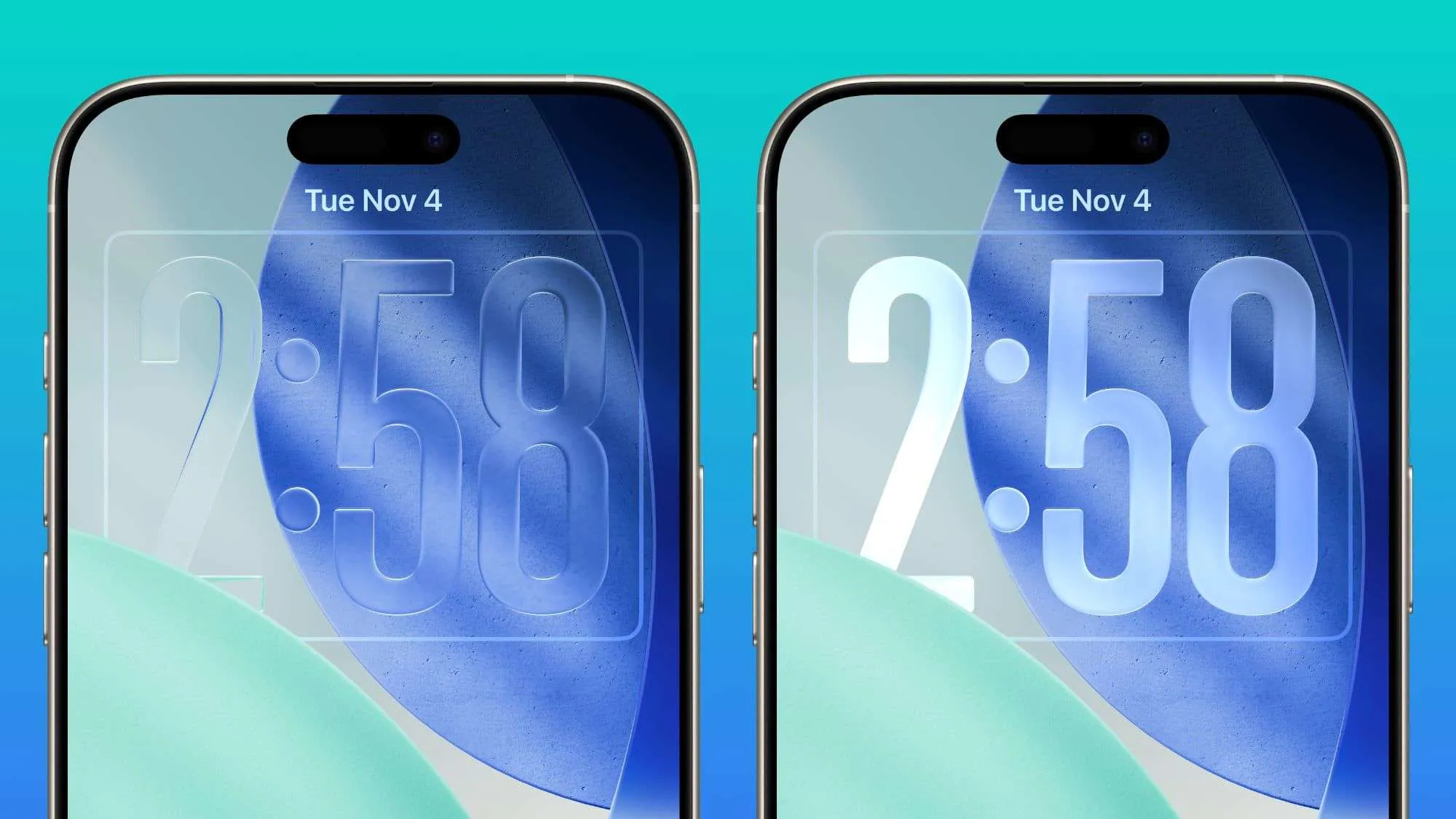
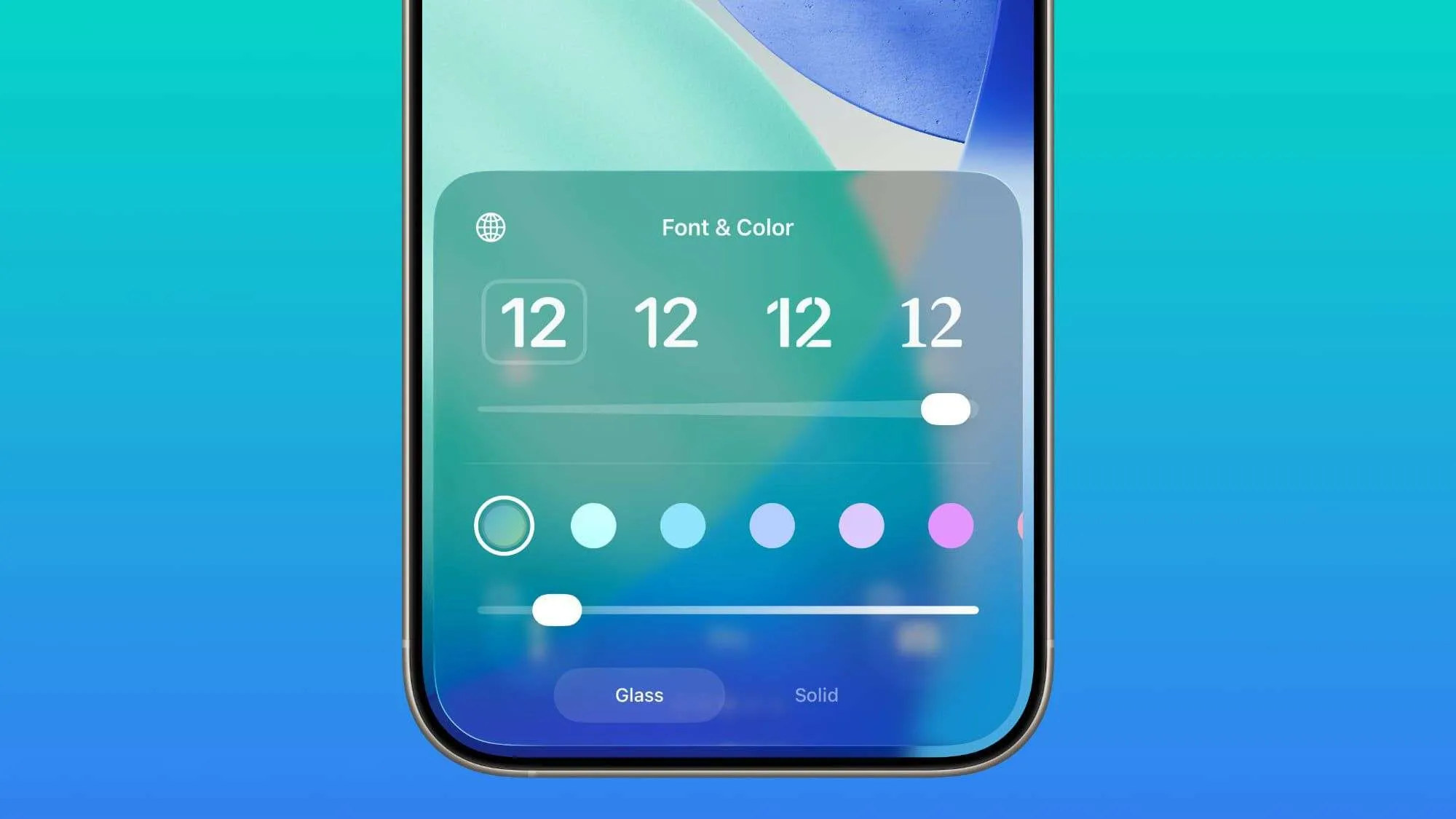
In practice, this is one of Apple’s biggest visual redesigns since the original departure from… Skeuomorphism in iOS 7. It signals a renewed focus on making the user interface feel fresh, spatial, playful and responsive rather than static.
Revised iPad multitasking
On the iPad, the most important change is the introduction of a completely new Multitasking systems with windows, a menu bar and a macOS-style cursor in iPadOS 26.
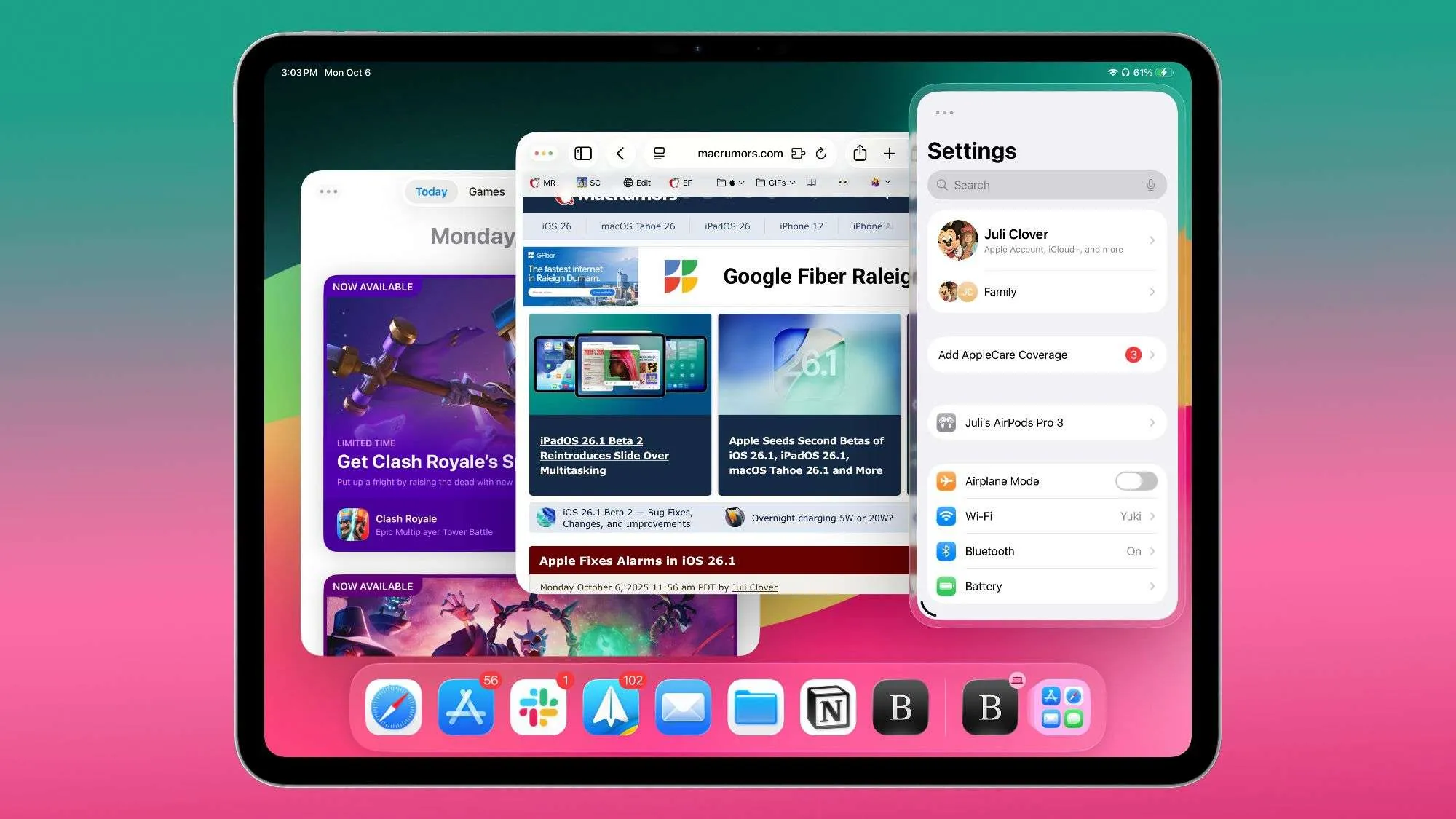

Apps can now run in freely resizable windows instead of being restricted to fixed split-screen layouts. This allows multiple overlapping windows to be displayed on the screen simultaneously. Additionally, a menu bar appears at the top of the screen when the app is launched, providing app commands in a structured, searchable format similar to macOS.
Instead of asking users to adapt their desktop workflows to a touch-based model, Apple has now explicitly integrated desktop interaction styles into iPadOS, addressing numerous user complaints about the iPad’s software limitations. For users who want to use the iPad for true multitasking and desktop-like workflows, this is one of the most significant feature enhancements the platform has ever seen.
More power in Mac Spotlight
On the MacBook Spotlight underwent its most comprehensive overhaul to date, transforming from a passive search tool into an action-oriented command interface, similar to third-party apps like Alfred or Raycast.
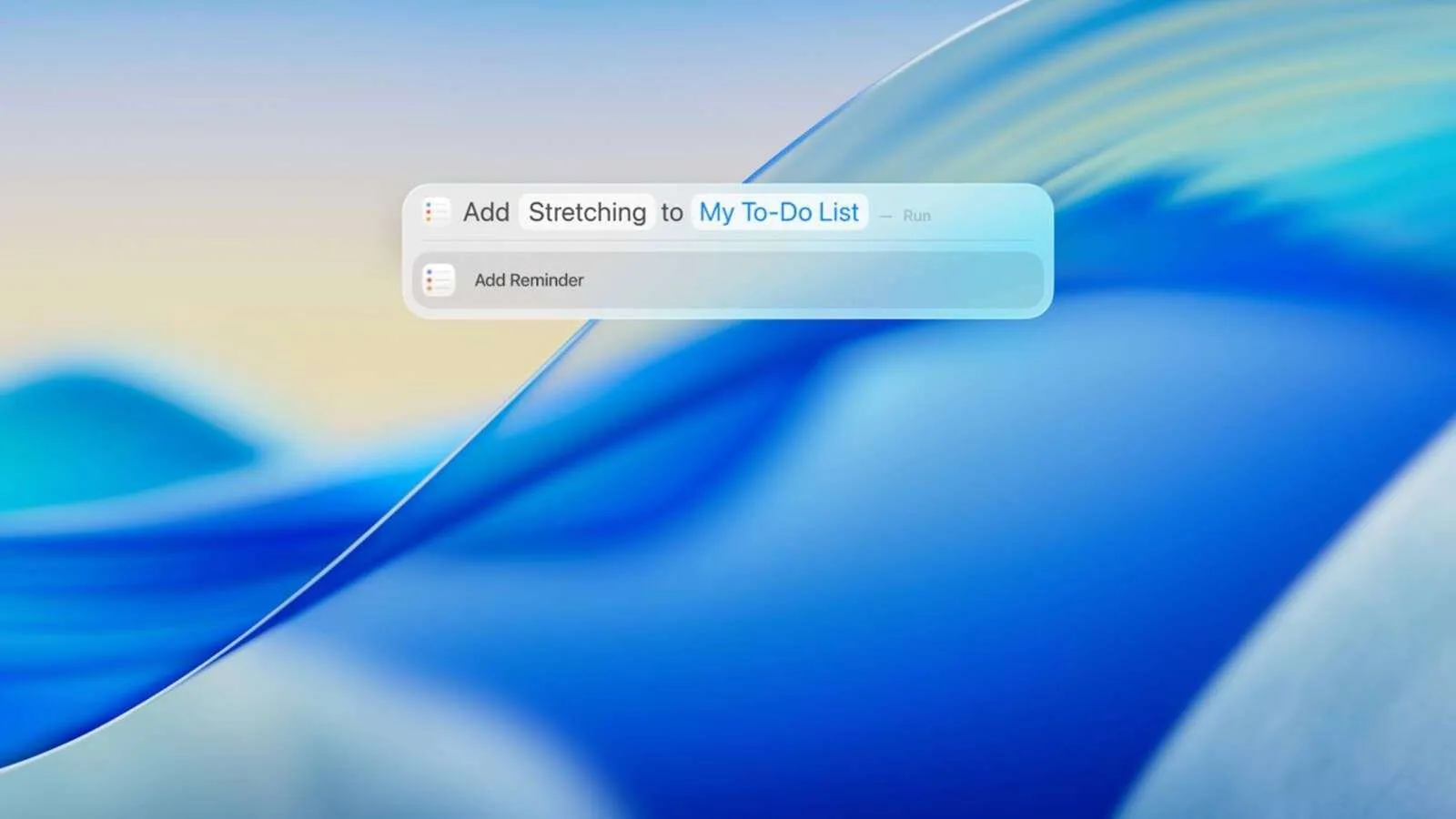
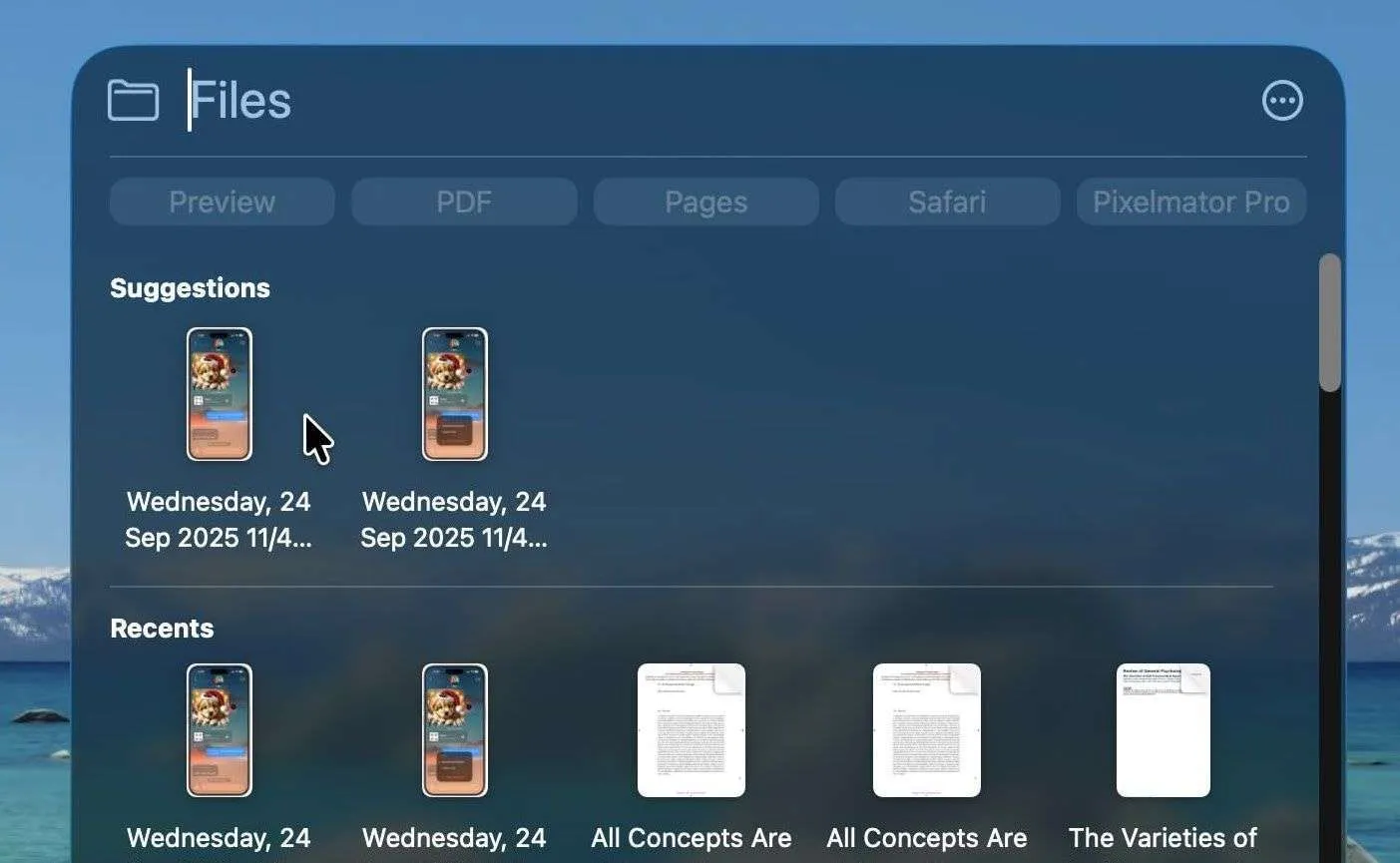
Spotlight in macOS Tahoe can now perform hundreds of actions directly from the search field. Users can create and edit notes, send emails and messages, start timers, run shortcuts, adjust system settings, and execute app-specific commands without opening the corresponding app.
Apple has also revamped Spotlight’s results display, offering clearer and more structured views. Instead of a simple list of hits, Spotlight now shows grouped results for files, applications, actions, and suggestions, allowing users to browse and refine their search more quickly.
Spotlight now features an integrated clipboard history, allowing users to view and reuse previously copied text or images directly within the Spotlight interface. Apple has also integrated an App Library-like view, providing a central, searchable overview of all installed applications.
Live Translate
Another important new feature is live translate. Real-time translation now works in the Messages, FaceTime, and Phone apps and translates both text and spoken audio during conversations.

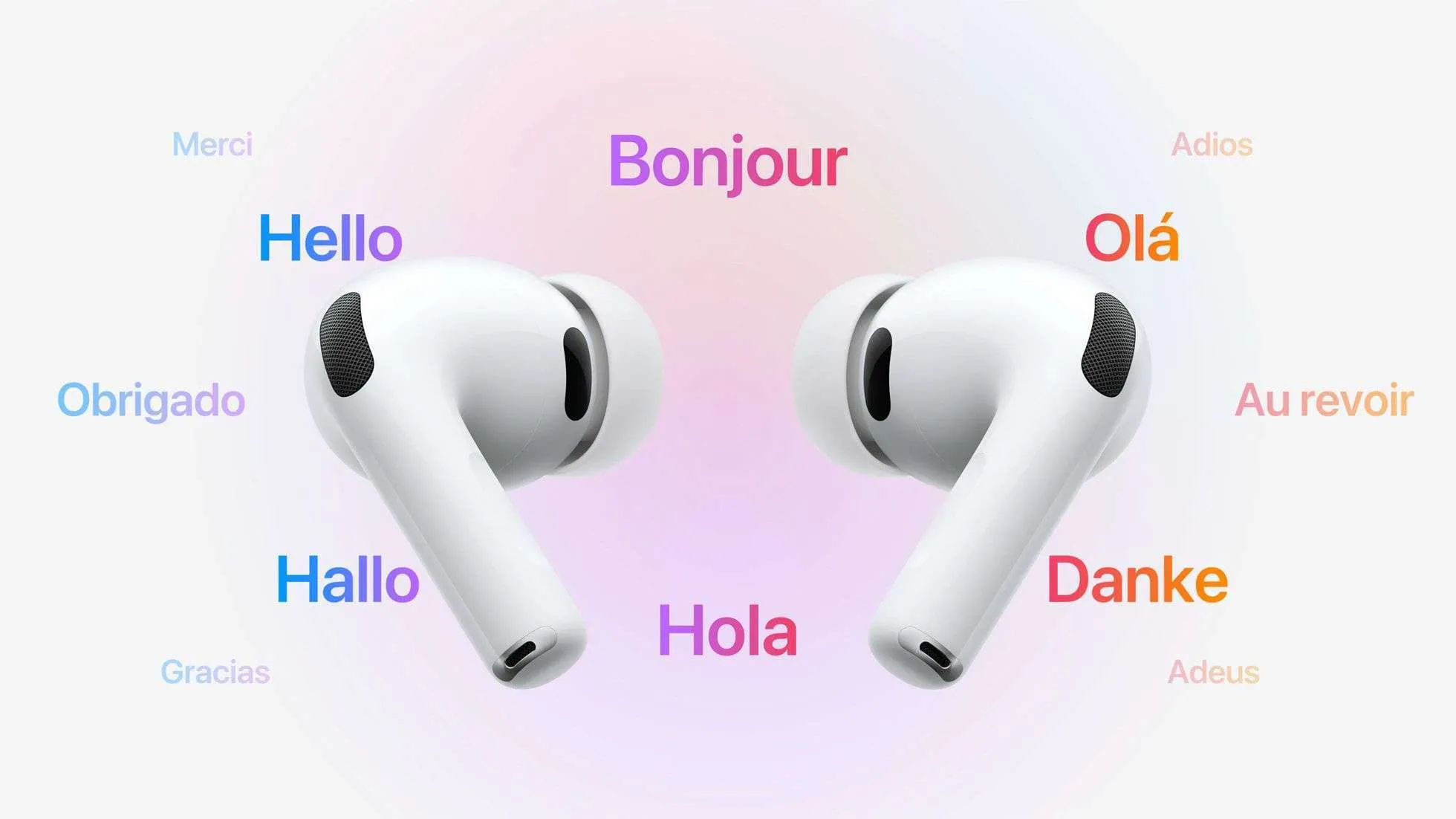
In the Messages app, incoming and outgoing messages can be translated instantly. In FaceTime, Live Translation provides real-time subtitles during video calls, allowing participants to speak naturally while reading the translations. During phone calls, spoken dialogue is translated in near real-time, with the translated audio and text output displayed during the conversation.
Apple has also added live translate to AirPods to enable real-time translation directly through the earbuds during face-to-face conversations. With live translation enabled, spoken language from another language can be translated on the paired iPhone and played back through the user’s AirPods, while the user’s replies are translated by the iPhone and read aloud to the conversation partner.
Communication assessment and support while holding
Caller ID allows the iPhone to automatically answer calls from unknown numbers on behalf of the user. The system prompts the caller to identify themselves and explain the reason for the call. The user then sees a live transcript of the response before the connection is established.
With the call queue feature, the iPhone remains in the queue during a phone call and monitors the call until an agent is available. As soon as the system detects that the call is resuming, the user is notified and can return to the conversation.
Apple has tightened the filtering of unknown senders in the Messages app. Messages from numbers not saved in the user’s contacts are automatically moved to a separate section to keep spam and phishing attempts out of the main conversation list.


