Image Playground creates anime images in iOS 26 with ChatGPT
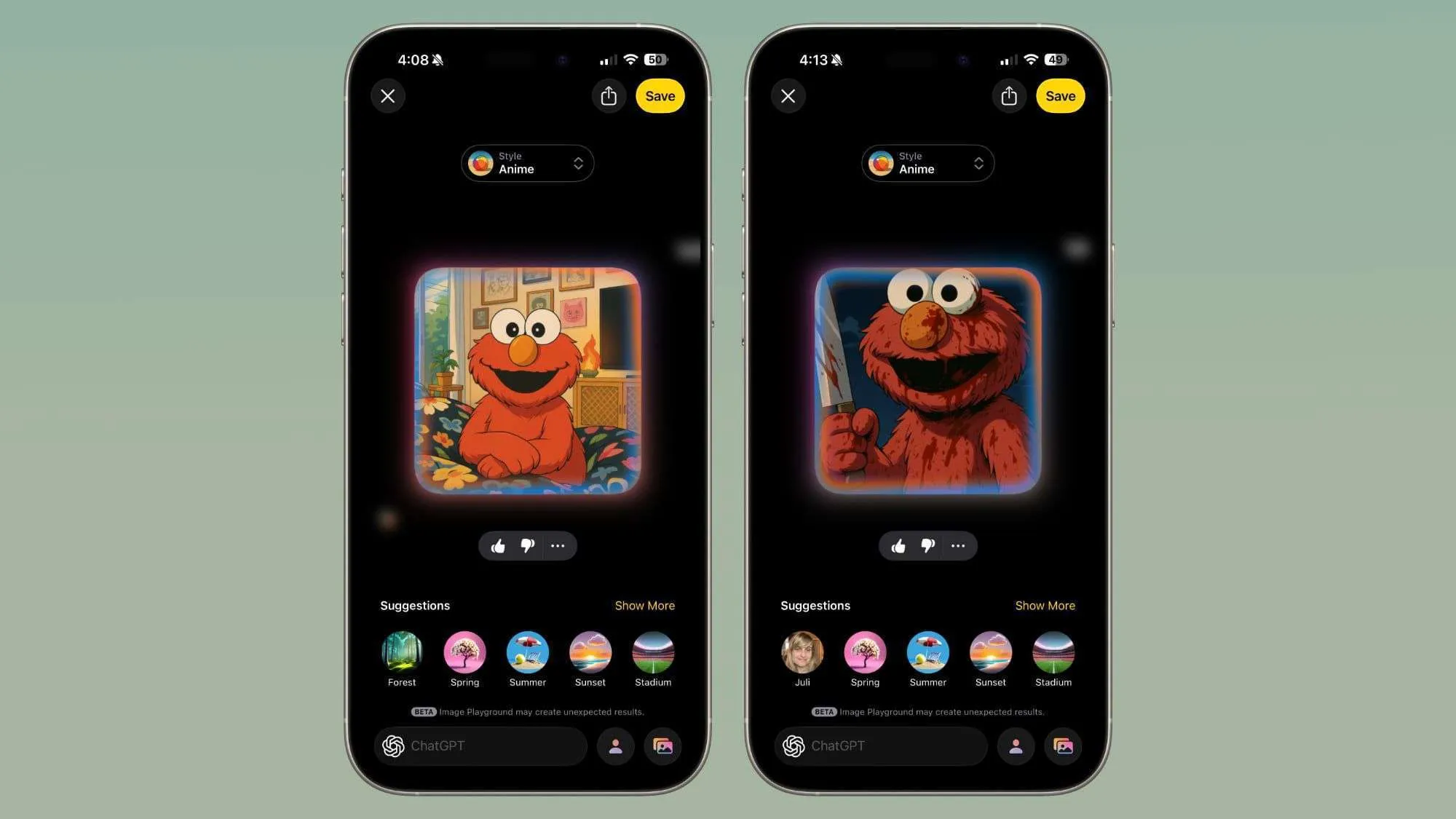
If you’ve seen the anime-style images created with ChatGPT from Studio Ghibli, you might be interested to know that Apple has included this feature in Image Playground in iOS 26, iPadOS 26 and macOS Tahoe has integrated.
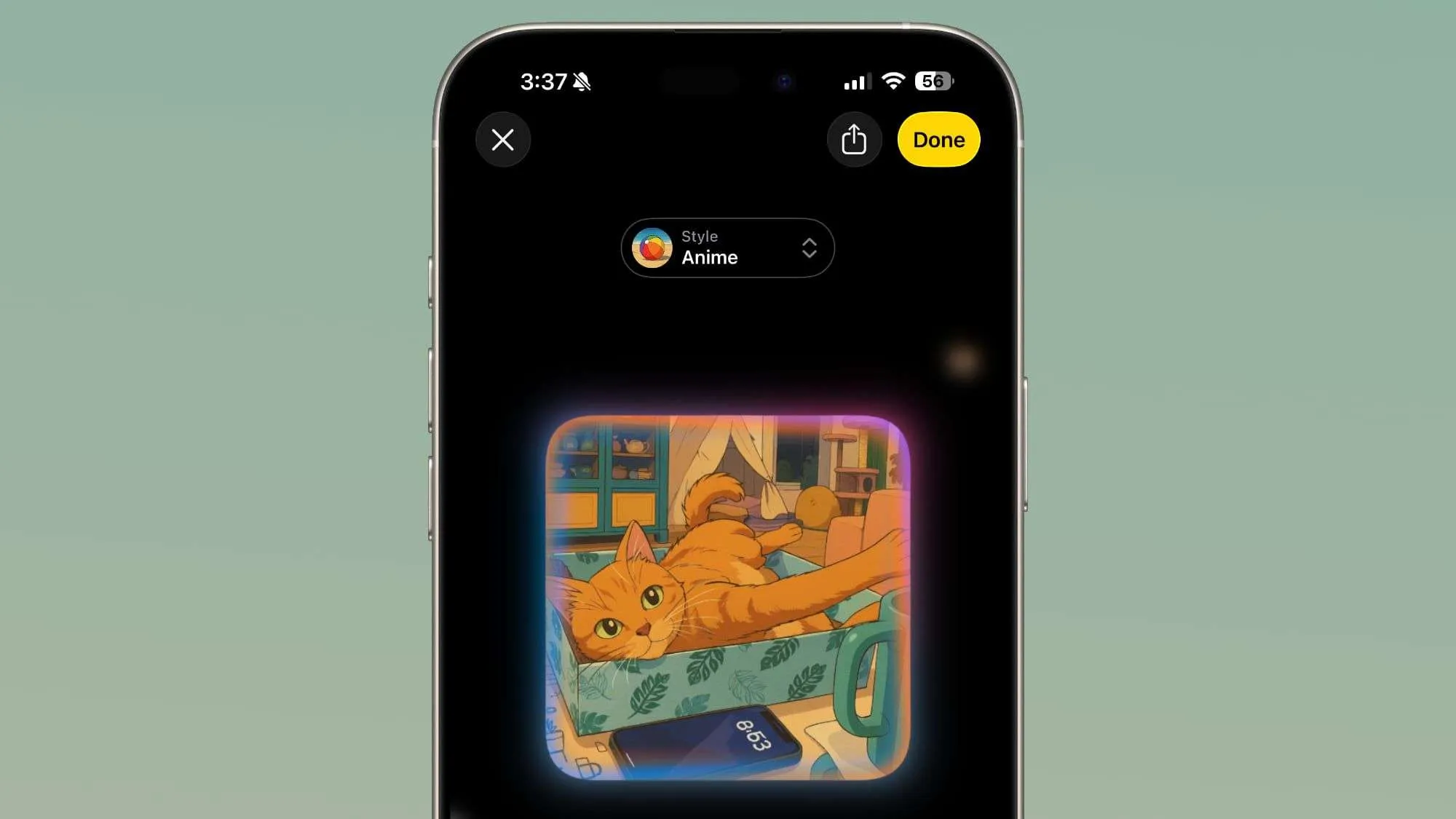
Image Playground does not add any new Apple-designed art styles, but it does support several ChatGPT styles. Options include oil painting, watercolor, vector, anime, and print, complementing the existing animation, illustration, and sketch styles developed by Apple.
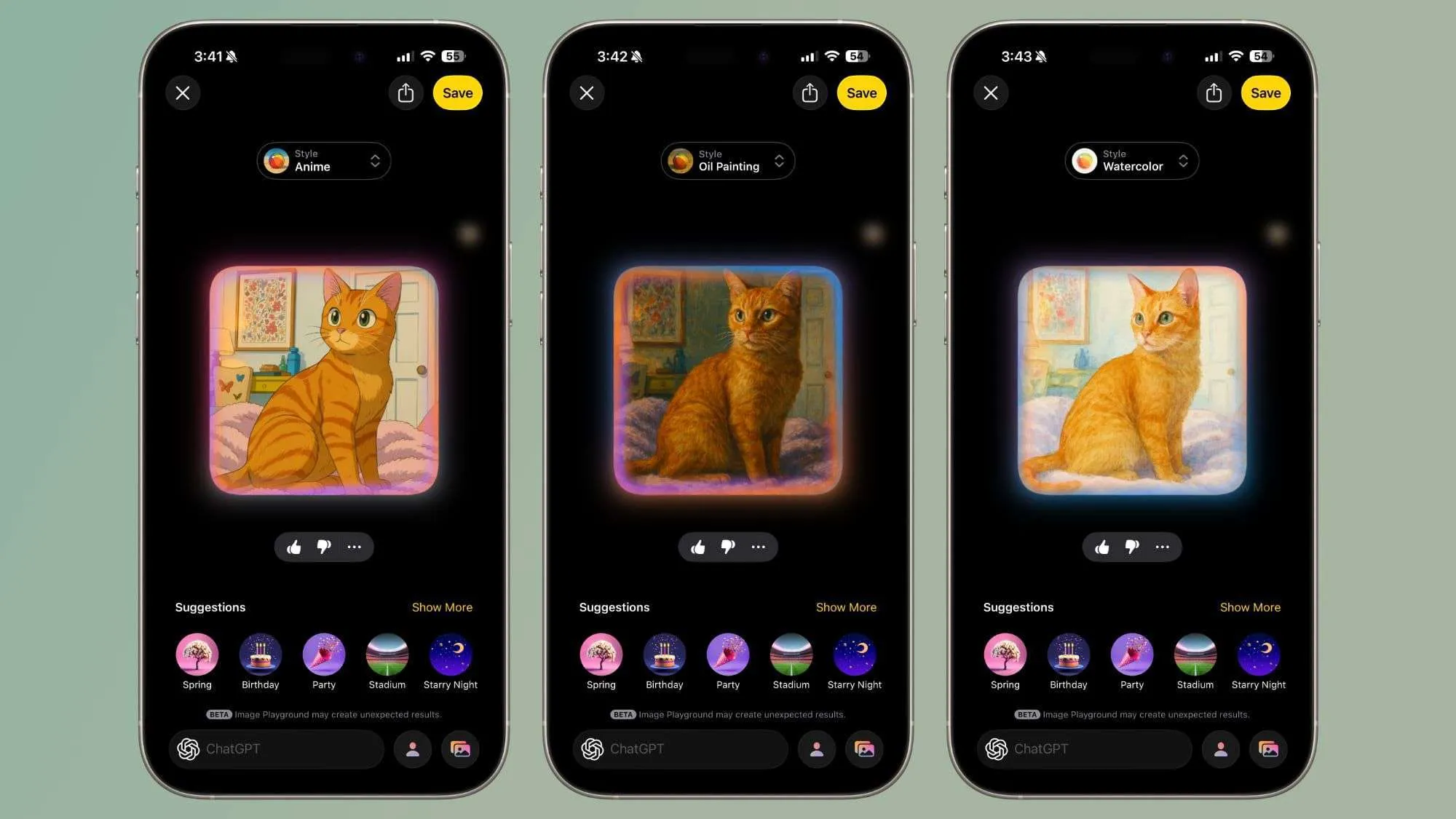
The ChatGPT options are similar to those you get when using ChatGPT 4o for image composition, and the anime style is particularly popular on social media. You can enter any style you like in ChatGPT, and Apple offers a similar feature with the “Any Style” option. You can select “Any Style” and then add the desired descriptions and even request a realistic image.
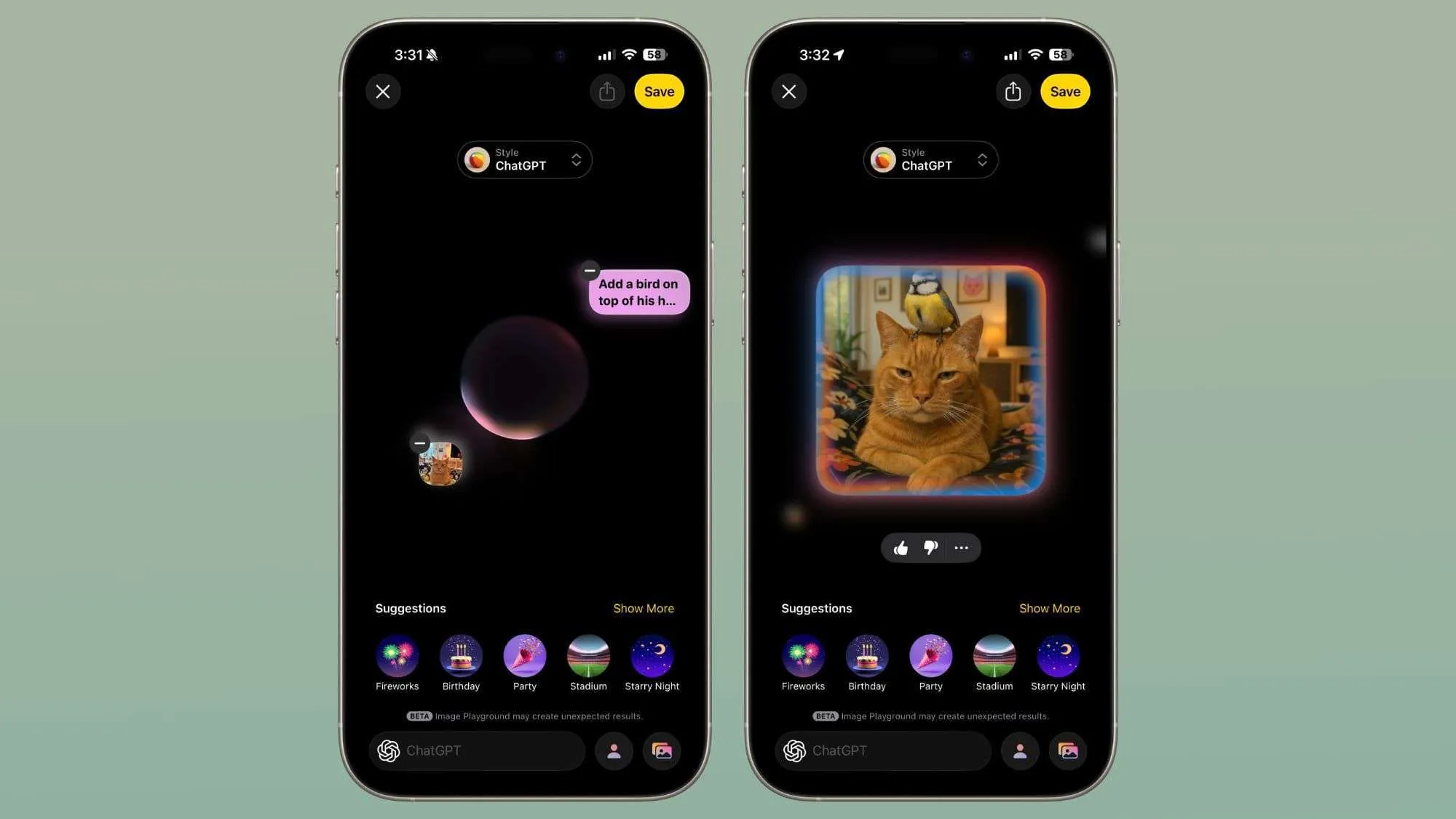
You can create images based on text descriptions or upload a photo to have it converted to the style of your choice. If you use the ChatGPT option, you must grant your iPhone permission to send the image to ChatGPT.
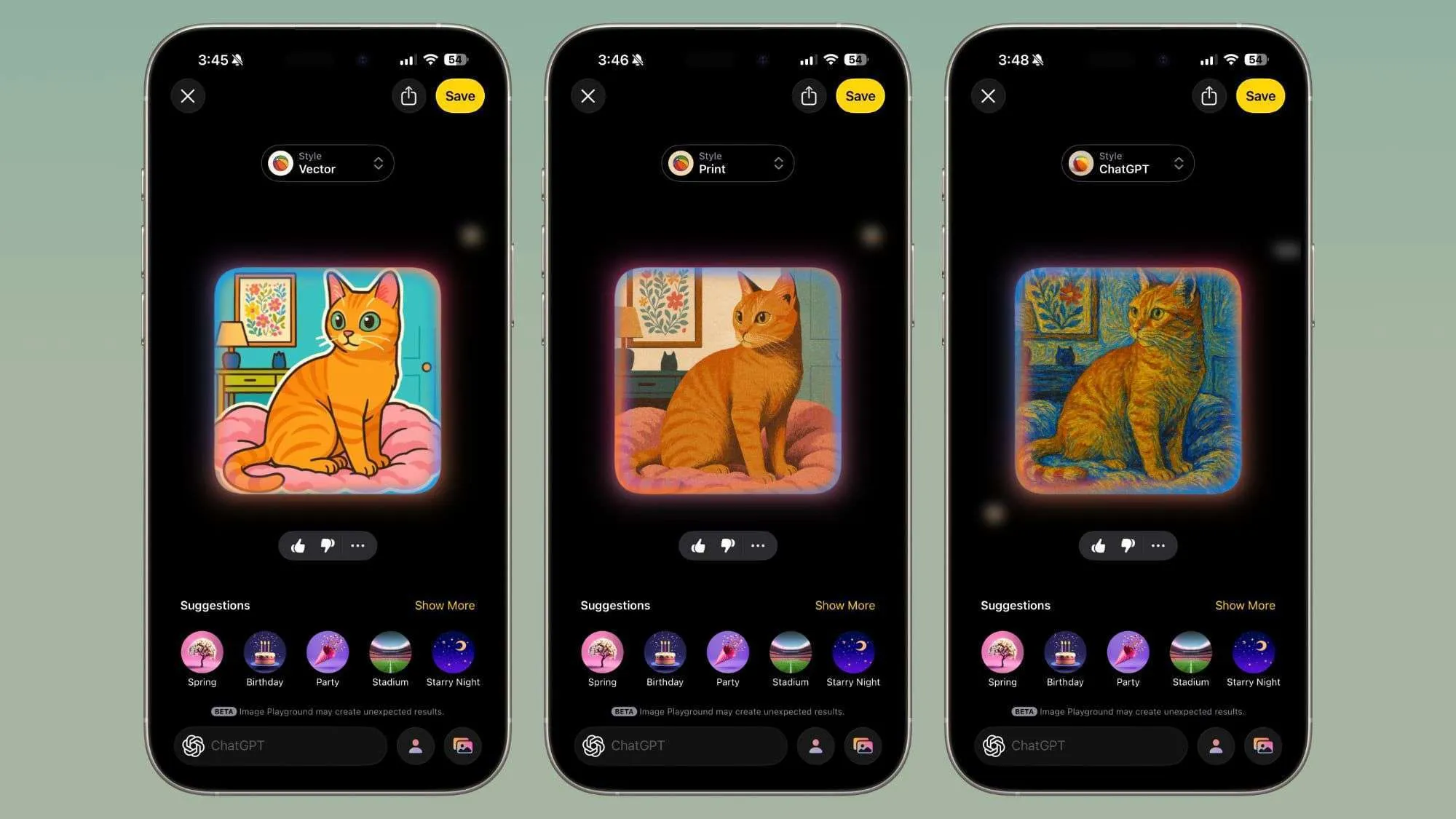
As with the standard Image Playground image generation, you can add additional expressions to optimize the results you get from ChatGPT. ChatGPT is relatively slow compared to Apple’s own image generation feature in the “Image Playground.” Therefore, you should plan for some waiting time.
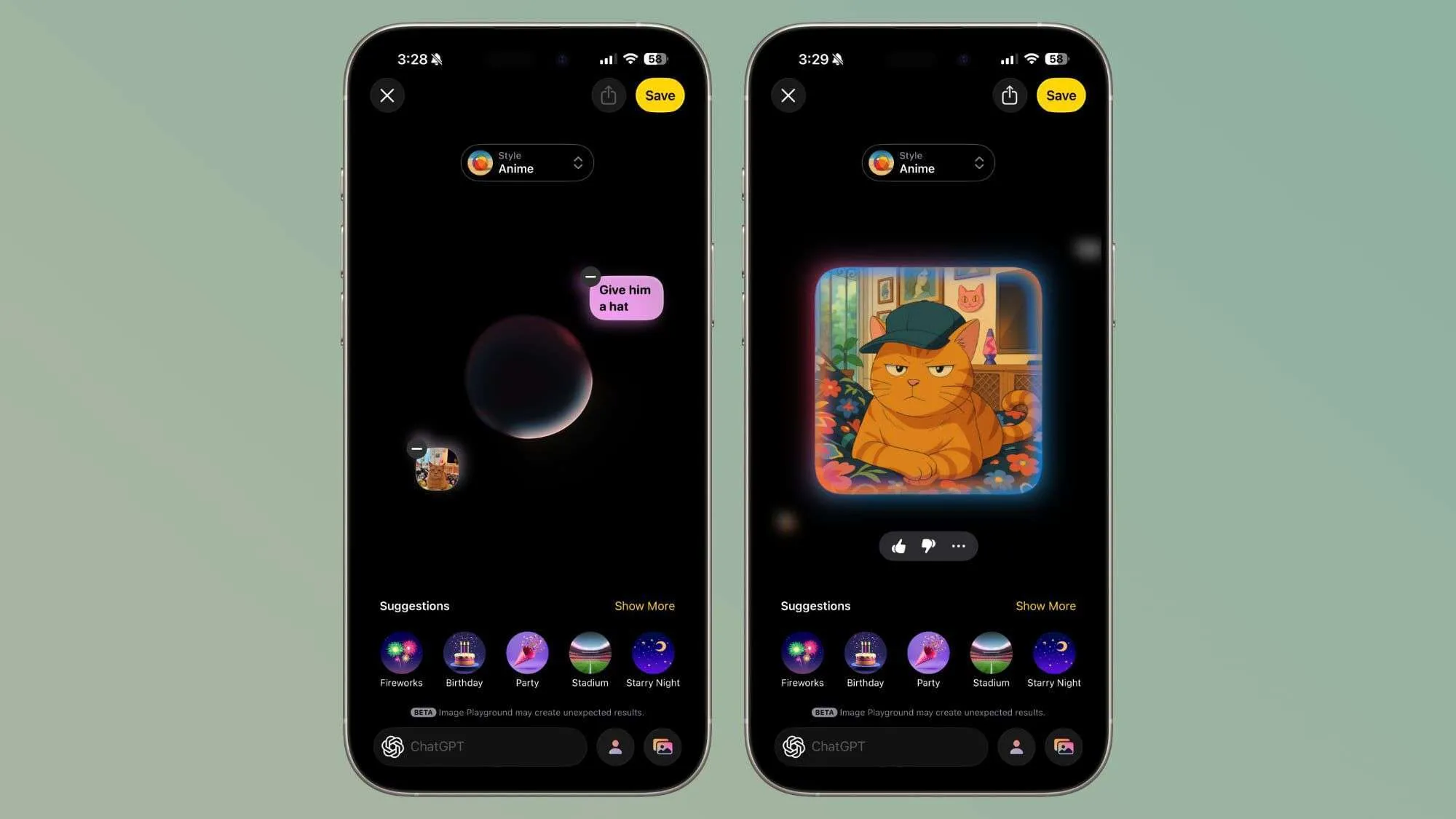
Unlike Apple’s default styles, ChatGPT has no problem with copyrighted content. It easily creates an image in the style of Studio Ghibli or featuring Elmo from Sesame Street. If the requests become too sensitive, Apple warns against sending images to ChatGPT and makes it clear that the images are being created by the AI service. However, ChatGPT has significantly fewer security measures than Apple’s standard tool.
Image Playground requires ChatGPT tokens
It’s also important to note that creating images with ChatGPT consumes tokens, and you can’t create more than one or two images with a free account. If you need more images, there’s no way around a paid account.
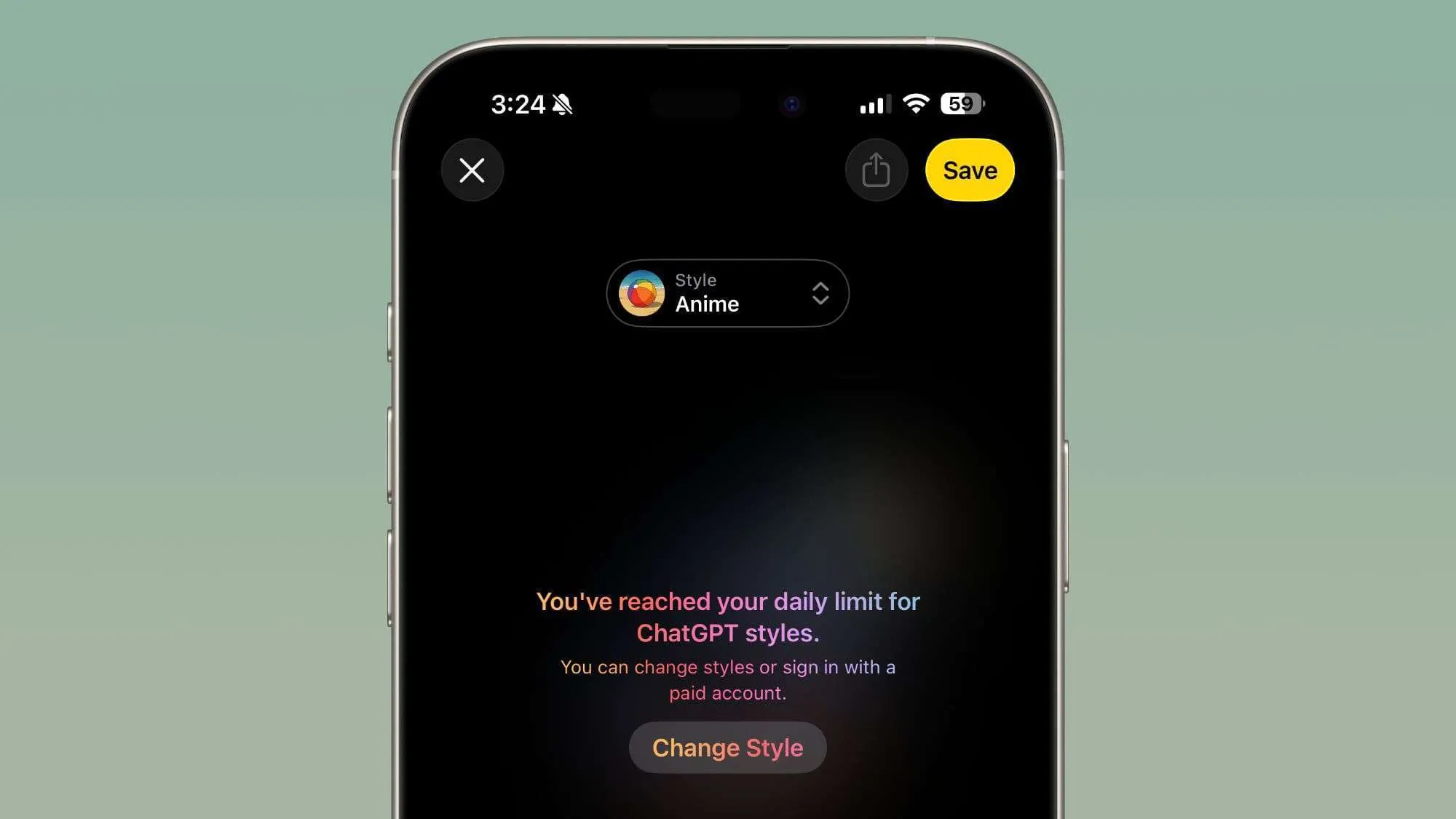
There is no limitation for the number of images that you can generate with the integrated image Playground. There are many options. Apple also offers another new function called Genoji. You can combine several emojis into a single “gene moji” (a new function in iOS 26) or describe an emoji character to create something new.
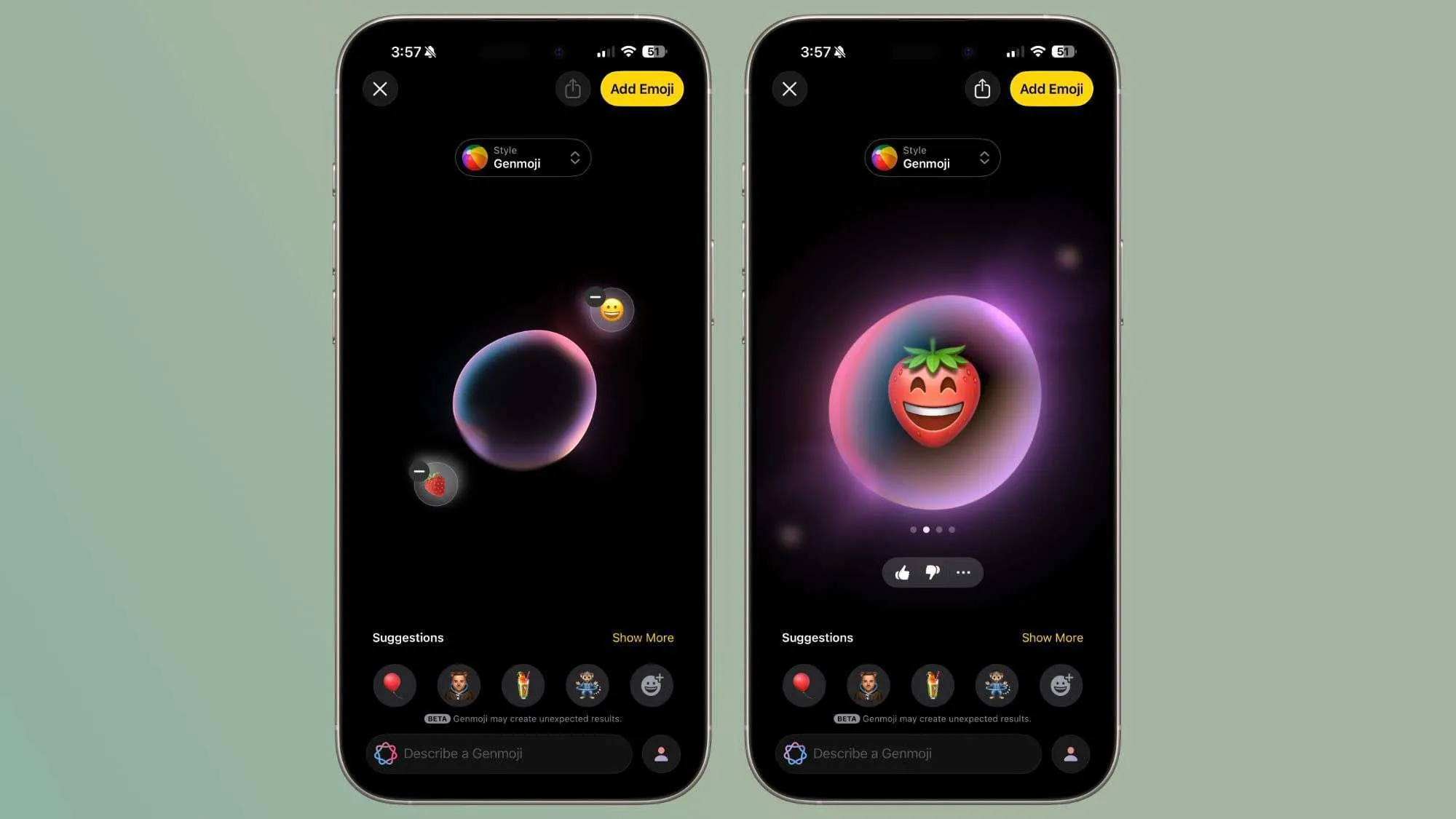
Genmoji does not work with photos but is based on descriptions. The gene mosses created can be added to your emoji keyboard and used in messages.


