iPadOS 26 announced with macOS-style multitasking

Apple today announced iPadOS 26 at WWDC 25, bringing significant improvements to multitasking, visual design, and AI features. iPadOS 26 significantly redesigns app window management when multiple apps are open at once. Apps can be minimized, resized, and tiled. The operating system arranges them with a single swipe.

iPadOS 26 adopts Expose from macOS, allowing you to quickly see all open windows on a single screen. With Stage Manager, you can group windows into separate stages, which can also be divided into internal and external displays.
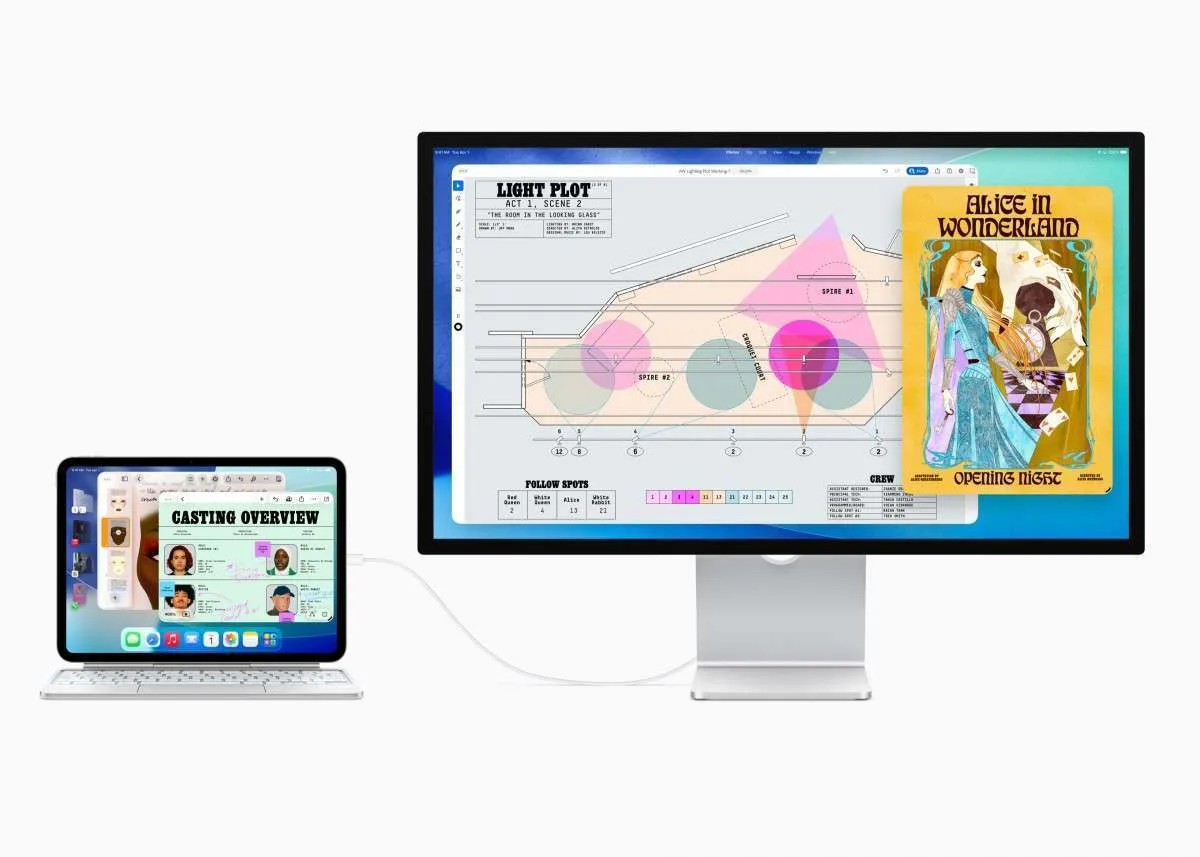
Another important macOS feature that has been adopted is the menu bar. Apps can now have a menu bar at the top, which can be activated by simply swiping down or hovering the mouse pointer up. This displays a full-fledged menu bar, similar to what you’d find on a Mac, and allows developers to customize it for their apps. In the corner, you may also find macOS-style close, minimize, and resize controls.

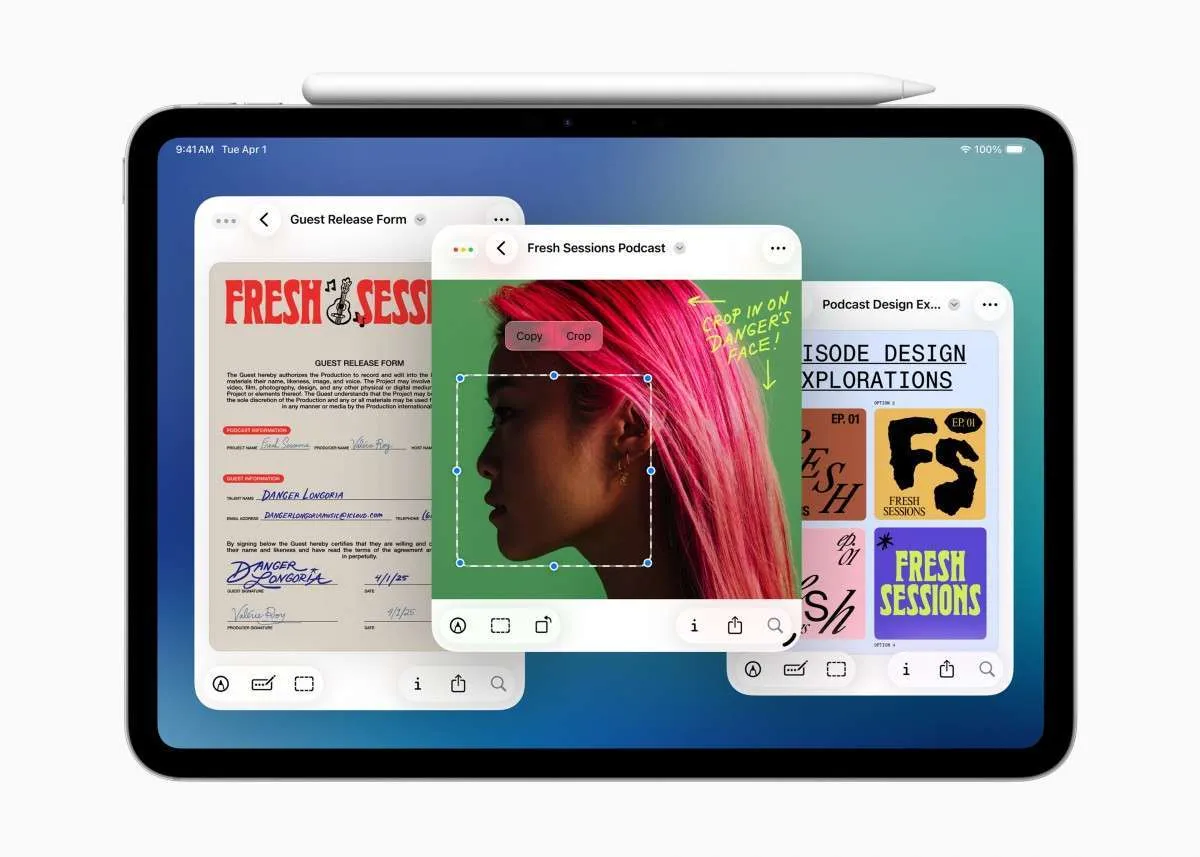
The Preview app from the Mac is also available on the iPad with iPadOS 26. You can now open all your images in this app and simultaneously open and edit PDF files. It can even be used with the Apple Pencil for drawing and writing.
Multitasking features are further enhanced with updates to background tasks. Apps that require long processes, such as exporting a video or uploading a large file, can now be displayed in Live Activities, allowing you to keep an eye on them while completing other tasks. Developers will have access to the updated Background Tasks API so their apps can take advantage of this feature.


The Files app has also been redesigned with iPadOS 26. It features a new user interface with an updated list view that displays more files at once and with additional information on the screen. Folders can be customized with custom colors, icons, and emojis to make them easier to recognize. Folders can also be pulled into the dock for easier access.

The other new functions are the possibility of selecting different microphones for each app or even individual websites. The language isolation removes ambient noise from the audio absorption, and owner of certain AirPods models get audio recordings in studio quality. With the local recording function you can absorb audio and video in high quality from any video conference app and then save or share.
Apple iPadOS 26 with Liquid Glass
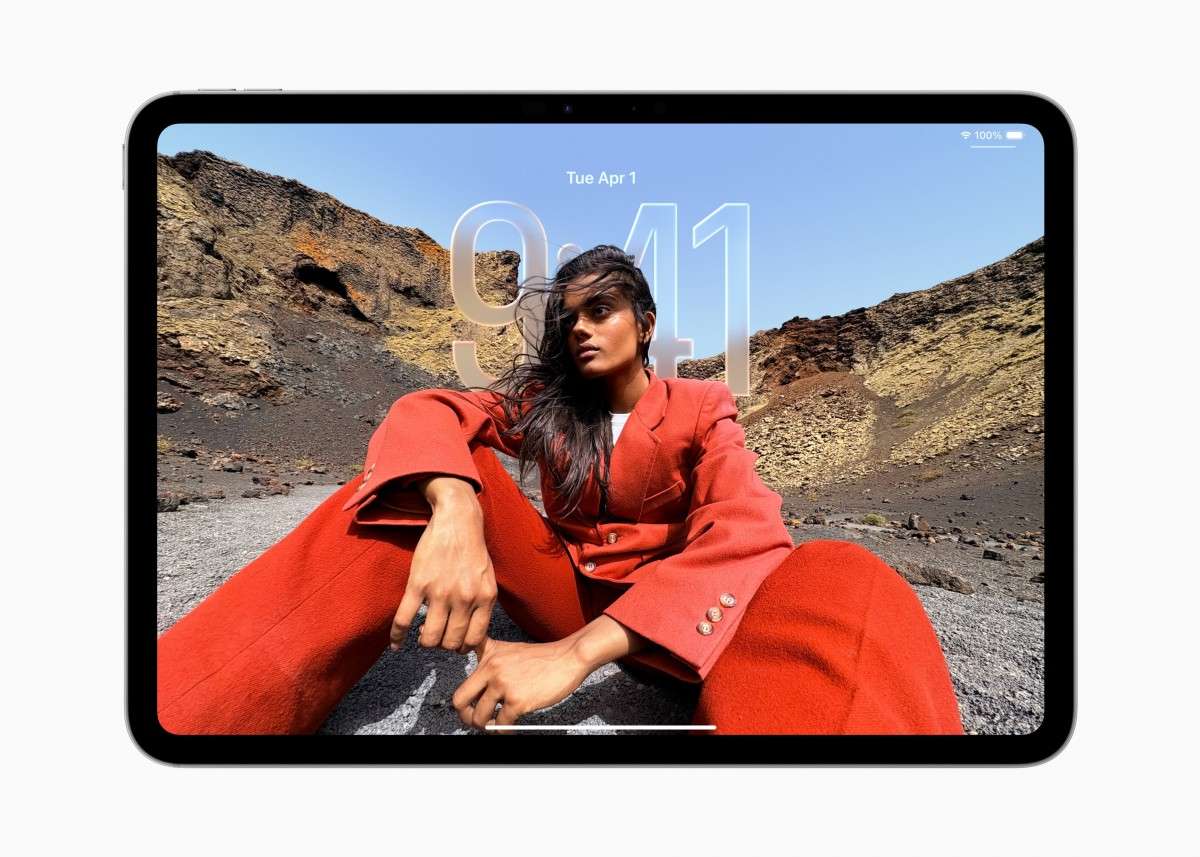
Just like Apple’s other platforms, iPadOS 26 also gets a new coat of paint with Liquid Glass. Many UI elements are redesigned with a new, translucent layer of materials that react to the content below. iPadOS 26 also receives improved AI functions with new Apple Intelligence functions Like live translation on telephone, face time and news. You will also receive updated short commands with more powerful options for combining text and creating images.
iPadOS 26 will be available as a developer beta today and a public beta next month. The final version will be available later this year for the iPad Pro 11 M4, iPad Pro 12.9 (3rd generation and later), iPad Pro 11 (1st generation and later), iPad Air (M2 and later), iPad Air (3rd generation and later), iPad (A16), iPad (8th generation and later), iPad mini (A17 Pro), and iPad mini (5th generation and later).


