iPadOS 26.2 test: Multitasking fixed?

With the third beta version of iPadOS 26.2, Apple has made some useful updates to how multitasking works on the iPad. iPadOS 26.1 brought back Slide Over, one of the key multitasking views from iPadOS 18, which was removed in version 26. In iPadOS 26.2, Slide Over works as it did before, and there are also useful new options for replacing apps in a tile view.
In windowed or Stage Manager mode in iPadOS 26.2, apps can be dragged and dropped into different multitasking views, including Slide Over. Apps can be added from the Dock, Spotlight Search, or the App Library.
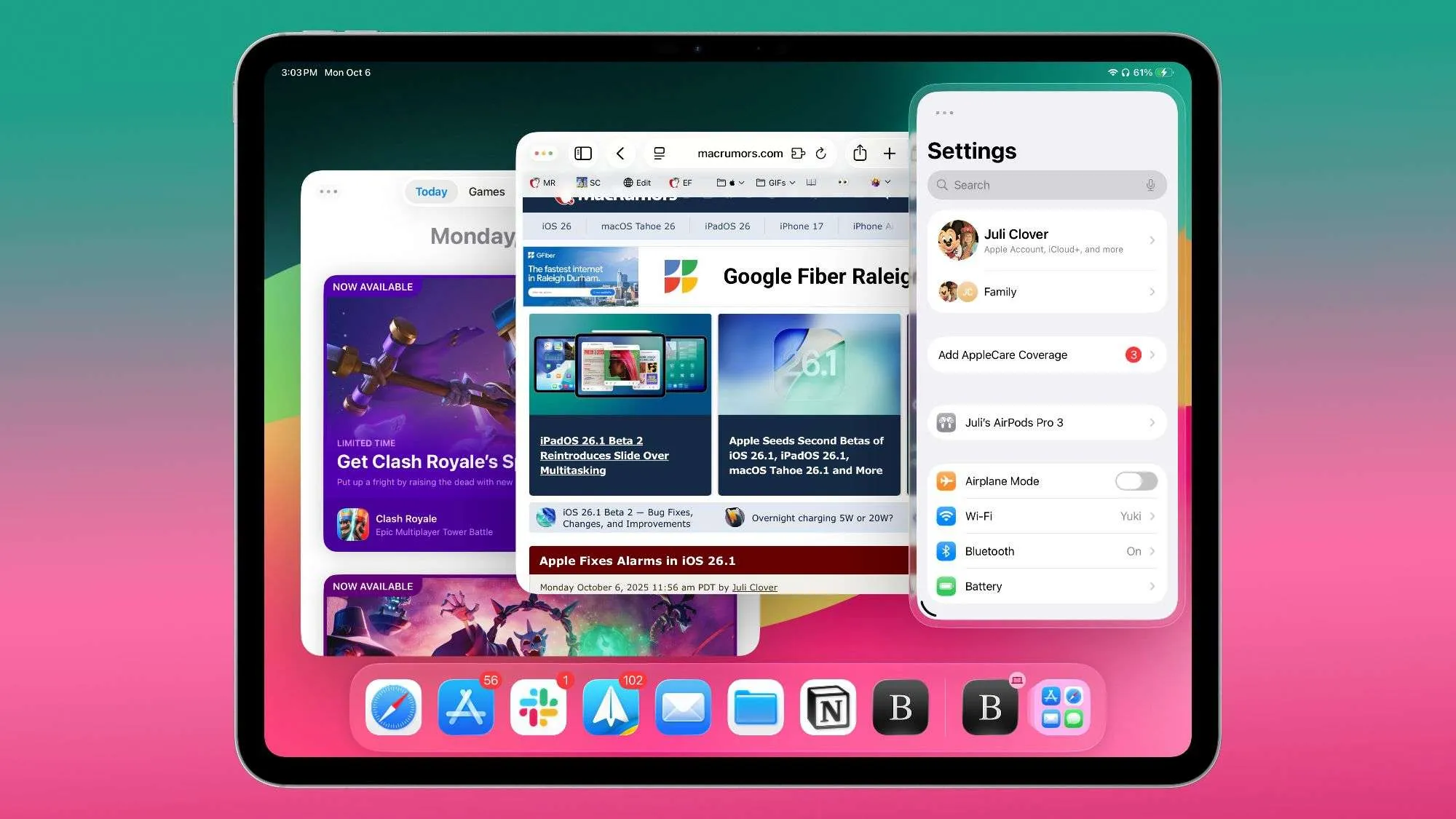
Drag an app to the left or right edge of the screen to activate a tile view similar to Split View. Drag an app further to the left or right to position it as a Slide Over app. Visual cues indicate whether an app is in the left, right, or Slide Over position.
If you have a Slide Over window open or apps are arranged in a tile view, you can drag another app over the existing one to place the new app in its position. While you still can’t stack multiple apps on top of each other in Slide Over, you can at least now drag apps to the desired location, just like in iPadOS 18.


