iOS 26.1 is here: 6 new iPhone features
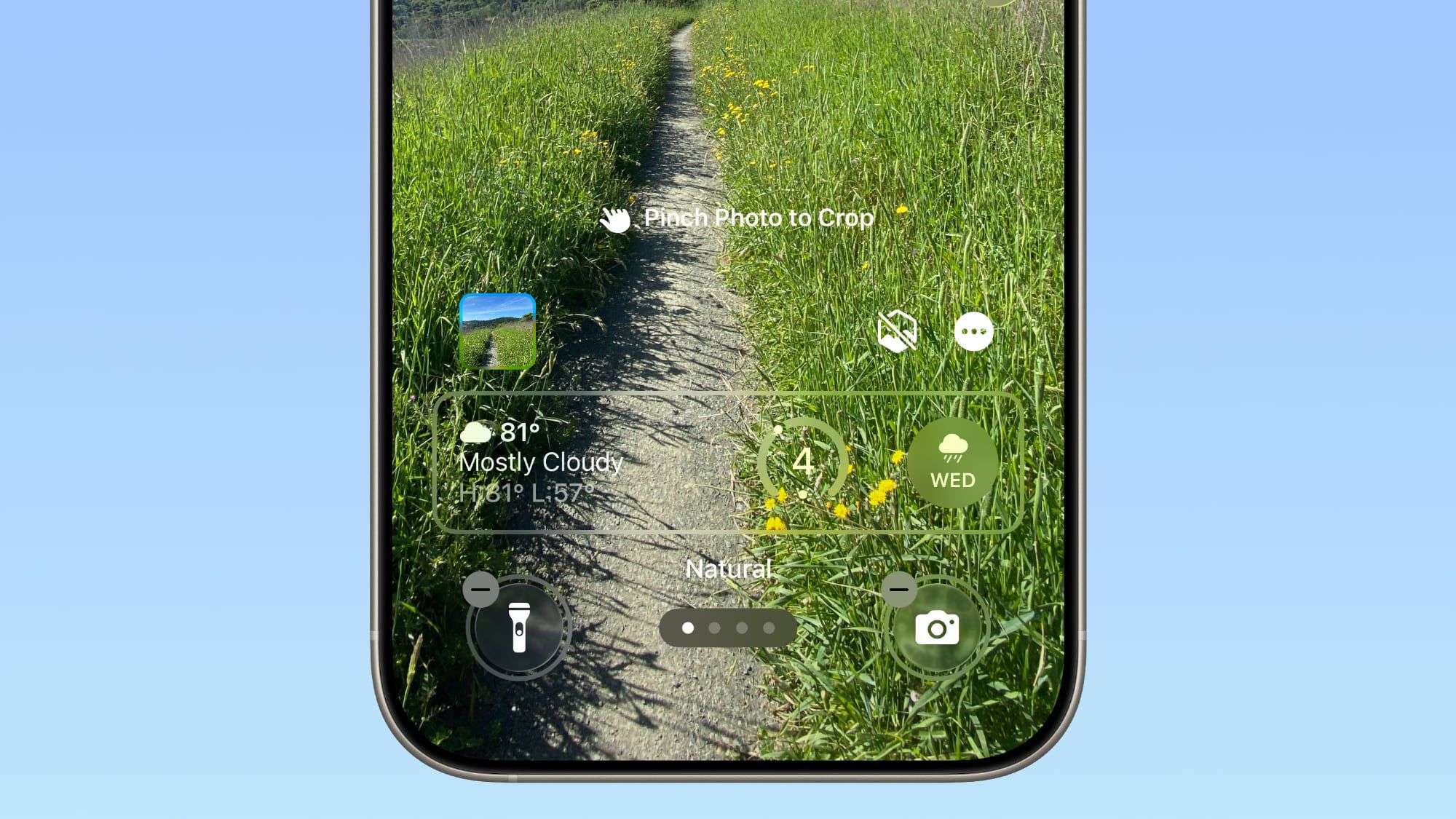
Apple will soon release iOS 26.1, the first major update since iOS 26 in September. We can expect at least six notable changes and improvements. We’ve summarized them below.
Apple has already made the release candidate version of iOS 26.1 available to developers and public beta testers, which means Apple is expected to roll out the update on Monday, November 3, or Tuesday, November 4, for all compatible iPhones.
Making iOS 26.1 Liquid Glass Opaque
Apple has added a new setting to the Liquid Glass user interface in iOS 26.1 that allows you to adjust the transparency. You can customize the interface. You now have the choice between a transparent look, where the background behind menus and buttons is more visible, and a tinted look, which offers more opacity and contrast for a more striking appearance.
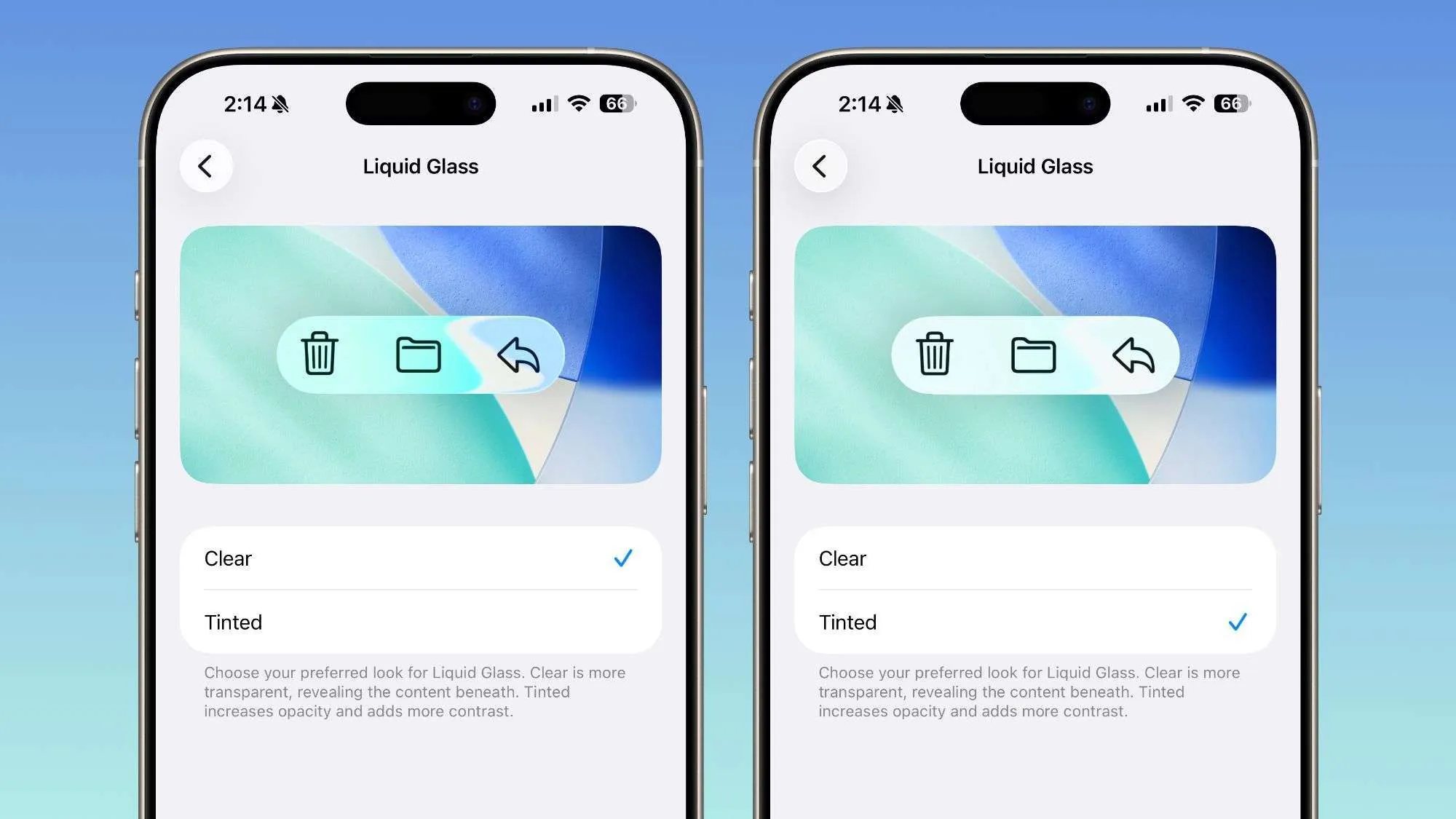
The option can be found under “Settings” > “Display & Brightness” on iPhone and iPad, or under “System Preferences” > “Appearance” on Mac. According to Apple, the change is based on feedback from beta testers who wanted a less transparent and higher-contrast version of Liquid Glass. The setting applies system-wide and affects everything from app interfaces to notifications on the lock screen.
Disable the swipe gesture to launch the camera on the lock screen
In iOS 26.1, Apple introduces a welcome new feature for anyone who has ever accidentally launched the camera app while taking their iPhone out of their pocket. For the first time, the swipe gesture to open the camera on the lock screen can be disabled. To do this, tap “Camera” in Settings, scroll down, and turn off the switch next to “Swipe to open camera on Lock screen.”
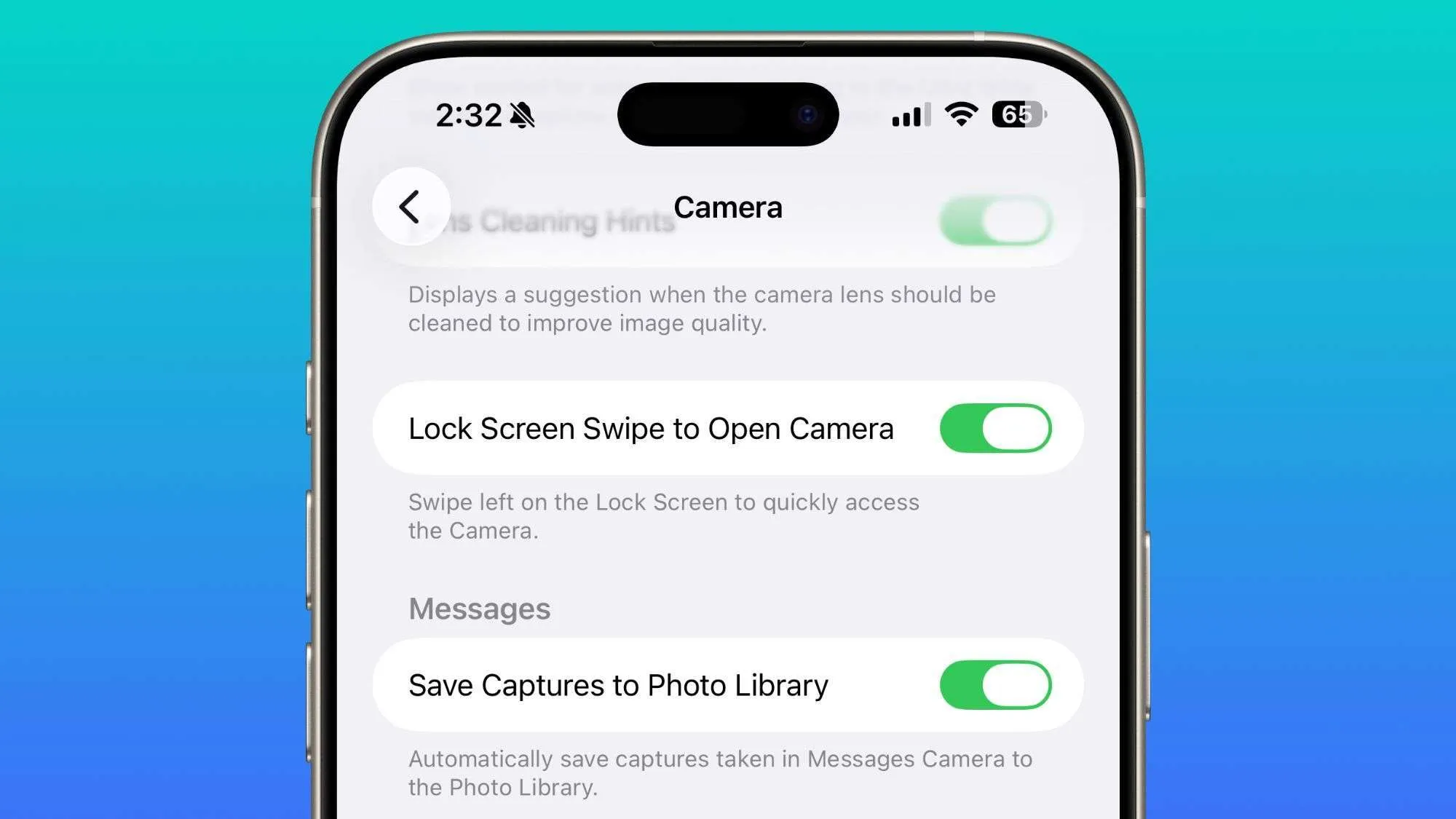
The camera gesture on the Lock screen has been a standard iPhone feature for years, allowing you to capture spontaneous moments by quickly swiping left. However, it’s all too easy to accidentally open the camera app, which can quickly drain the battery or fill your photo library with unwanted snapshots from your pocket. Such mishaps can now be completely avoided.
Swipe to stop the alarm
Apple changed the way iPhone alarms are turned off in iOS 26.1, and your morning routine may need some adjustment. By default, the Clock app now requires a swipe gesture to stop an alarm from the lock screen. The previous tap-to-stop button, which was redesigned in iOS 26, has been replaced. Snooze still works with a simple tap, but completely turning off an alarm now requires the additional swipe gesture.
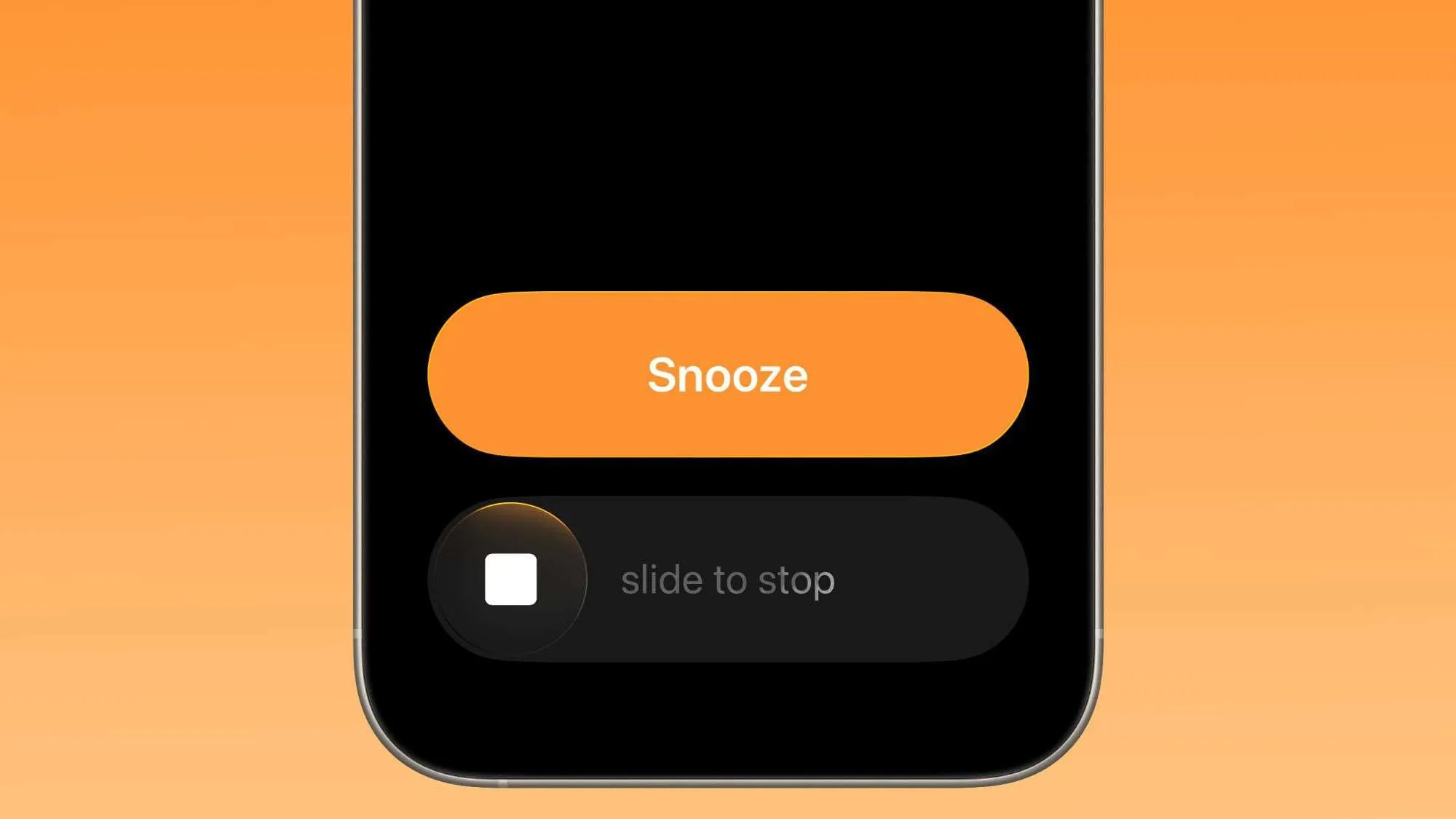
The change appears to be intended to prevent accidentally turning off the alarm when reaching for your smartphone in the morning. Since a more deliberate action is now required, there’s less chance of accidentally silencing the alarm instead of pressing the snooze button. If you don’t like the change, you can customize the Clock interface using the new “Prefer One-Finger Actions” option under Settings > Accessibility > Reset Touch to the previous stop button.
More control over local recordings
With iOS 26 and iPadOS 26, Local Capture was introduced, a new way to record video and audio directly on the device – ideal for everything from short clips to full podcast episodes. And with iOS 26.1, Apple is further refining this feature.
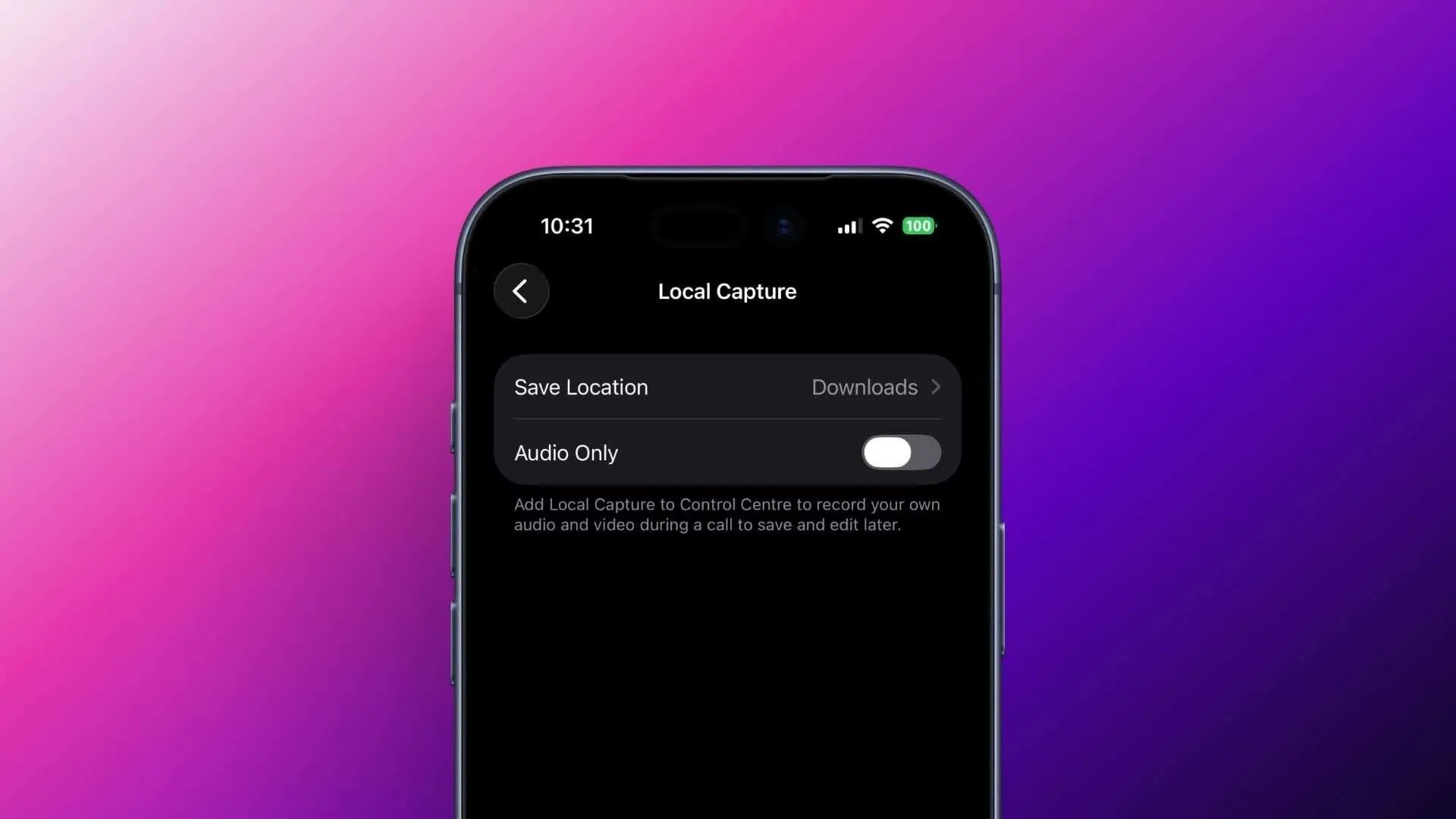
A new “Local Capture” menu under “Settings” & “General” gives you more control over managing your recordings. You can now choose a storage location and save your recordings anywhere instead of in the default “Downloads” folder. There’s also a new “Audio Only” option, which is handy if you want to focus solely on the audio and not record any video.
Swipe to change songs
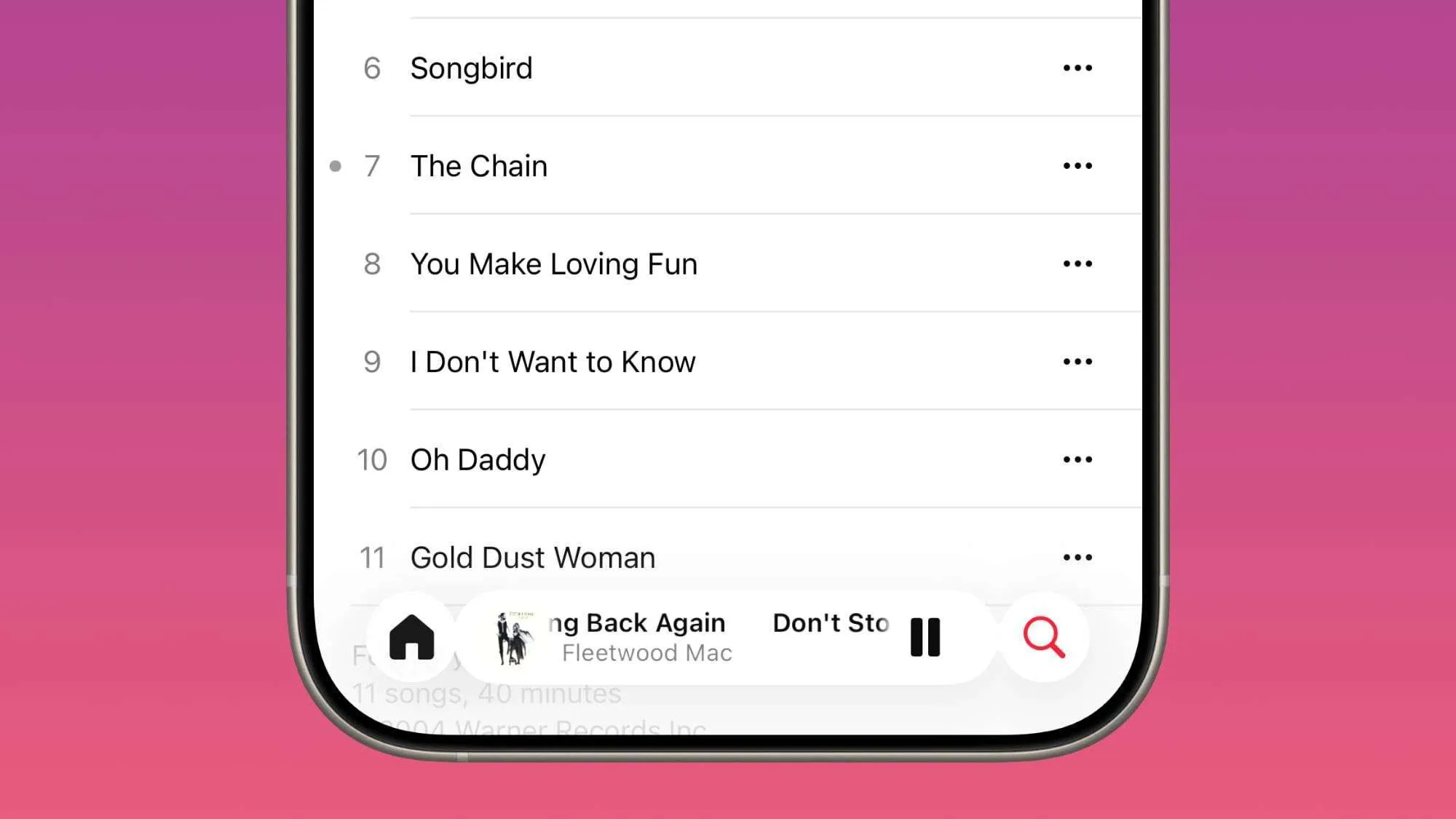
In iOS 26.1, Apple Music receives a small but practical update that makes listening to music even more enjoyable. When the music player is minimized at the bottom of the screen, you can now swipe left or right to switch between tracks without having to open the player. Whether you want to return to a favorite song or skip ahead in a playlist, the change provides a more intuitive and faster listening experience.
Automatic Installation of Security Updates
Apple is enhancing the protection of iPhone users between major iOS updates by further developing the “Rapid Security Responses” feature, which was introduced over two years ago. In iOS 26.1, the new “Background Security Enhancements” option can be found under Settings – Privacy & Security – Security Enhancements. This feature automatically downloads and installs important security updates as soon as they are available – in the background.
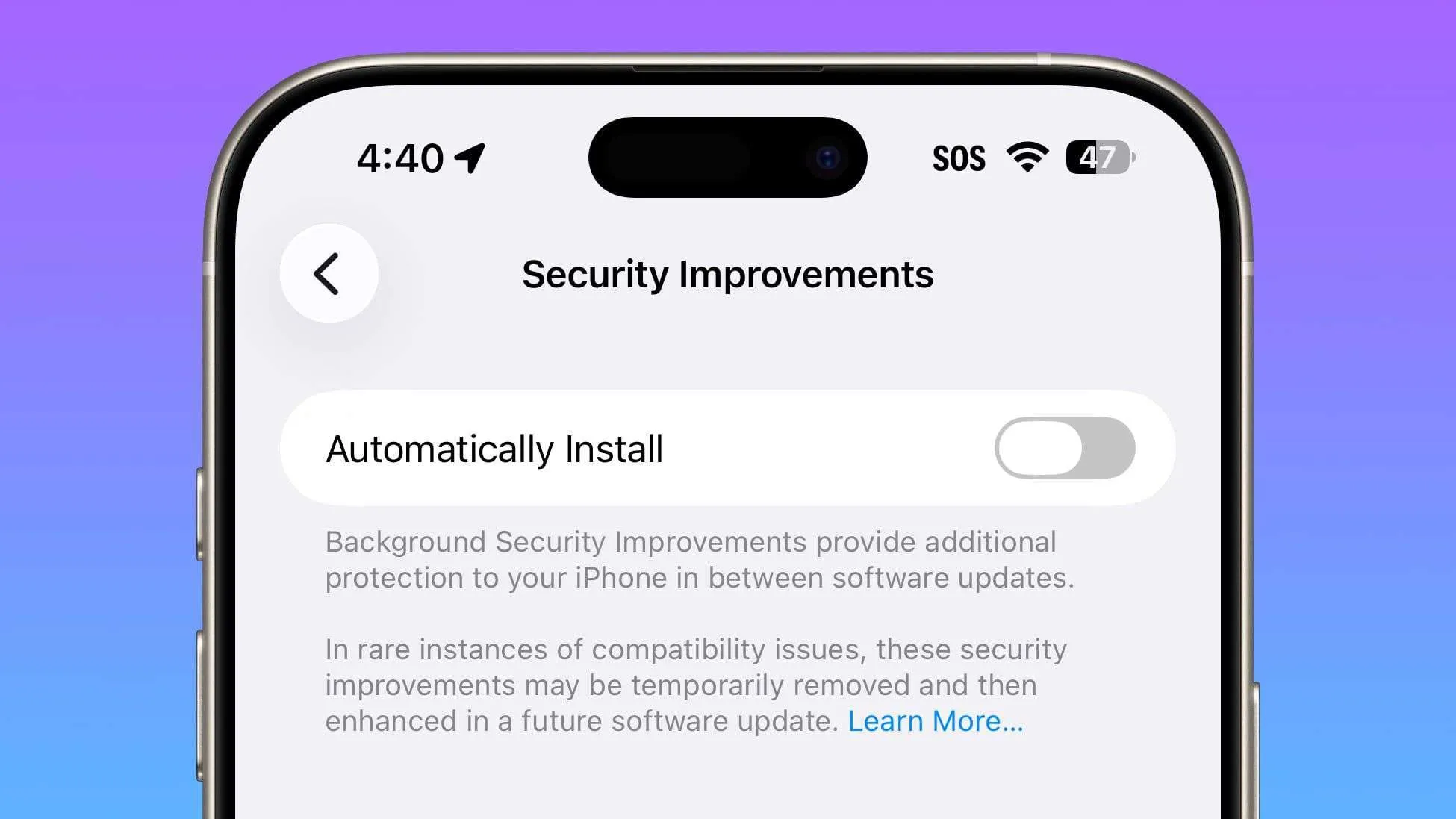
Previously, rapid security responses had to be downloaded via the Settings app, just like regular iOS updates. The first and only version of this type was released in July 2023. This version caused problems with some websites, which is why Apple had to withdraw and re-release it. Background security enhancements can also be withdrawn by Apple if they cause problems.


