ChatGPT now works with Adobe Photoshop, Express and Acrobat
Adobe has announced that you can now use Photoshop, Express, and Acrobat tools directly within ChatGPT. This means you can simply tell the chatbot your request, and it will use Adobe products. You can then continue the conversation and request changes.
ChatGPT and Adobe Photoshop
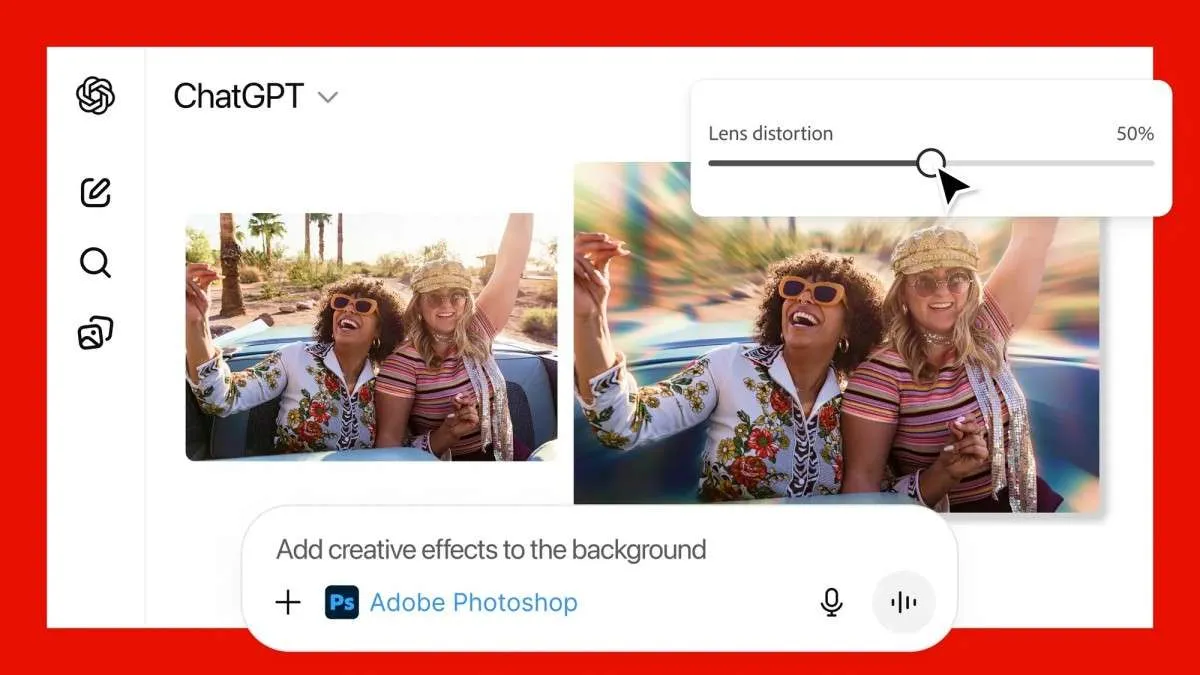
This allows you to easily edit images with Photoshop, whether by adjusting a specific area, fine-tuning settings such as brightness, contrast and exposure, or applying creative effects like glitch and glow – all while maintaining image quality.
Adobe Express
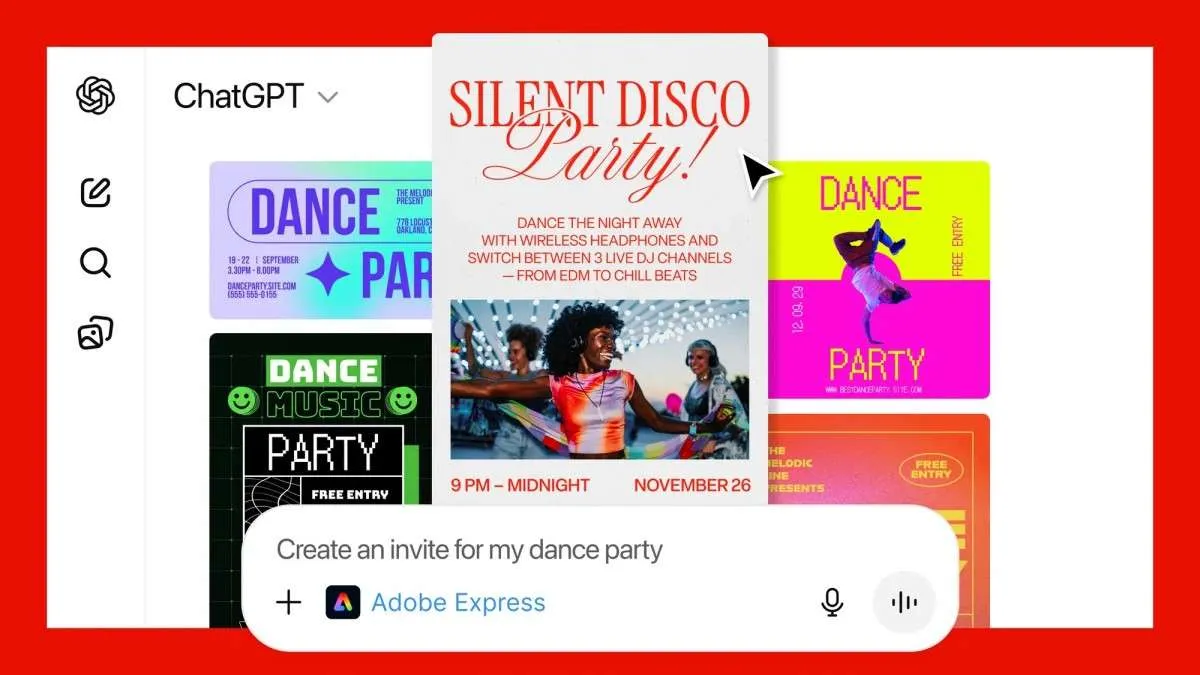
With Express, you can personalize designs and find the perfect one for any occasion from the extensive library of professional designs. You can insert text, replace images, animate designs, and make changes iteratively – all directly in the chat with ChatGPT, without having to open another app.
Adobe Acrobat
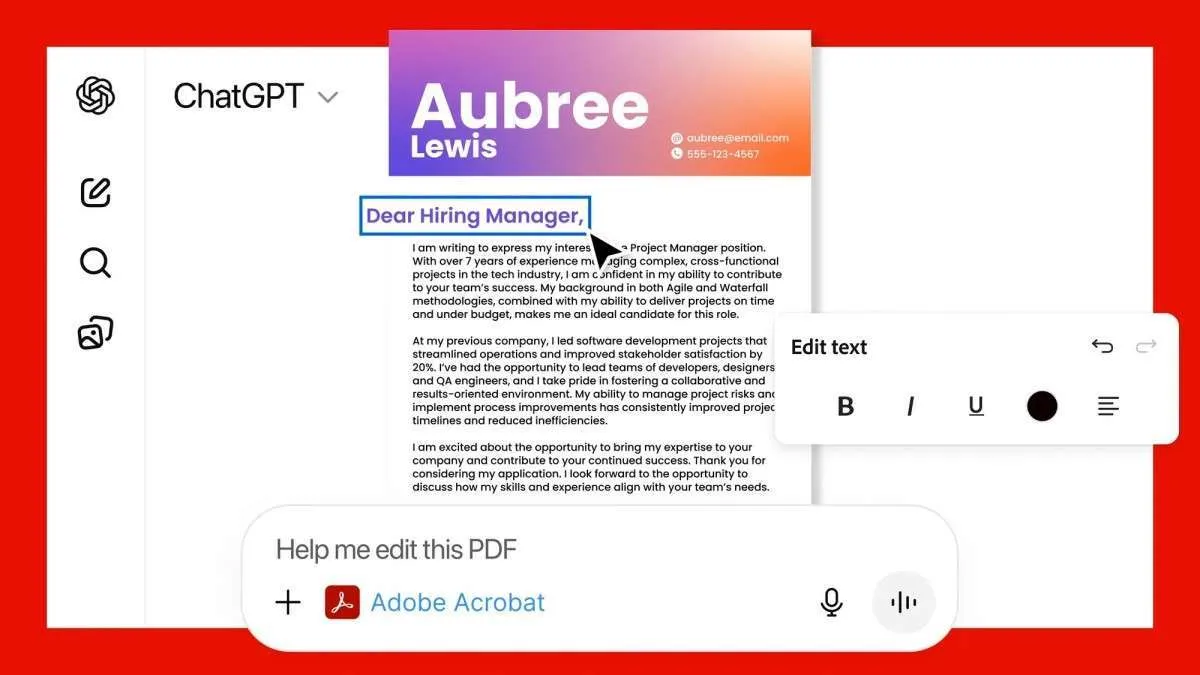
With Acrobat, you can edit PDFs directly in the chat, extract text or tables, organize and merge multiple PDF files, compress files and convert them to PDF while preserving formatting and quality. You can even remove sensitive details from your PDFs.
All of this is available for free on ChatGPT for desktop, web, and iOS starting today. Adobe Express for ChatGPT is also available for Android, while support for Photoshop and Acrobat on Android will be available soon.


