Apple updates Final Cut Pro and Logic Pro with these new features
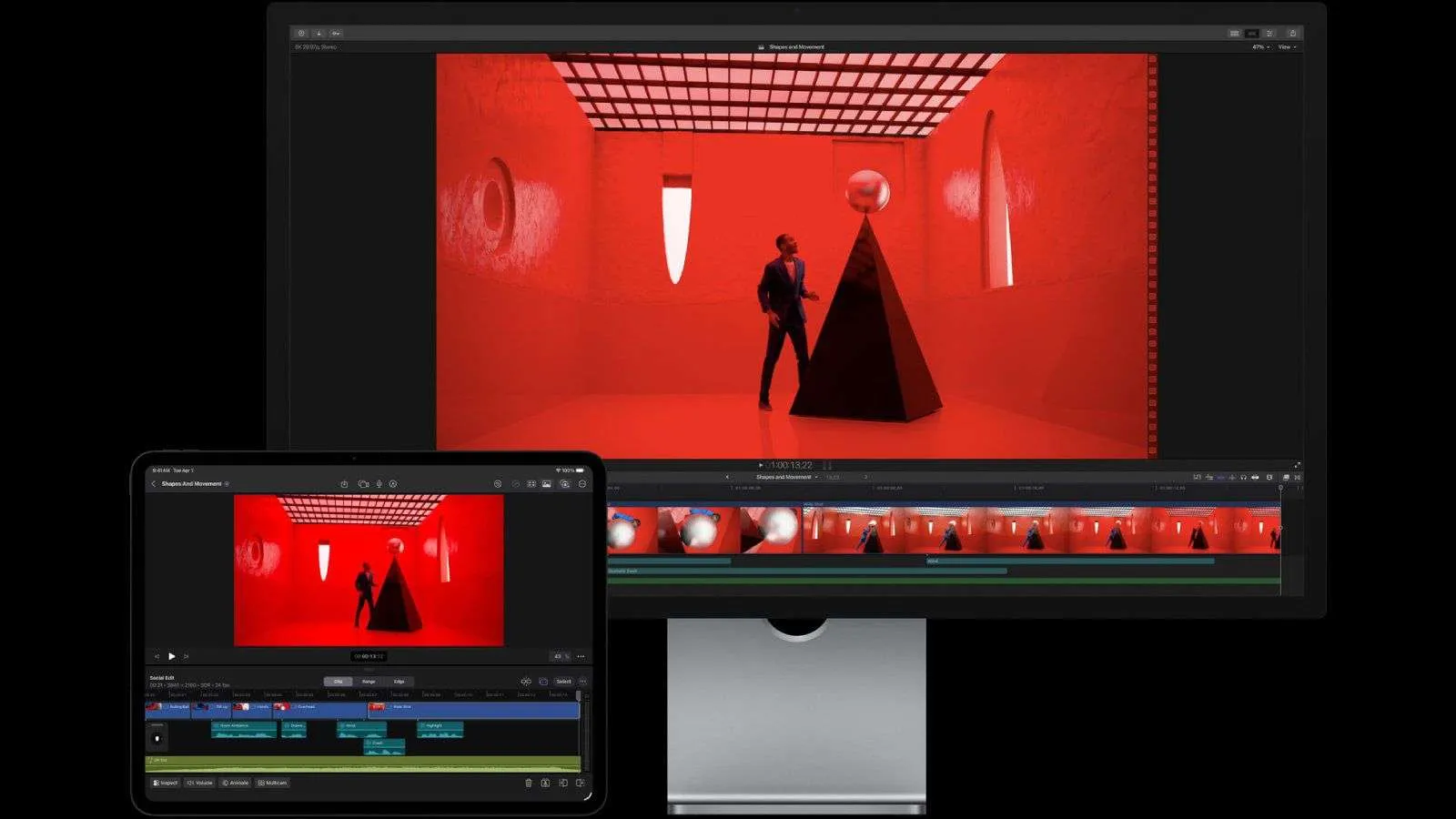
Apple today unveiled its apps Final Cut Pro and Logc Pro Updated. Both the one-time purchase version and the Apple Creator Studio version contain many new features.
Final Cut Pro


Here are the new features in all versions of Final Cut Pro for the MacBook, regardless of whether you have an active Apple Creator Studio subscription:
Final Cut Pro powerful intelligence
- Use the transcript search to quickly find spoken words or phrases in your video footage – either by searching for exact matches or using natural language descriptions.*
- Discover visual search: Quickly and easily find moments in your video footage, including objects and actions, using natural language.*
- The beat detection analyzes each song and displays bars and beats, so you can easily adapt your video editing to the rhythm of the music.
Get started quickly
- Immerse yourself in the world of video editing with a special demo project featuring the talented singer-songwriter Allie Sherlock and discover the exciting new features of Final Cut Pro up close.
- Speed up your next edit with in-app tutorials on creating a new library, importing media, and adding clips to a new timeline.
* Requires a Mac with Apple silicon.
This is new in Final Cut Pro on the iPad, which is now only available to new customers with an Apple Creator Studio subscription:
Final Cut Pro powerful intelligence
- Transcript search lets you quickly find spoken words or phrases in your recordings by searching for exact matches or using natural language descriptions (iPadOS 26 required).
- Discover visual search: Quickly and easily find moments in your recordings, including objects and actions, using natural language (iPadOS 26 required).
- The beat recognition analyzes each song and displays bars and beats, so you can easily adapt your video editing to the rhythm of the music.
Get started quickly
- Effortlessly create visual highlight videos with your music using Montage Maker, which you can share directly or use as a creative starting point for your edits (iPadOS 26 required).
- Dive into the world of video editing with a special demo project featuring the talented singer-songwriter Allie Sherlock and discover the exciting new features of Final Cut Pro up close.
- Enhance your videos with dynamic titles, give them a personal touch with customizable graphic elements, and ensure the perfect pace with countdowns and timers.
Workflow improvements
- Optimize your workflow with multi-selection in the Inspector. This allows you to edit and adjust multiple clips simultaneously.
- Keep your projects running smoothly with background exports and track their progress in Live Activities – ideal for multitasking with different apps (requires iPad models with M3 or newer and iPadOS 26).
- Expand your workspace by connecting an external monitor to easily view and play back your edits.
Logic Pro


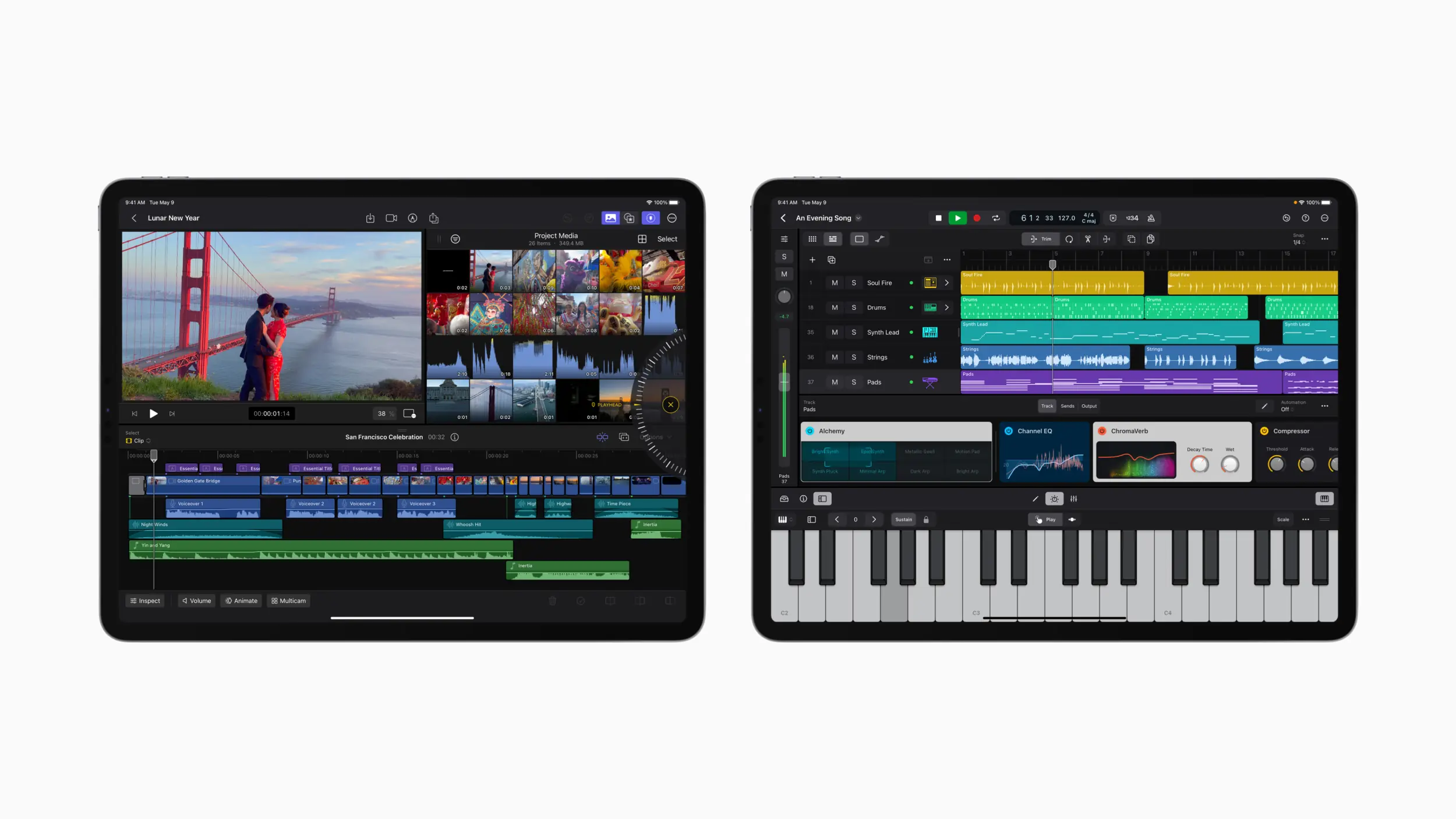

Here are the new features in all versions of Logic Pro for Mac, regardless of whether you have an active Apple Creator Studio subscription:
AI Session Player
- Transform your tracks with the brand new Synth Player and create keyboard and bass performances with intuitive controls.
- Generate dynamic synth performances that play notes and manipulate instruments.
- Use Simple Pad to add lush harmonic layers to your song, or create movement and dynamics with Modulated Pad and Rhythmic Chords.
- Discover popular synth bass styles such as 808 Bass, Pump Bass and Sequenced Bass to precisely adjust the bass range.
- Use Chord ID to identify chords in each part of your song, and Session Player will follow them automatically.
Sound library
- Discover a free, ever-growing collection of premium sound packs in the brand-new sound library.
- Listen to audio previews of all sound packs and install your favorites.
- Free up storage space by simply deleting packages you no longer need.
Here’s what’s new in Logic Pro on the iPad, which is now only available to new customers with an Apple Creator Studio subscription:
AI Session Player
- Transform your tracks with the brand new Synth Player and create keyboard and bass performances with intuitive controls.
- Generate dynamic synth performances that play notes and manipulate instruments.
- Use Simple Pad to add lush harmonic layers to your song, or create movement and dynamics with Modulated Pad and Rhythmic Chords.
- Discover popular synth bass styles such as 808 Bass, Pump Bass and Sequenced Bass to precisely adjust the bass range.
- Use Chord ID to identify chords in each part of your song, and Session Player will follow them automatically.
Quick swipe to combine
- Create the perfect performance by selecting the best moments from multiple takes.
- Organize your takes with take folders and quickly compare different compositions.
- Use the Apple Pencil for even more precision when editing and selecting your best takes.
Music understanding
- Quickly and intuitively search for loops in your browser using natural language expressions such as “dreamy electric piano”.
- Select a loop, and the browser will use machine learning to quickly show you similar loops from the sound library.
If you already have a Final Cut Pro and/or Logic Pro subscription for €4.99/$4.99 per month on iPad, you can continue paying this price to access the Apple Creator Studio versions of the apps on iPad. If you want to use all other Mac and iPad apps from Apple Creator Studio, you’ll need to pay the full price of €12.99/$12.99 per month.
Today on Mac, the Final Cut Pro companion apps Motion and Compressor, as well as the Logic Pro companion app MainStage, were updated with the same new features in both the one-time purchase version and the Apple Creator Studio version of the apps.
Two more Apple apps were updated today: iMovie for Mac and Final Cut Camera for iPhone. These apps are not part of Apple Creator Studio, for some reason.


