Creating Apple Music playlists with ChatGPT
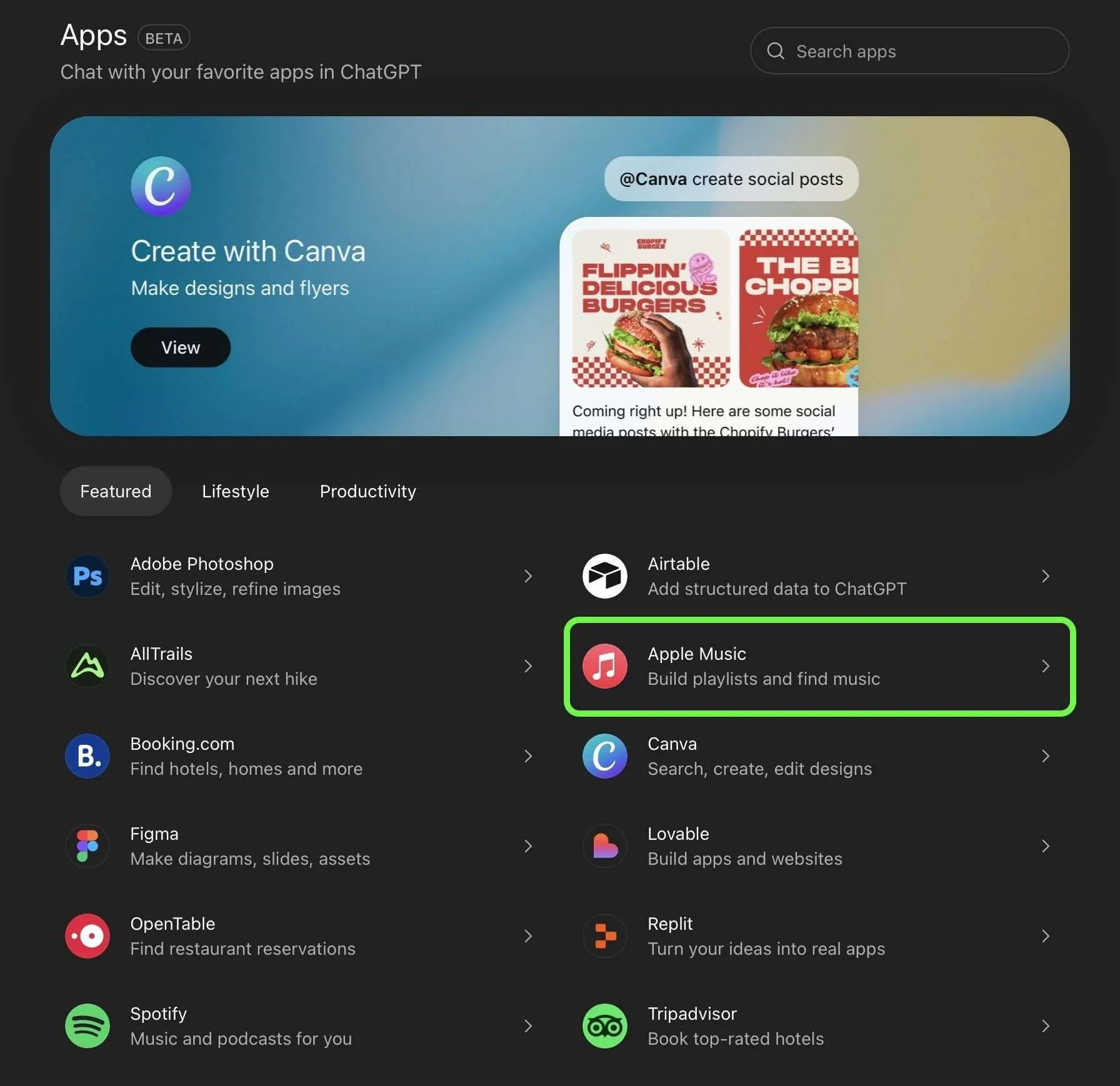
Apple Music has also been available as an extension in ChatGPT since just before Christmas. Available. This means you can use OpenAI’s chatbot to search for songs, create playlists, and discover new music. Here’s how to set up the extension and why it’s worth it.
Features
The combination of ChatGPT and Apple Music has the potential to revolutionize the way you discover new music. You can describe your musical desires in natural language. Instead of typing specific search terms, you can ask the chatbot, for example, “happy 80s songs for a road trip” or “relaxing instrumental music for studying.” ChatGPT will then understand the context and the desired mood.
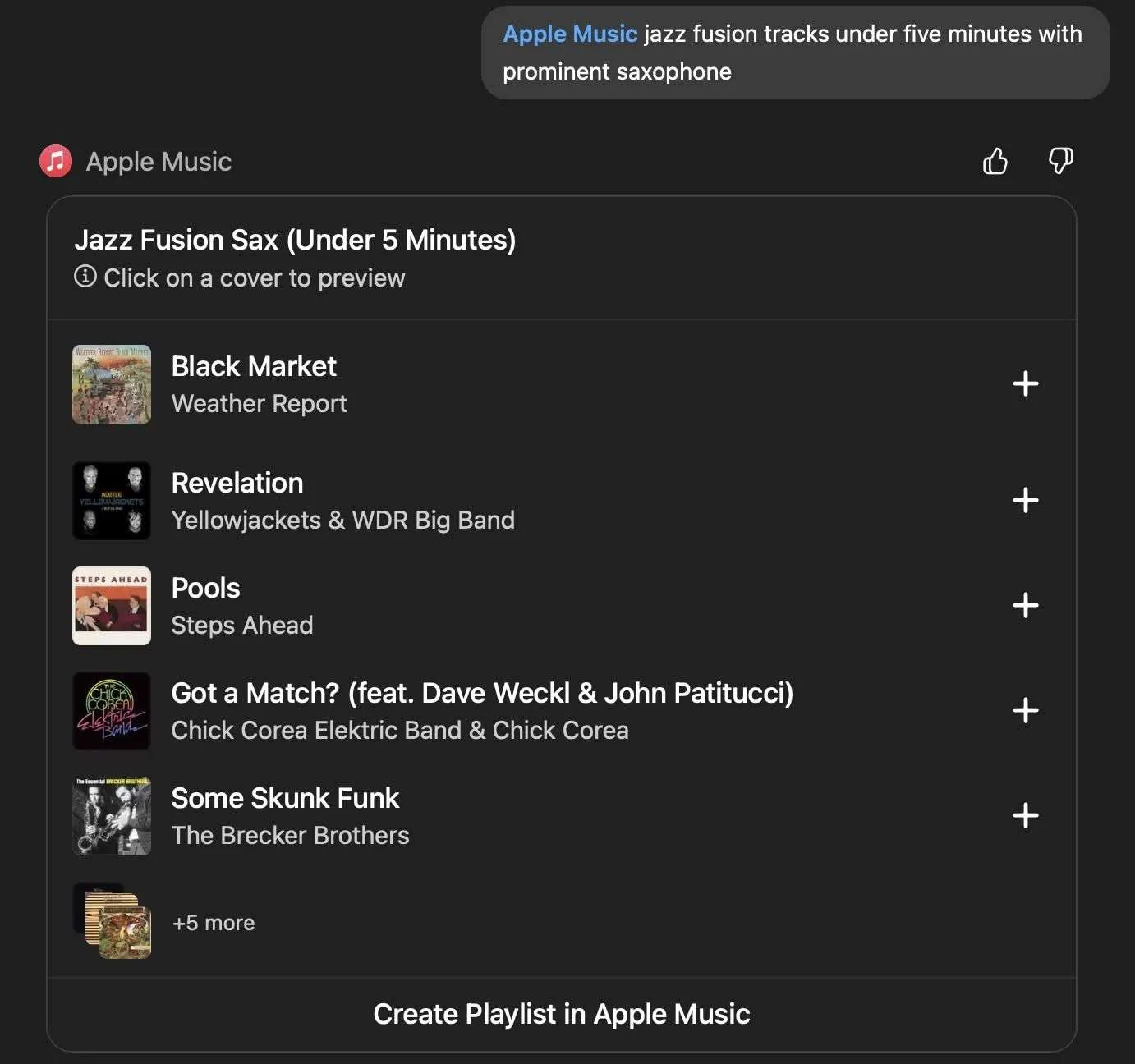
You can even combine multiple criteria, such as “Jazz fusion tracks under five minutes with prominent saxophone”, and ChatGPT will find exactly what you are looking for – in a way that is simply not possible with conventional keyword searches.
You can request custom playlists based on specific criteria, receive music recommendations, or discover music by decade, genre, or artist. Once ChatGPT has created a playlist, you can preview each track and save the playlist directly to your library using the “Create Playlist in Apple Music” option. Individual tracks can also be saved using the plus buttons.
The extension requires a ChatGPT account and works with both free and paid plans. You don’t need an Apple Music subscription to browse the catalog, create playlists, or listen to 30-second samples. However, an active subscription is required if you want to save content to your library.
How to connect Apple Music to ChatGPT
Before you can discover new music using AI, you need to connect to Apple’s streaming service via the ChatGPT extension. This only needs to be done once.

- Open the ChatGPT app and tap on your profile in the sidebar.
- Under “Account settings”, tap on “Apps”.
- Tap on “Browse Apps” and then select Apple Music from the extension library.
- Tap Connect, then select Connect Apple Music.
- Follow the on-screen instructions to sign in to your Apple account and grant the access request.
If you are using a desktop computer, you can perform the same steps in the ChatGPT app for Mac. Alternatively, you can open chatgpt.com/apps in a browser and go to the “Apps” section – there you will find the Apple Music extension. Once connected, the extension will remain active on all your devices logged in with the same ChatGPT account.
Listening history and existing playlists remain protected
The extension can search the Apple Music catalog and create playlists, but it has no access to your listening history or existing playlists. The integration can only add tracks to your library, so your personal data remains protected.


