Pokémon Champions Mega Stones: How to get and use them
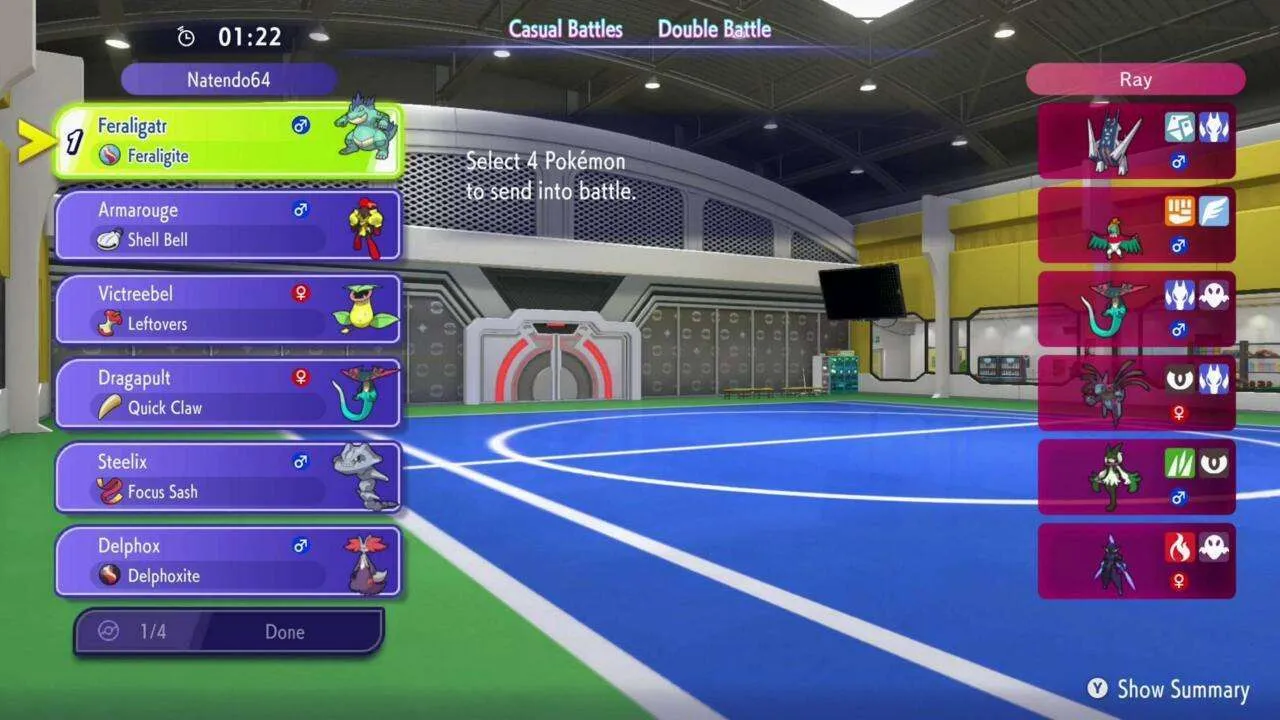
Before diving into Pokémon Champions – the brand-new battle spectacle for the Switch – you absolutely must familiarize yourself with the Mega Stones. These special stones were introduced in Pokémon X & Y and have recently been added to Pokémon Legends Z-A. They’re the key to Mega Evolution and absolutely essential in the current Champions meta. Here’s everything you need to know.
What are Mega Stones in Pokémon Champions?
Mega Stones are items in the Pokémon video games that allow certain Pokémon to undergo Mega Evolution. This temporary transformation changes the Pokémon’s appearance and affects its stats, type, and ability, among other things.
Several Mega Stones were first introduced in Pokémon X & Y on the 3DS, before Pokémon Omega Ruby & Alpha Sapphire added more. Although Mega Stones also appeared in Pokémon Sun & Moon, this mechanic didn’t return until Pokémon Legends Z-A for Nintendo Switch and Nintendo Switch 2. Pokémon Legends Z-A introduced several new Mega Stones, and the DLC Pokémon Legends Z-A: Mega Dimension added even more.
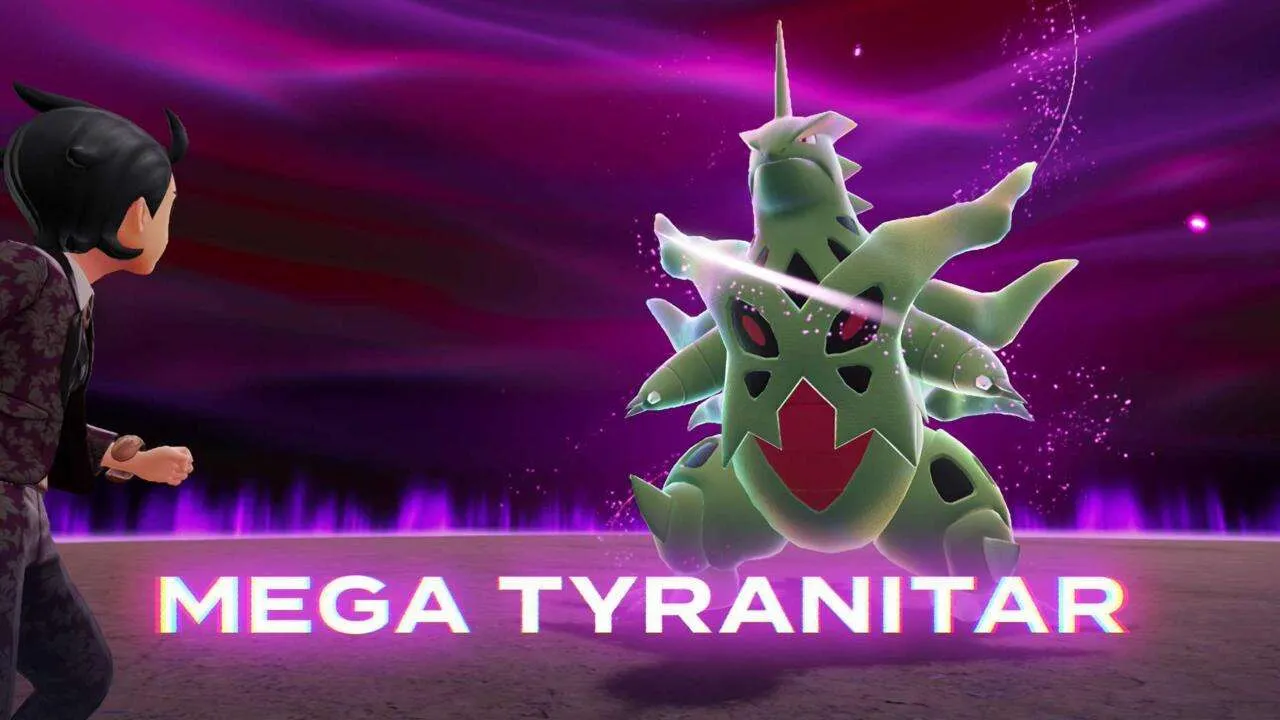
How to obtain Mega Stones in Pokémon Champions
There are several ways to obtain Mega Stones in Pokémon Champions. You can find all of these methods below:
Buy Mega Stones in the Pokémon Champions Shop
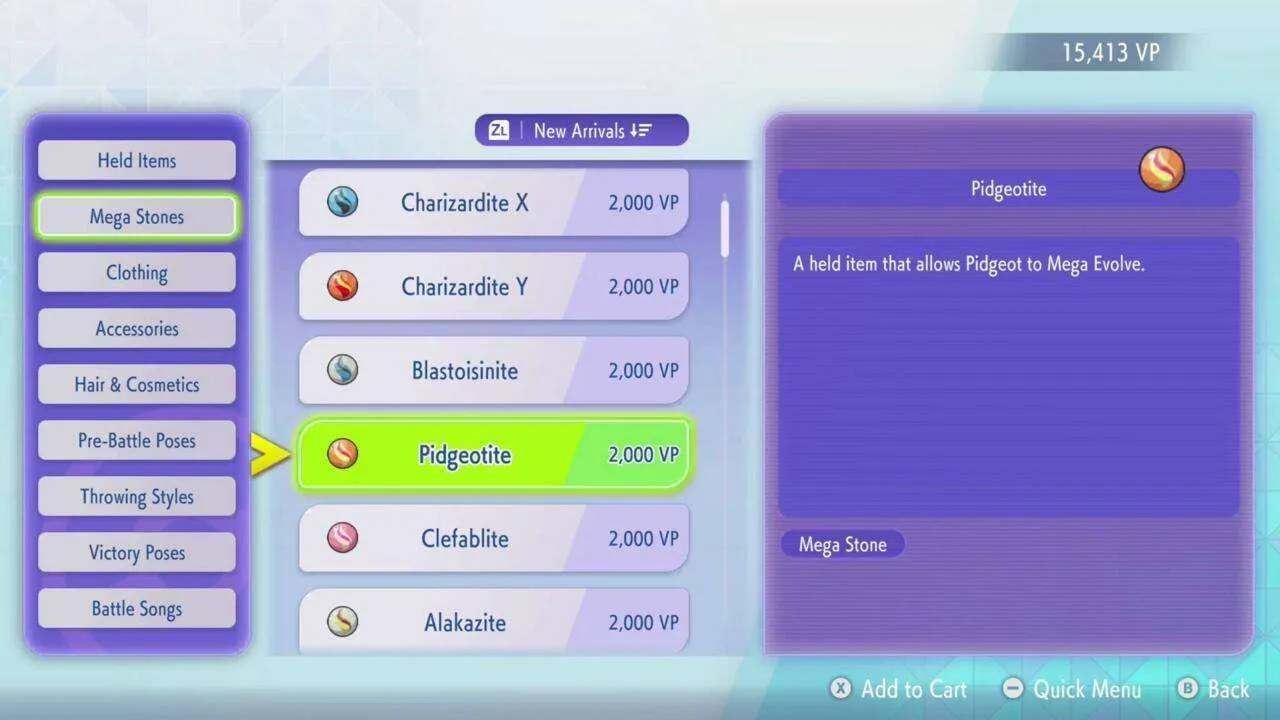
The easiest way to get Mega Stones is to buy them. From the main menu, press “Shop” and then “Frontier Shop.” Scroll to “Mega Stones,” and you’ll see a list of all available Mega Stones. Each stone costs 2,000 VP, a resource you earn by participating in battles and completing missions.
It’s important to note that many of the purchasable Mega Stones are also obtainable through other means. To save VP, it’s therefore highly recommended to check all in-game rewards, free Battle Pass rewards, and other ways to obtain Mega Stones. Otherwise, you might waste your VP on a stone you could have earned in another way.
Earn Mega Stones in the Pokémon Champions Battle Pass
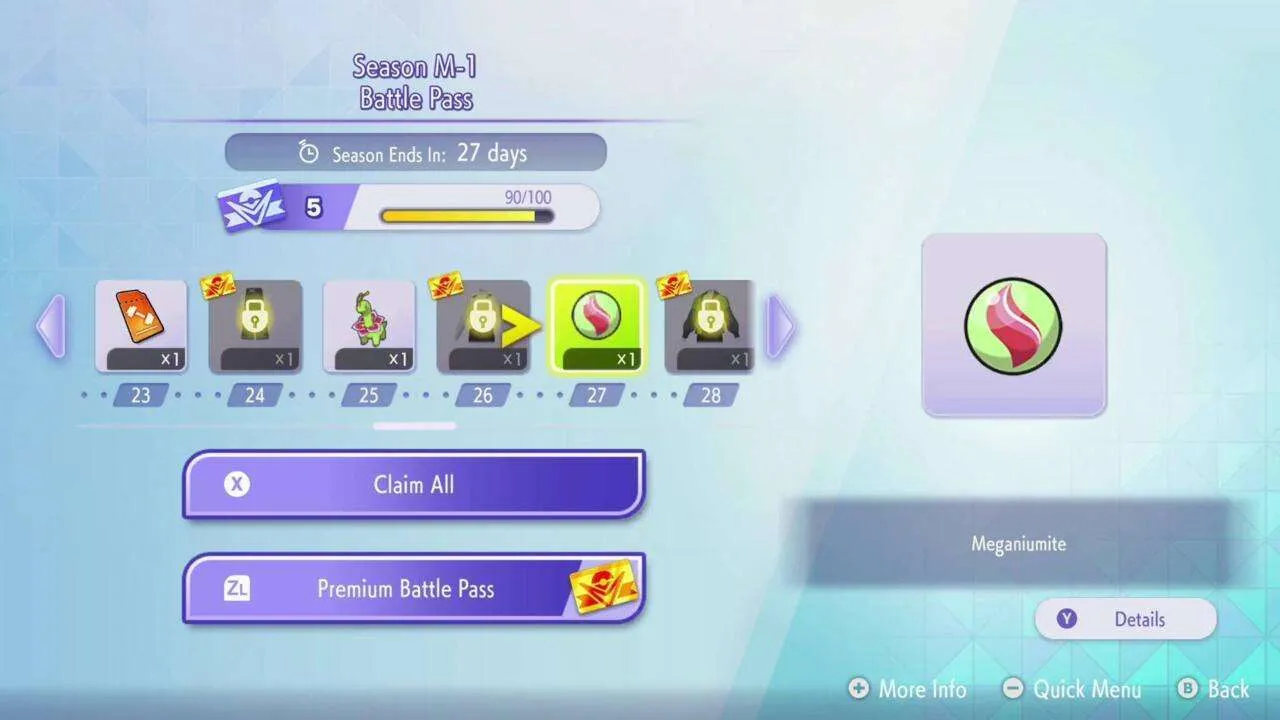
Pokémon Champions features a Battle Pass that lasts approximately one month per season and is divided into two tiers: the free Battle Pass and the paid Premium Battle Pass. By battling and completing missions, you progress through the Battle Pass and unlock rewards, including Mega Stones. Some of these are available in the free Battle Pass, while others can be earned in the Premium Battle Pass.
Complete the Mega Evolution Battle Tutorial
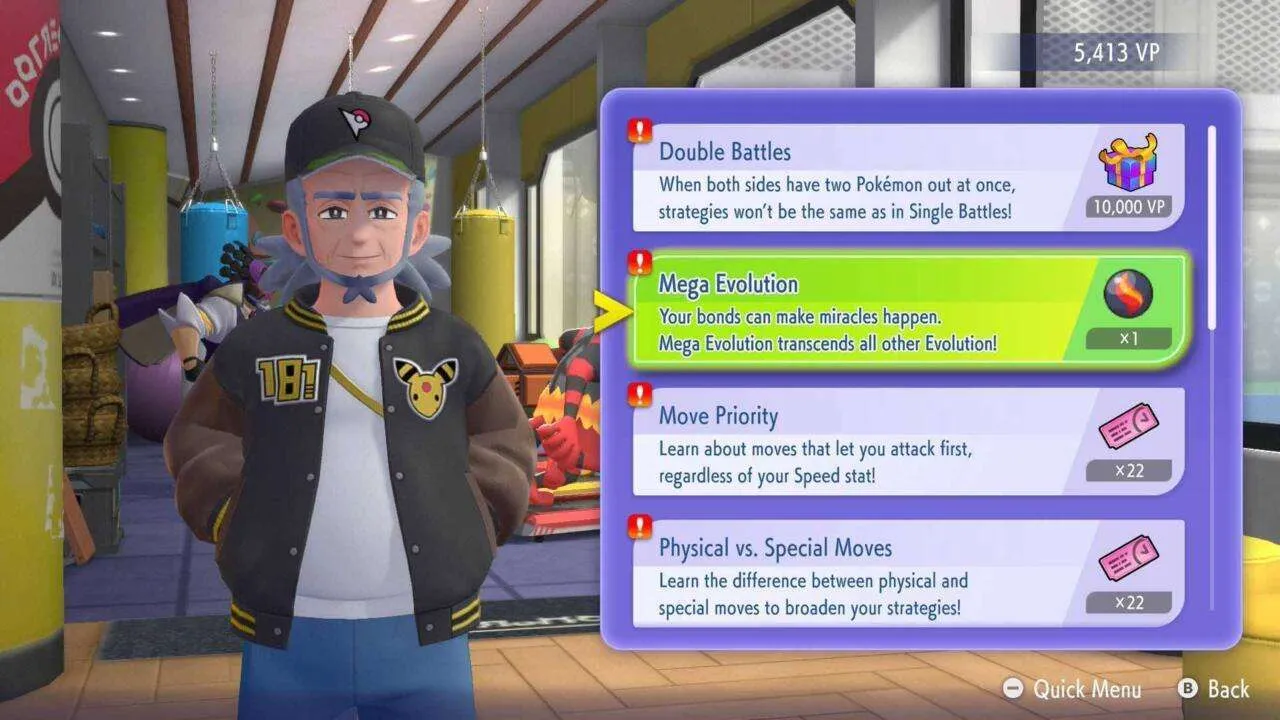
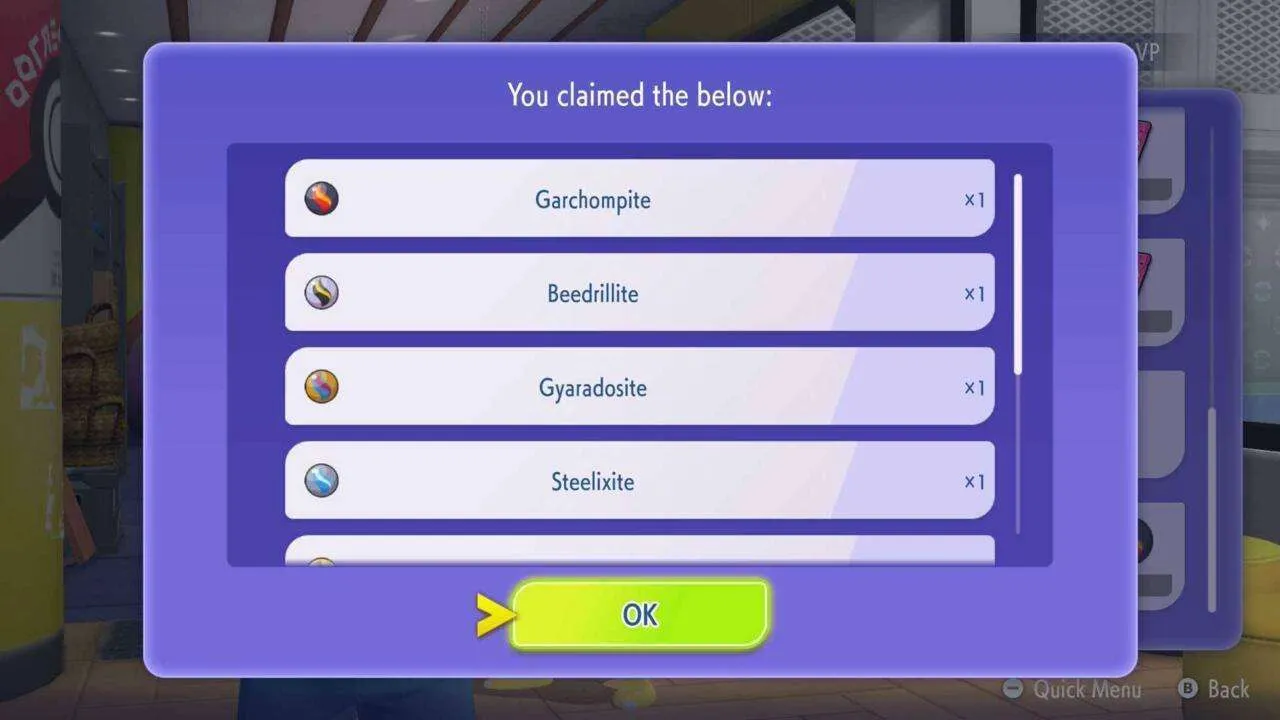
A simple but easily overlooked way to obtain Mega Stones is to complete the Mega Evolution battle tutorial. To do this, tap “Training” on the main screen, then “Battle Tutorials,” and finally “Mega Evolution.” Play the short training battle that explains Mega Evolution, and you’ll receive the following stones:
- Abomasit
- Aggronit
- Beedrillite
- Garchompite
- Gyradosites
- Heracronite
- Manecit
- Steelixite
Transferring Pokémon from Pokémon Legends Z-A
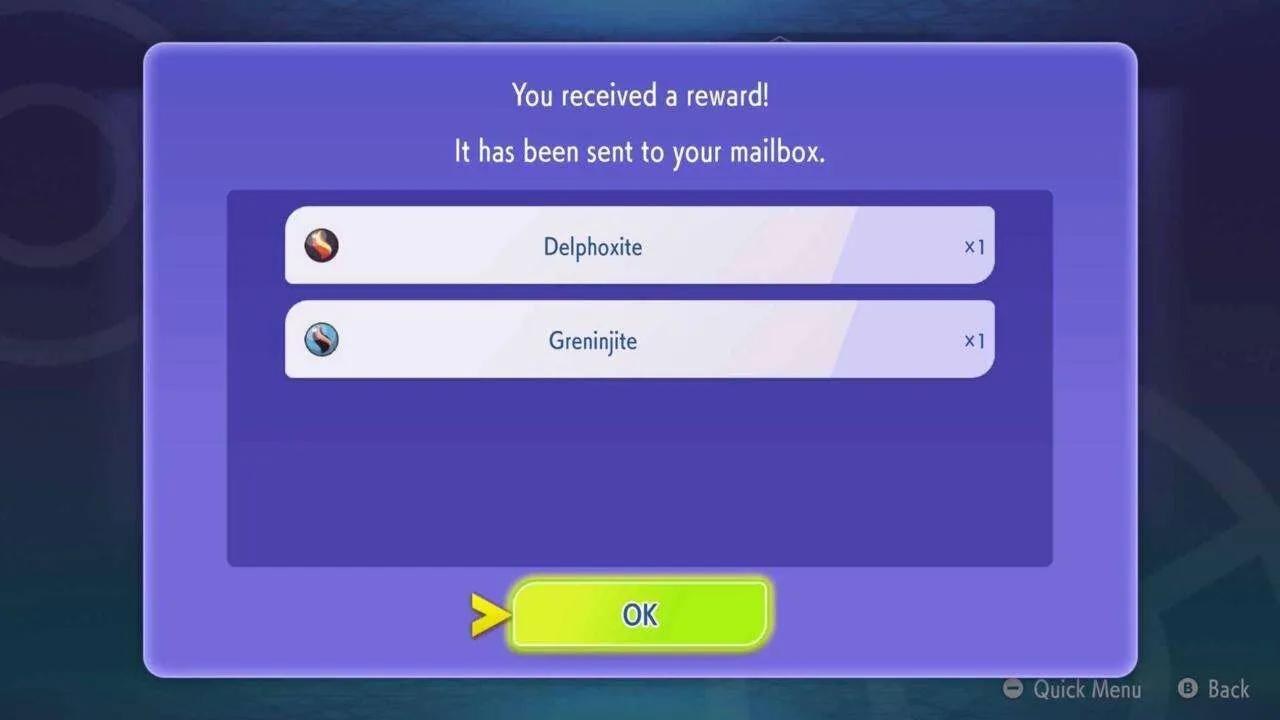
As part of numerous campaigns to promote the release of Pokémon Champions The Pokémon Company has revealed an easy way to secure some Mega Stones. Any player who either transfers Chesnaught, Delphox, Greninja or Eternal Floette to Pokémon Home and then having it visit Pokémon Champion will grant the corresponding Mega Stone.
All Mega Stones currently included in Pokémon Champions
- Venus auride
- Charizardite X
- Charizardit Y
- Blastoisinite
- Pidgeotite
- Clefablite
- Alacazite
- Victreebelite
- Slowbronite
- Gengarit
- Kangaskhanit
- Starminite
- Pinsirite
- Aerodactylite
- Dragoninite
- Meganiumite
- Feraligit
- Ampharosite
- Scizorite
- Skarmory
- Houndoominite
- Tyranitarite
- Gardevoirite
- Sablenite
- Medichamite
- Sharp donit
- Camerupzit
- Altarianite
- Banettite
- Chimechite
- Absolute
- Glalite
- Lopunnite
- Lucarionite
- Galladite
- Froslassit
- Emboarite
- Excadrite
- Audinite
- Chandelurit
- Golurkite
- Meowsticite
- Hawluchanite
- Krabominit
- Drampanit
- Scovillainite
- Glimmorite
How to use Mega Stones in Pokémon Champions

To use a Mega Stone in Pokémon Champions, you must first ensure you have purchased the correct stone and then assign it to the appropriate Pokémon. Use one of the methods mentioned above to obtain the desired stone. To equip it in Pokémon Champions, follow these steps:
- In the main menu, press the BOX button.
- Select the Pokémon you want to equip, either from your team or your box, move the cursor over it and press A.
- Select “Give object to hold” and press A.
- Press this button to access the Mega Stone menu.
- Select the appropriate stone – the item description will tell you which Pokémon it is for – and press A.
- Your Pokémon is now holding a Mega Stone.
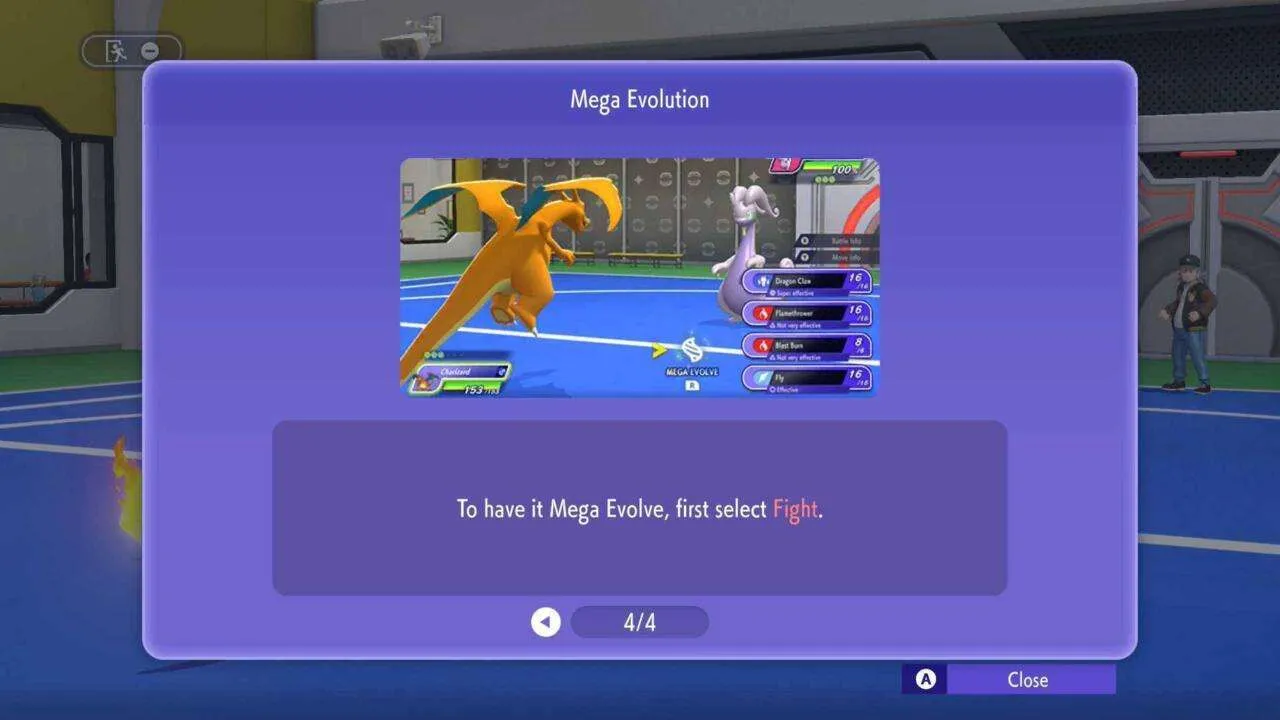
To use the Mega Stone in battle, follow these steps:
- Select “Combat” from the main menu and press A.
- To trigger Mega Evolution, press R before selecting an attack.
- In the next turn, your Pokémon will begin by Mega Evolving and then perform its attack in the turn order determined by its Speed stat.
Can you equip multiple stones?
Yes, you can equip multiple Pokémon on your team with a Mega Stone, but in Pokémon Champions, you can only Mega Evolve one Pokémon per battle. You can therefore use this tactic to show your opponent that multiple Pokémon can Mega Evolve, rather than revealing exactly which ones. However, some Pokémon are better suited to different items. Ultimately, it’s up to you which tactic you choose.
Can every Pokémon use a rock?
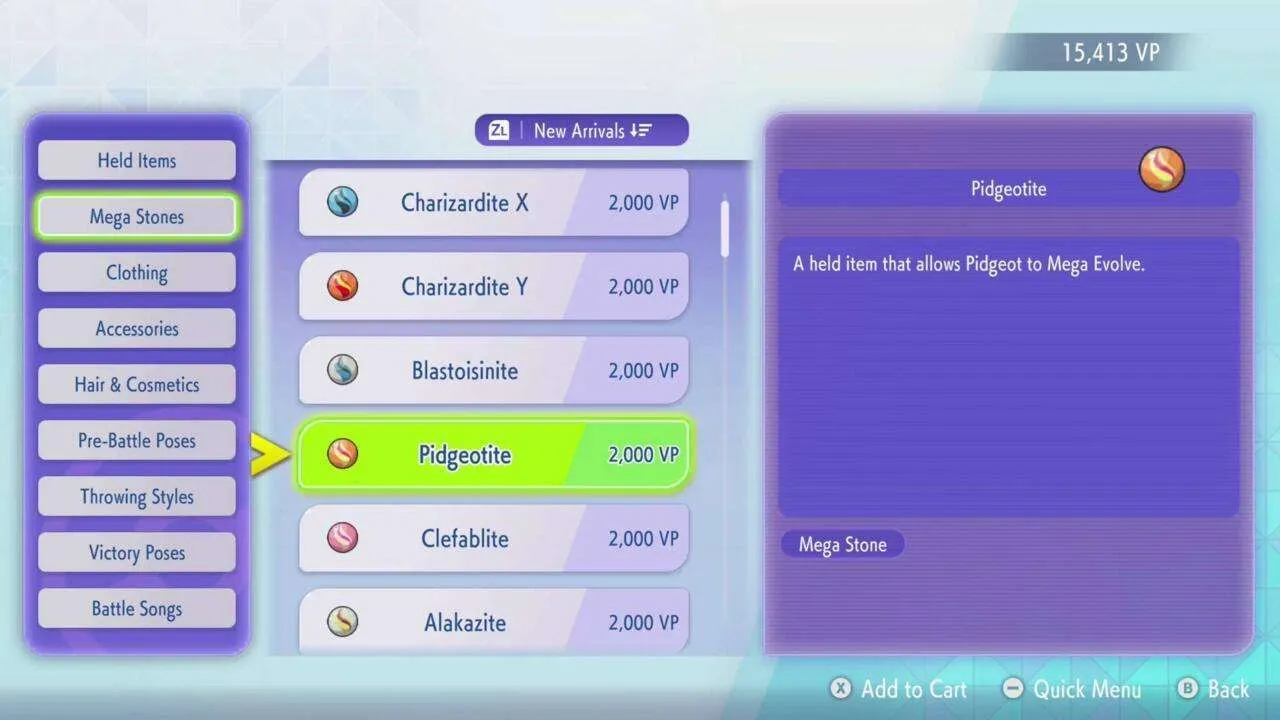
No, only Pokémon capable of Mega Evolution can use a Mega Stone. Furthermore, they require the specific stone for their evolution—each stone has a name very similar to the name of the corresponding Pokémon. For example, Venusaur needs the Venusaurite Mega Stone for its Mega Evolution.


