iPad as Nintendo Switch 2 display
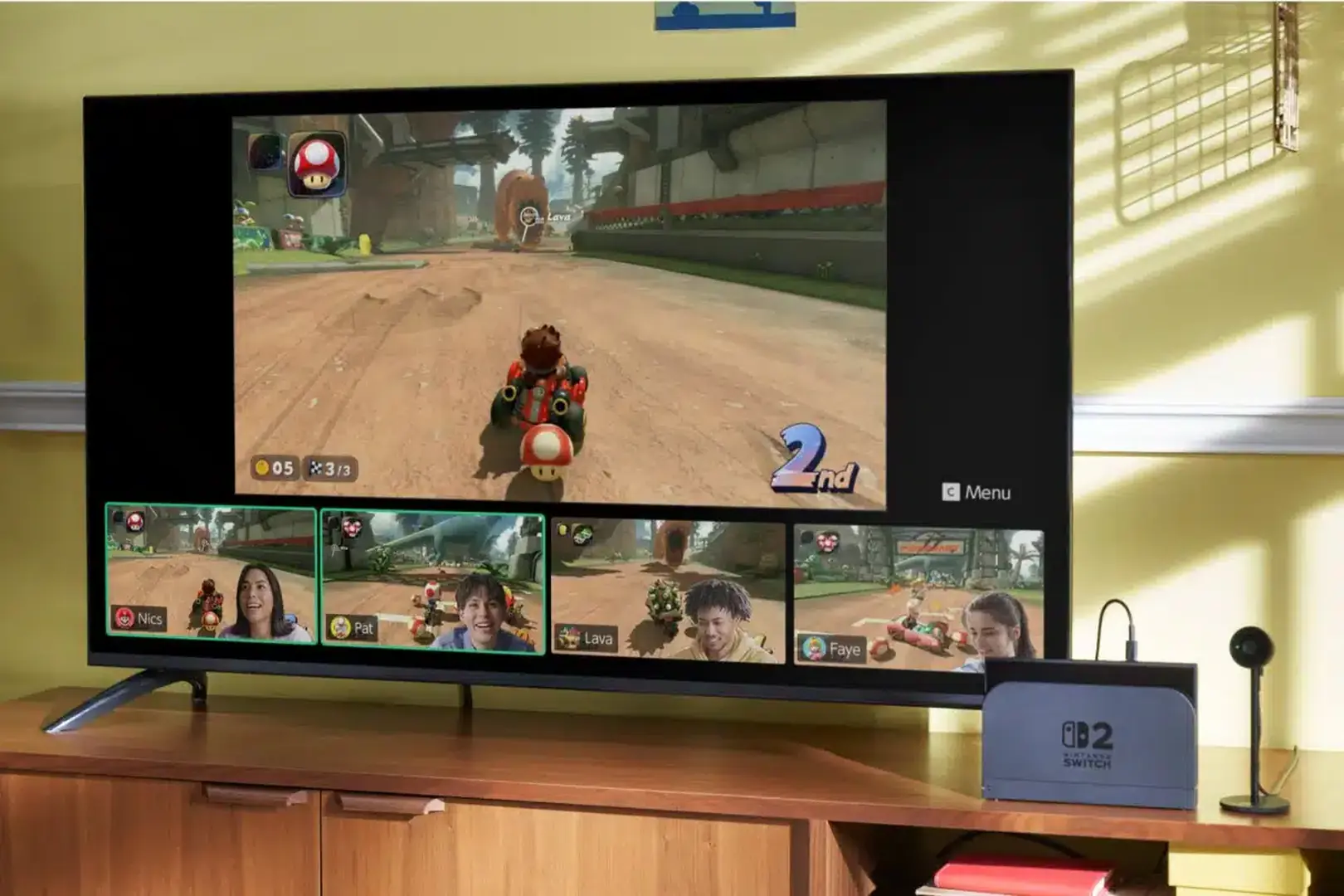
If you want to play on a larger display with your Nintendo Switch 2, an Apple iPad with a USB-C port could be the solution. All you need is an app and a few accessories to connect everything, as MacRumors videographer Dan Barbera shows in a new video.
For this setup, you need a USB-C iPad with the latest iOS version and a Switch console. We’re demonstrating it with Nintendo’s new Switch 2, but it also works with the original Switch as well as other PlayStation and Xbox consoles.
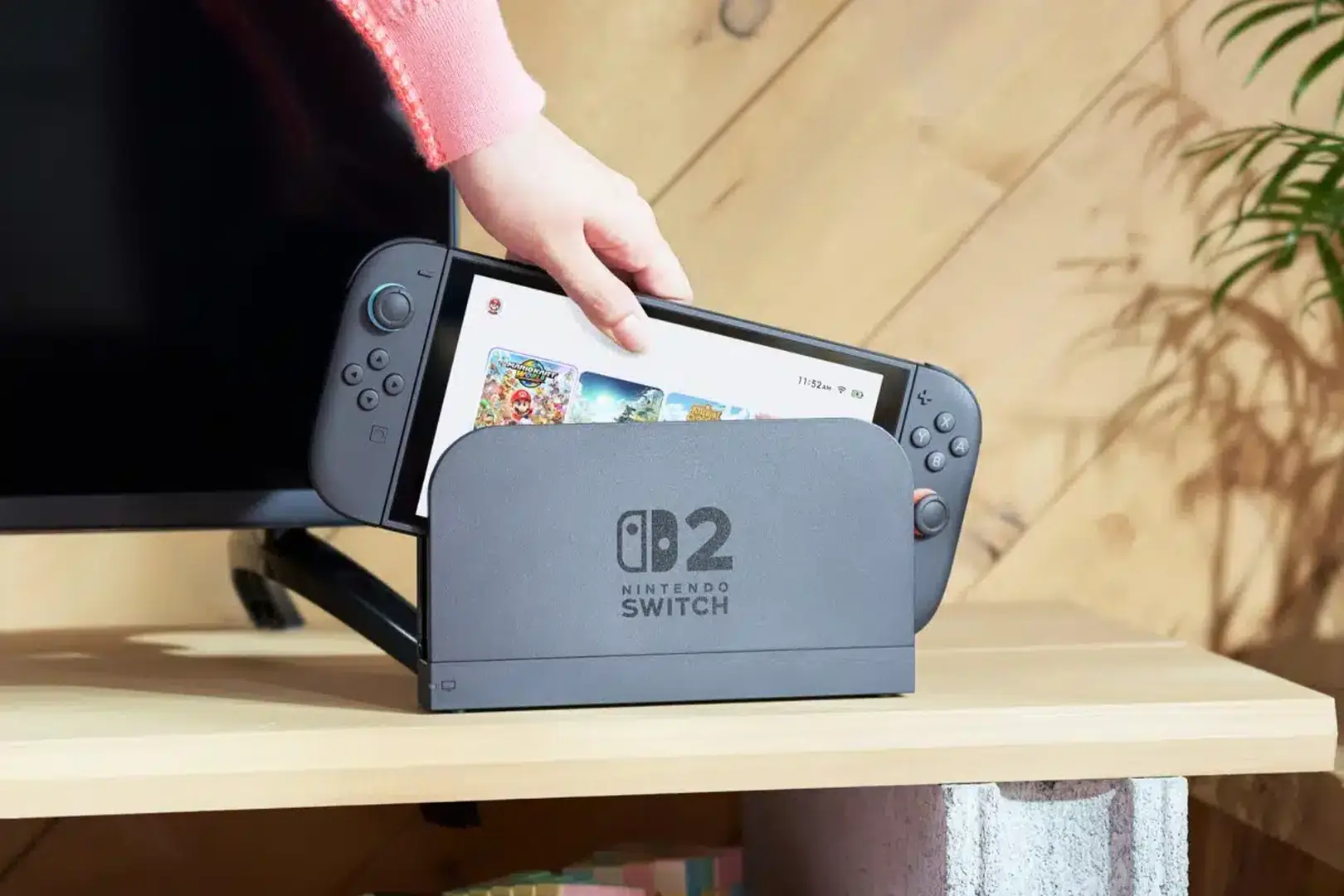
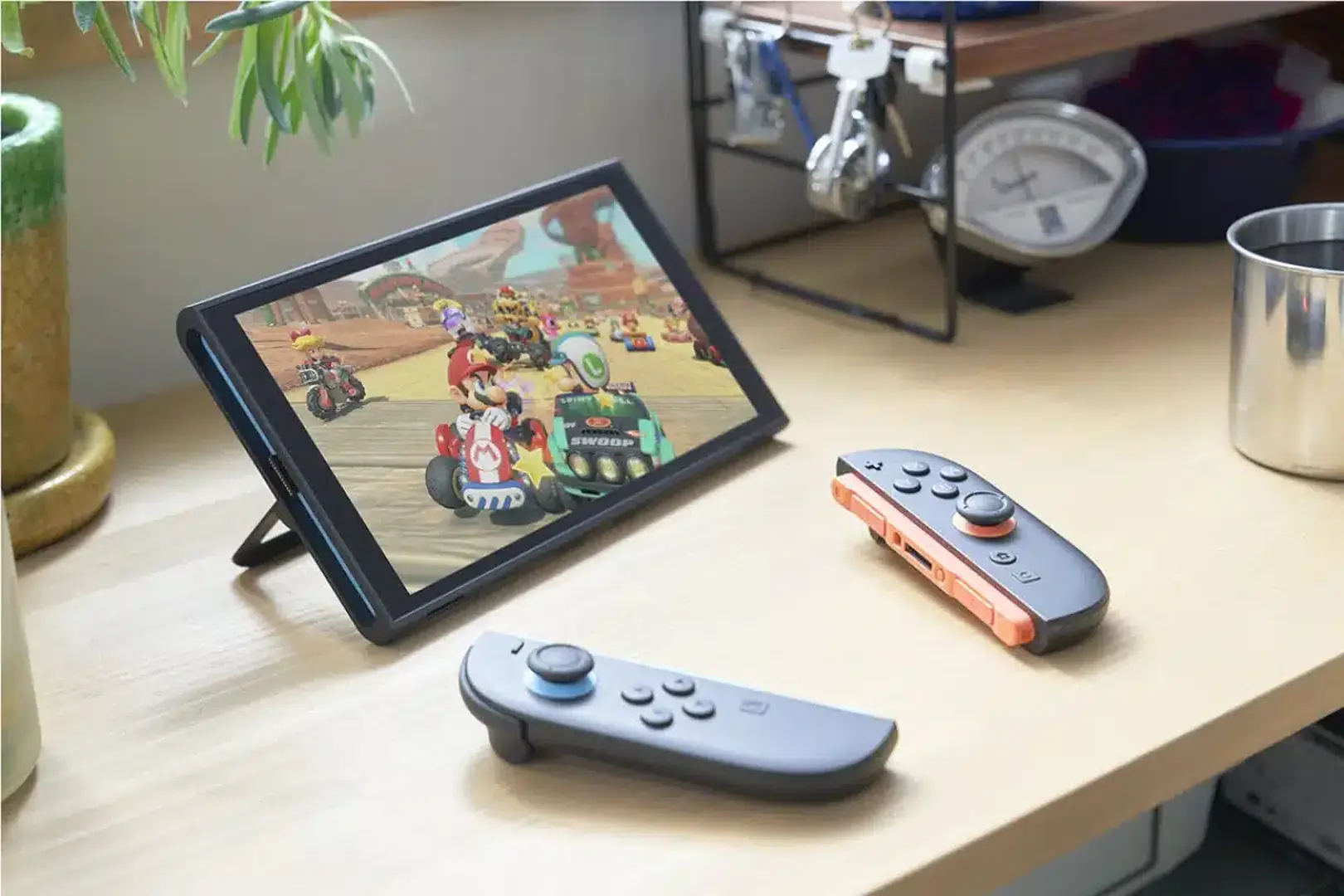
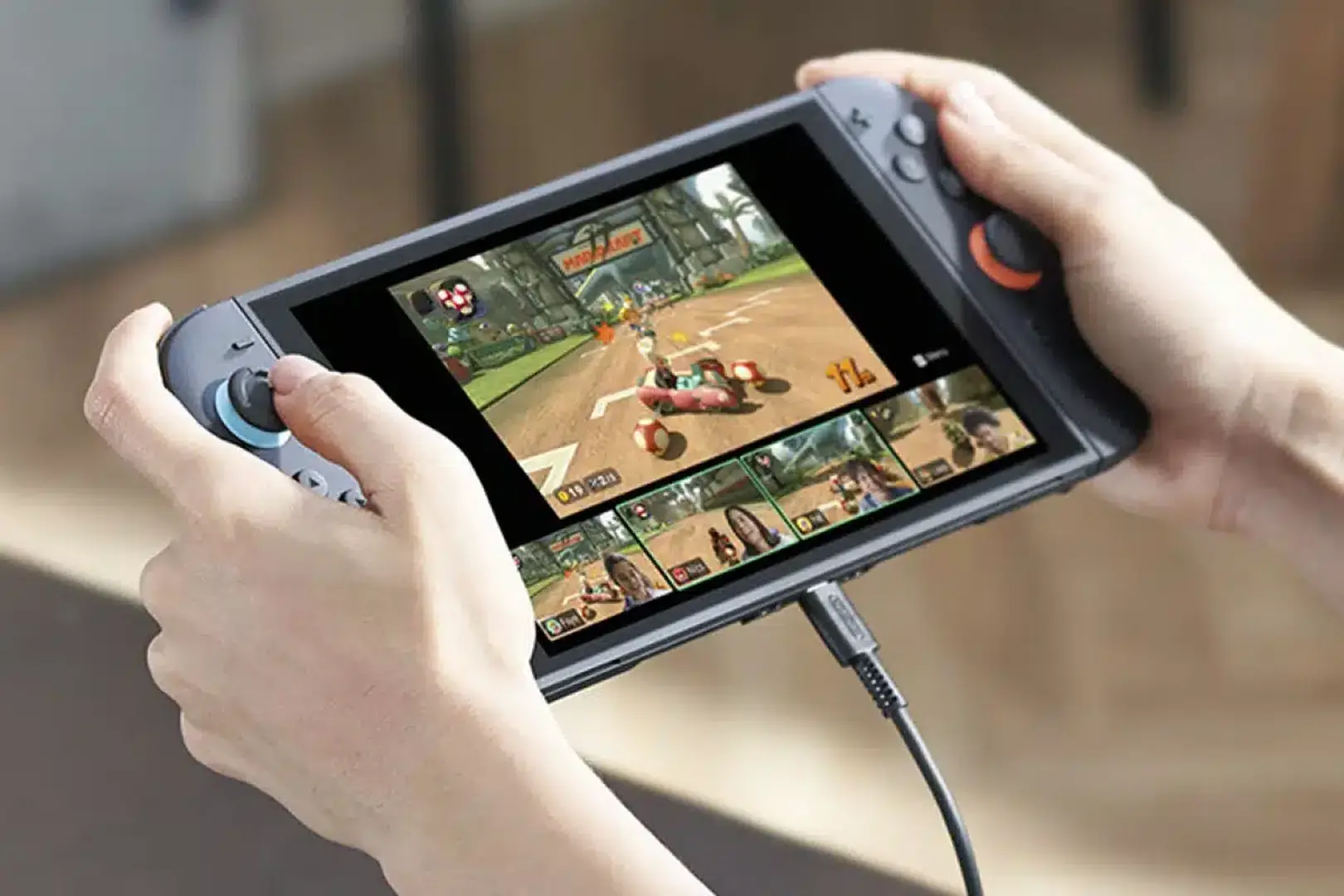
In addition to the Apple iPad and the Nintendo Switch 2, you will need an HDMI cable and a video capture dongle, which is available from Amazon for around €20. In addition to the hardware, you will need an app that captures your Switch’s video feed and sends it to your iPad. In this test, we used the app Orion. It’s free, but offers a one-time upgrade for €5.99/$4.99 for additional features like 4K upscaling.
Once you have all the components and the software, connect the Nintendo Switch 2 docking station and then plug the HDMI cable into the docking station. The other end of the HDMI cable connects to the video capture card, and the capture card’s USB-C cable connects to the iPad. Then, place the Switch 2 in the docking station and turn everything on.
The console display should now appear on the iPad, and you can start playing. There will be a slight input lag, but it’s minimal. Online shooters may not be the right choice, but other games should work fine.


