iOS 26: Five smaller new features from Apple
While the dust of the first iOS 26 beta slowly settles, MacRumors continues to take a closer look at the update’s new features. Here are five minor changes you may have missed.


Emoji Game
Apple News+ subscribers in the US and Canada can play a new game called Emoji Game, where players must complete words and sentences with emojis.
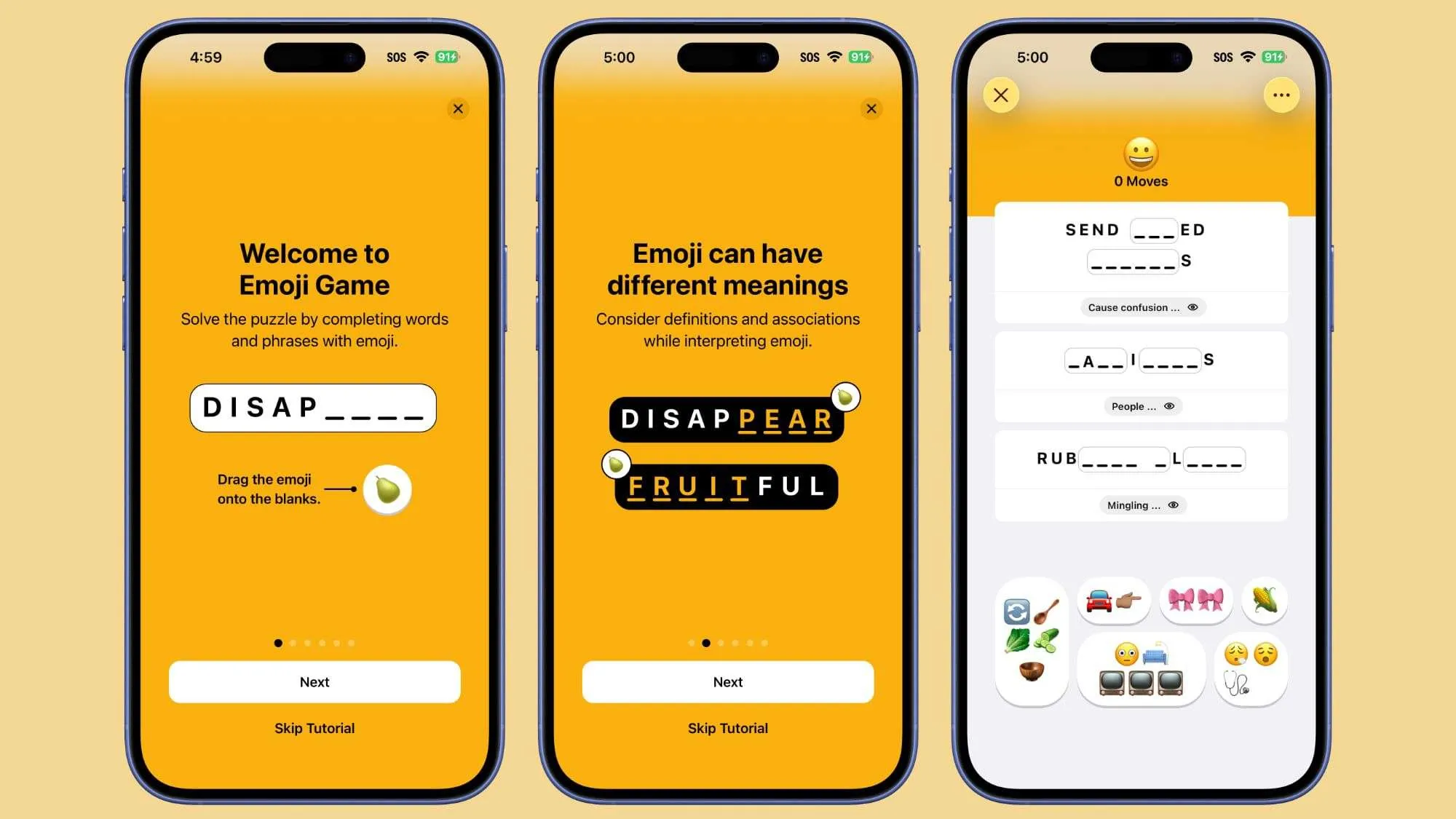
This is the fifth game available with an Apple News+ subscription. The others are Crossword, Crossword Mini, Quartiles, and Sudoku.
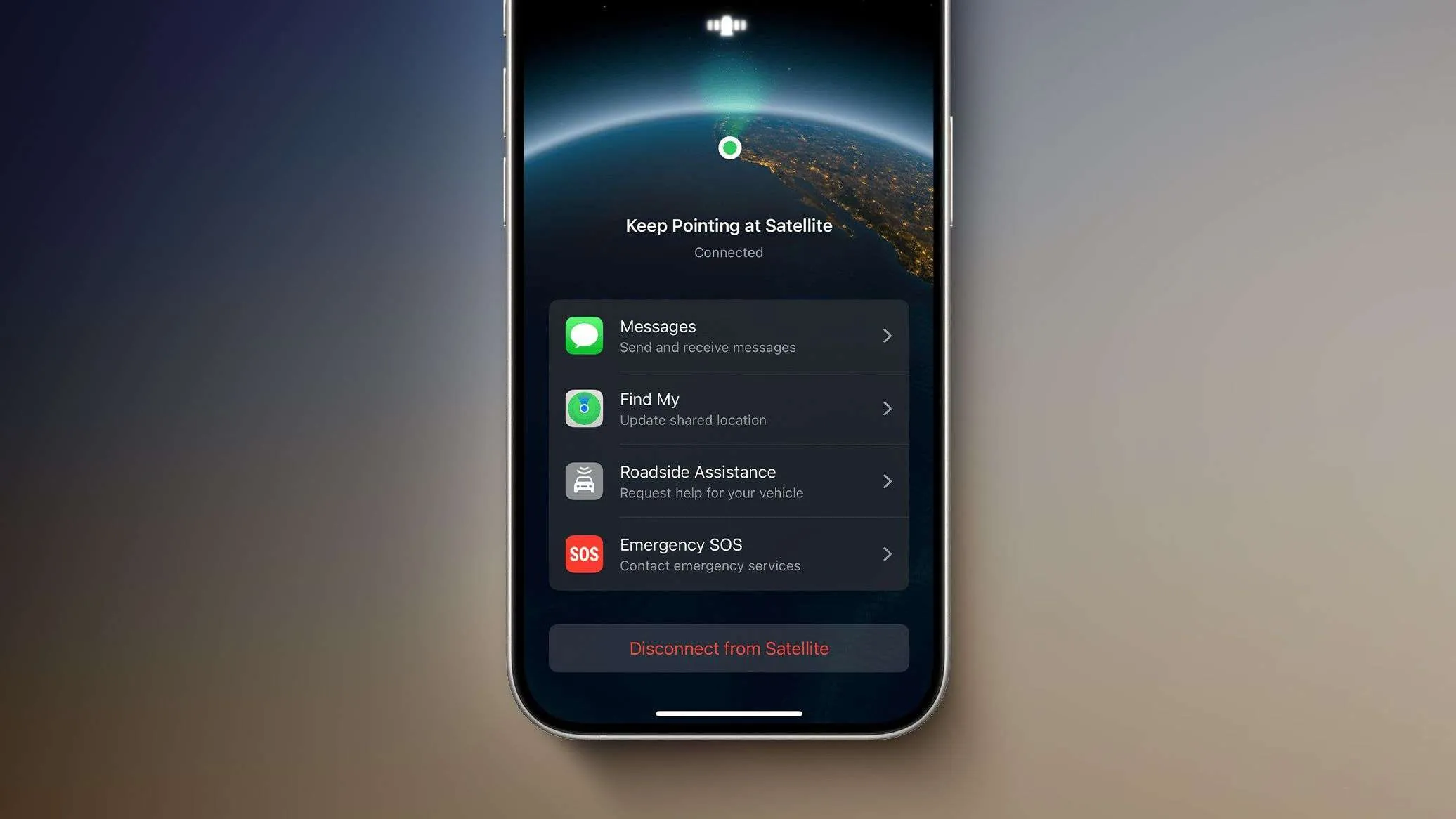
Weather by Satellite
iOS 26 also offers Weather by Satellite, so you can get current weather forecasts even when you’re out of Wi-Fi or cellular range.
This feature is currently only referenced in the beta code, but is not yet live. It is expected to be released in beta.
Custom Ringtones
With iOS 26, you can also create your own ringtones on the iPhone without using the GarageBand app. To set up a custom ringtone in iOS 26, open the Files app and tap an MP3 or M4A audio file that’s less than 30 seconds long.
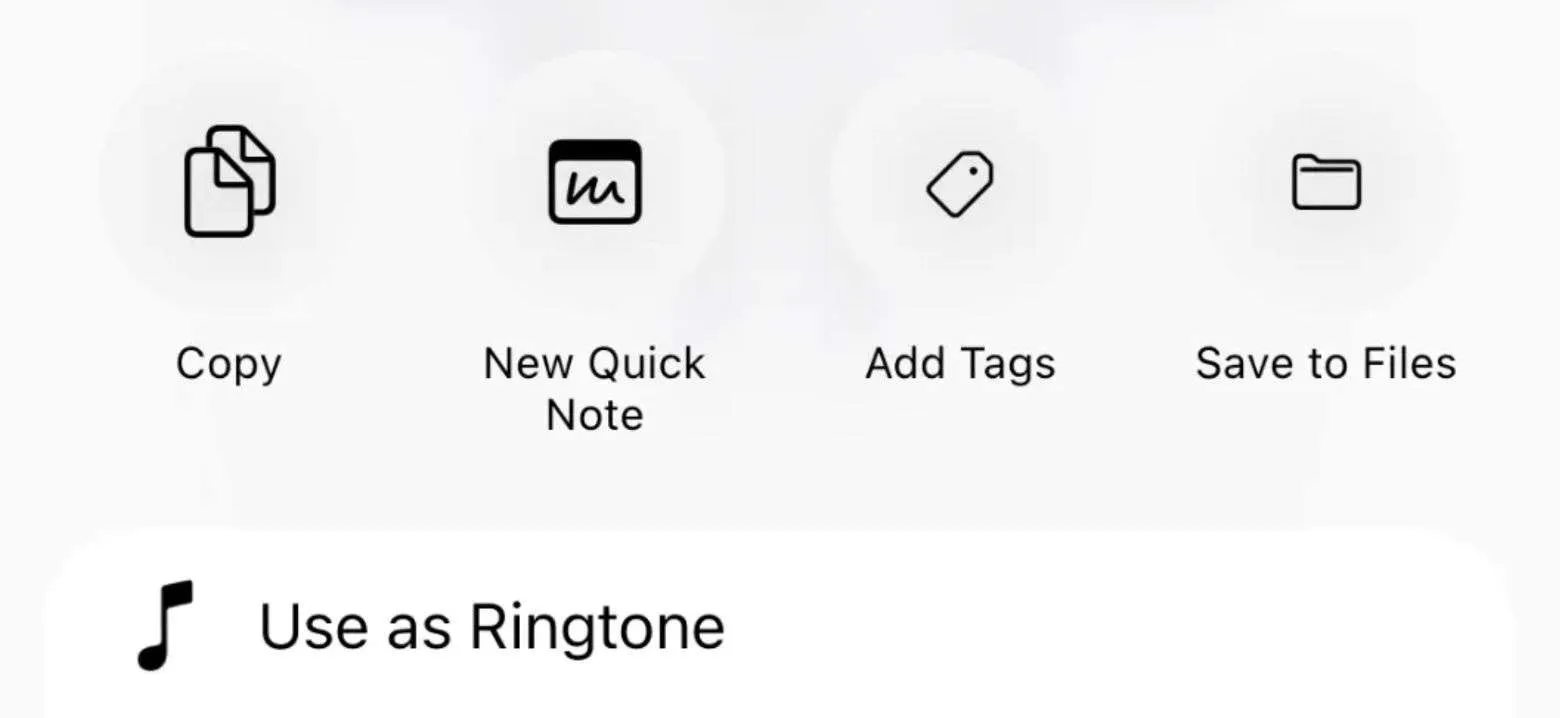
Then tap the Share button in the bottom right, then “More,” and then “Set as Ringtone.” The audio file will then appear as a ringtone option in the settings under “Sounds & Haptics” → “Ringtone.” By the way, Apple continues to sell 30-second ringtones for $1.29 each through the iTunes Store app.
Digital Passport
After you’ve created a digital ID based on your US passport with the Apple Wallet app, you can present it in person at select TSA checkpoints for identity verification during domestic travel. That’s right—this currently only works in the US. However, Apple states that the digital ID is not a replacement for a passport, even in the United States, and cannot be used for international travel or border crossings.
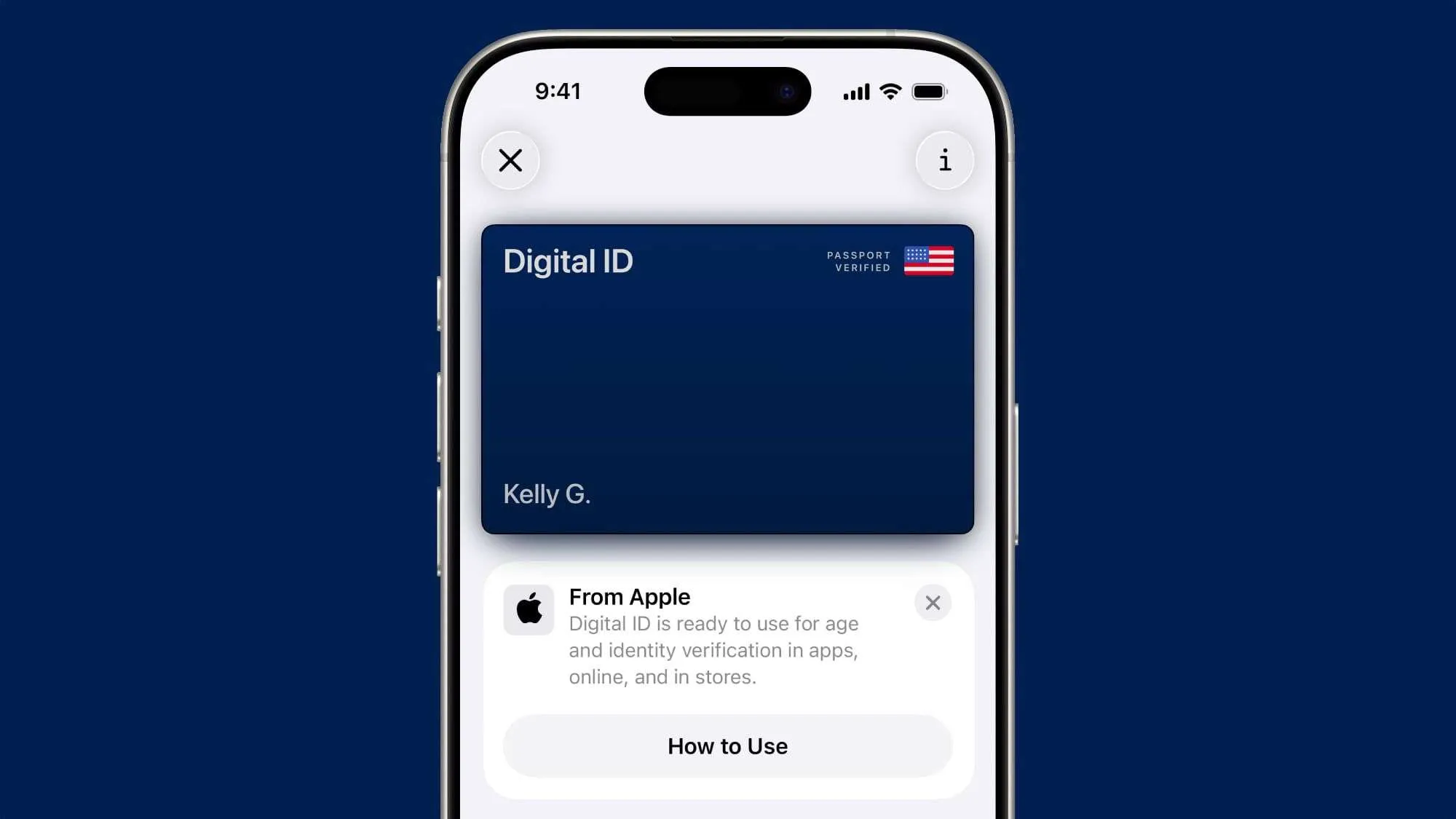
The digital ID function is safe, confidential and compatible with Real ID, according to Apple. According to Apple, the passport-based digital ID can also be used for age and identity check in apps, online and in shops.
“Select” in Messages
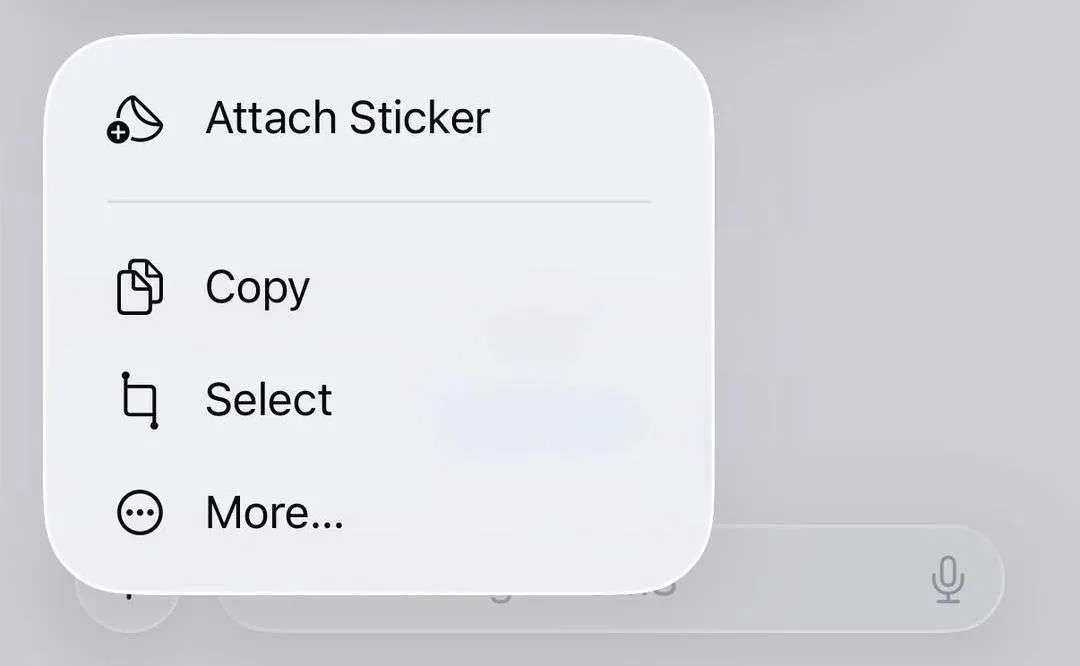
A new option “Select” in the news app on iOS 26 To select and copy a text section within a message bubble in a conversation.
In previous iOS versions you can only copy a whole news bubble.


